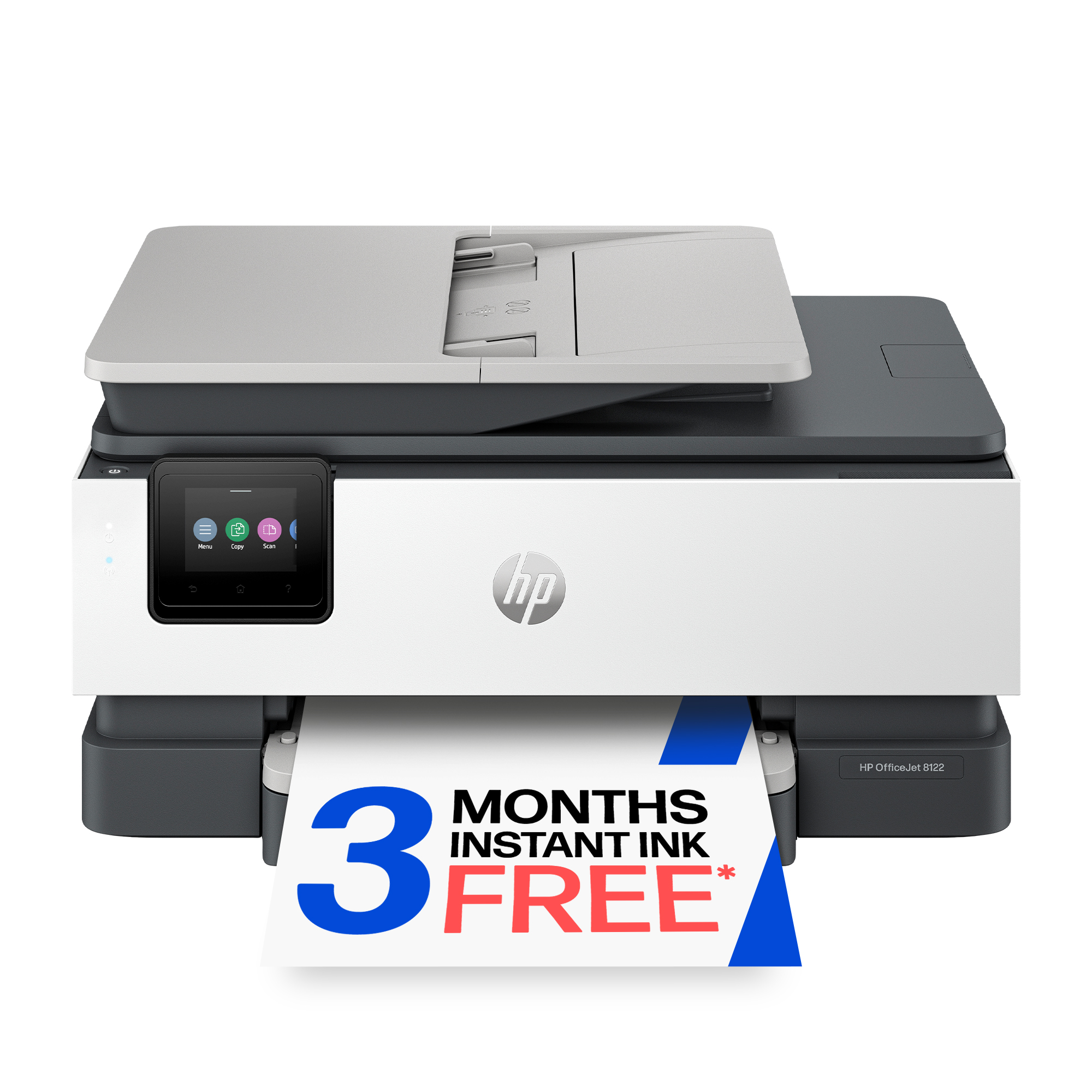
- Is the HP Smart Tank 7603 worth it over a cartridge printer?
- If you print regularly, yes. The tank system and included bottles make each page far cheaper than cartridge models, and the ADF and fax add office features. Light occasional printers may not use enough ink to benefit.
- How does it compare with the Smart Tank 7300 series?
- The 7603 adds an automatic document feeder, fax and a touchscreen over the simpler tank models. Choose it if you scan or copy multi-page documents; otherwise a lower tank model covers basic printing.
- Does it print double-sided?
- It supports automatic two-sided printing, so you can save paper on long documents without flipping sheets by hand.
- Can I connect it by cable instead of Wi-Fi?
- Yes. It has Ethernet and USB ports as well as Wi-Fi, so it can sit on a wired office network or connect directly to one computer.
- What comes in the box?
- The printer, setup ink bottles, printheads, a power cord and setup guides. Paper and a USB cable are not included, so buy those separately if you need them.
- Is it good for photo printing?
- It handles casual photos well, but it is a document-first inkjet. For gallery-quality photos, a dedicated photo printer with more ink colors is the better fit.
- Where is the HP Smart Tank 7603 Wireless All-in-One Printer cheapest?
- At HP, for $349.99, as of our latest check.
- Where can I buy the HP Smart Tank 7603 Wireless All-in-One Printer?
- 8 stores we checked sell it, including HP, Best Buy, Abt Electronics, Office Depot, Quill.