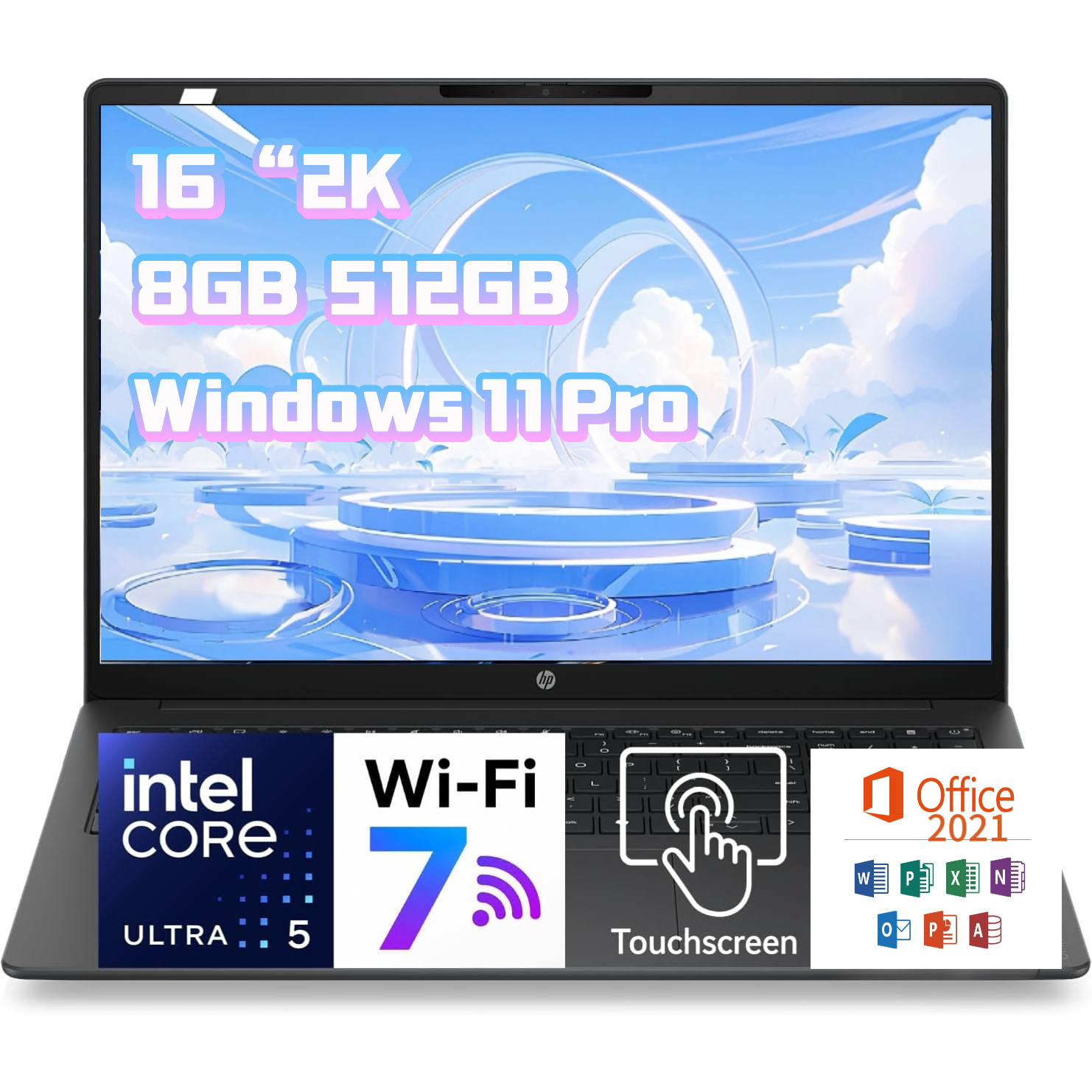
- Is the Core Ultra 7 255H fast enough for CAD?
- Yes for 2D drafting and moderate 3D models. The 16-core 255H handles CAD and data tools well, but integrated graphics limit heavy rendering, so check GPU needs first.
- Can I upgrade the RAM later?
- Treat 16 GB as fixed unless the specific configuration says otherwise. Many ZBook 8 G1i builds use soldered memory, so choose a larger memory option up front if you run virtual machines.
- How does it compare with the ZBook Fury?
- The Fury is thicker and supports discrete professional GPUs and more memory. The ZBook 8 G1i is lighter and cheaper to configure, better for office and light engineering work than for rendering.
- Is the 2 TB SSD enough?
- For most users, yes. It holds large CAD files, photo libraries and video projects, and there is usually a second M.2 slot for expansion.
- Does it come with Windows 11 Pro?
- Yes. It ships with Windows 11 Pro, which adds BitLocker, Remote Desktop hosting and domain join over the Home edition.
- Is a 16-inch workstation too big to carry?
- It is a desk-first machine. The 16-inch screen is great for spreadsheets and CAD, but expect a heavier bag and shorter battery life than a 14-inch ultrabook.
- Where is the HP ZBook 8 G1i 16-inch Intel Core Ultra 7 255H 16 GB 2 TB SSD cheapest?
- At Newegg, for $2,399.99, as of our latest check.