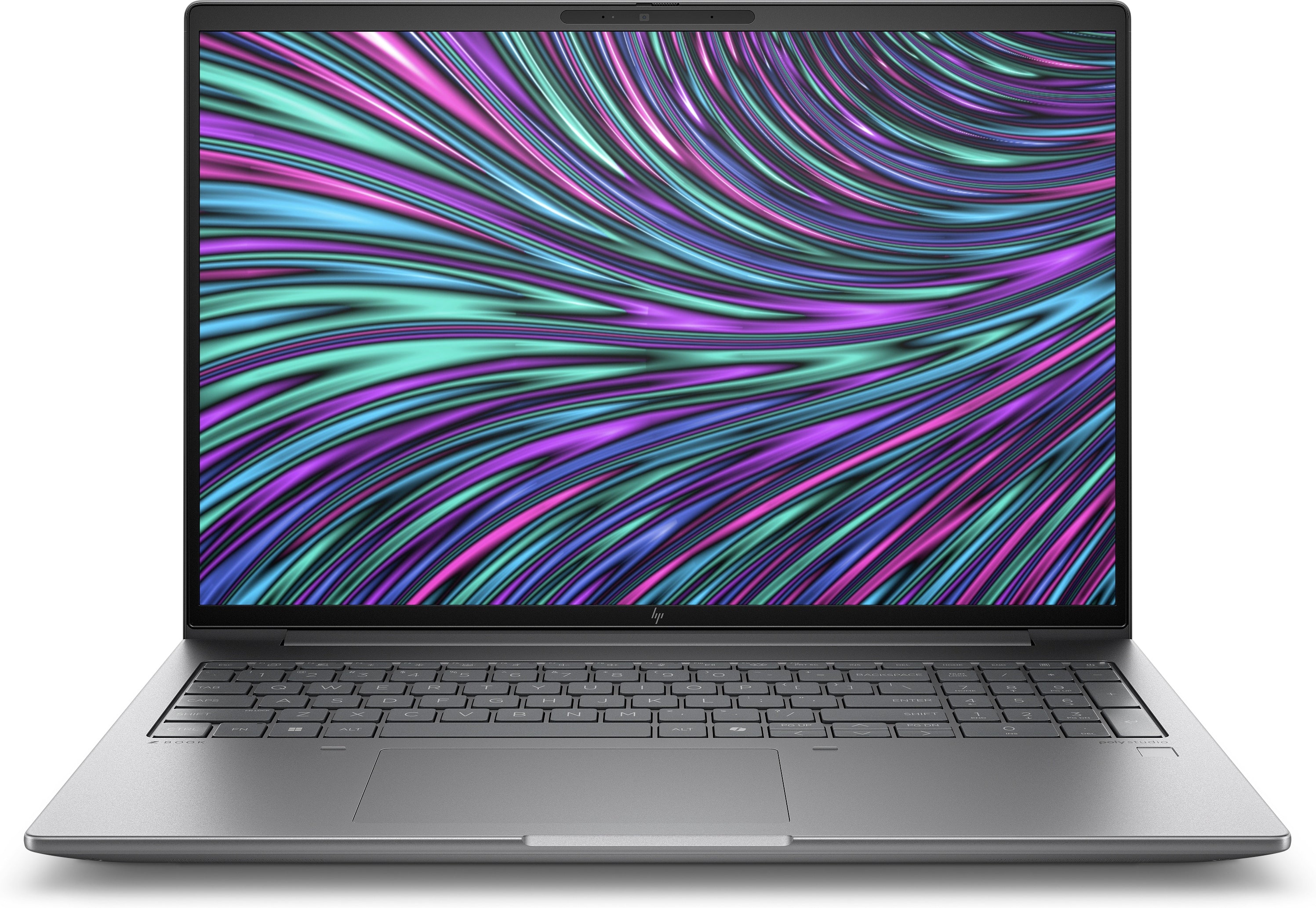
- Is the ZBook Fury G11 good for CAD and 3D work?
- Yes. It pairs HX-series Intel CPUs with Nvidia RTX Ada professional graphics, which carry ISV certifications for CAD and 3D applications. Configure it with the RTX 2000 Ada and 64 GB of RAM for the heaviest scenes.
- Can I upgrade the RAM and storage myself?
- Yes. The Fury G11 is designed for serviceability, with accessible memory slots and SSD bays. That lets you add RAM or storage later instead of buying the top configuration upfront.
- How does it compare with a Dell Precision or ThinkPad P-series?
- It competes directly with those workstations on CPU, professional graphics and expandability. The Fury tends to favor a larger cooling system and easy upgrades, while rivals often offer higher-resolution display options.
- Is the display good enough for photo and video editing?
- The 1920x1200 IPS panel is workable but not ideal for color-critical work. Check the specific panel option for color gamut coverage, and consider an external calibrated monitor for serious editing.
- What is in the box?
- The laptop ships with its power adapter and standard documentation. A stylus, docking station and external displays are sold separately.
- Does it run Windows 11 Pro?
- Yes. Configurations ship with Windows 11 Pro, which adds BitLocker, Remote Desktop and domain join over the Home edition.
- Where is the HP Zbook Fury G11 16 Inch I7 Laptop cheapest?
- At Amazon, for $1,769.99, 77% under what the other stores charge, as of our latest check.
- Where can I buy the HP Zbook Fury G11 16 Inch I7 Laptop?
- 5 stores we checked sell it, including HP, Amazon, colamco.com, JTF Corp, PCNation.