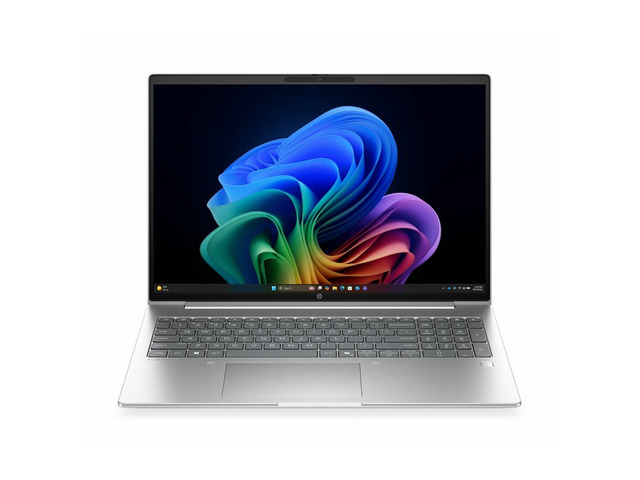
- Is the 18-inch screen too big for everyday use?
- It is great on a desk but awkward on a train or in a backpack. If you move daily, a 16-inch workstation is easier to live with.
- Can I upgrade the RAM and SSD later?
- Yes. The Fury line is designed for serviceable memory and storage, so you can add capacity as projects grow.
- Is the 512 GB SSD enough?
- For documents and light work, yes. For video, CAD libraries or large renders, plan on adding a second drive or external storage.
- Does it handle CAD and 3D rendering?
- The 20-core Core Ultra 7 and 32 GB RAM suit CAD and modeling well. Check that your configuration includes a discrete GPU if you do heavy GPU rendering.
- How does it compare with a 16-inch workstation?
- You gain screen space and cooling headroom but lose portability. Choose the 18-inch if the laptop mostly stays on a desk.
- Does it come with Windows 11 Pro?
- Yes, this configuration ships with Windows 11 Pro, which adds BitLocker and domain join for business use.
- Where is the HP ZBook Fury G1i 18 Mobile Workstation cheapest?
- At Antonline, for $4,679.27, as of our latest check.
- Where can I buy the HP ZBook Fury G1i 18 Mobile Workstation?
- 2 stores we checked sell it, including Antonline, Newegg.