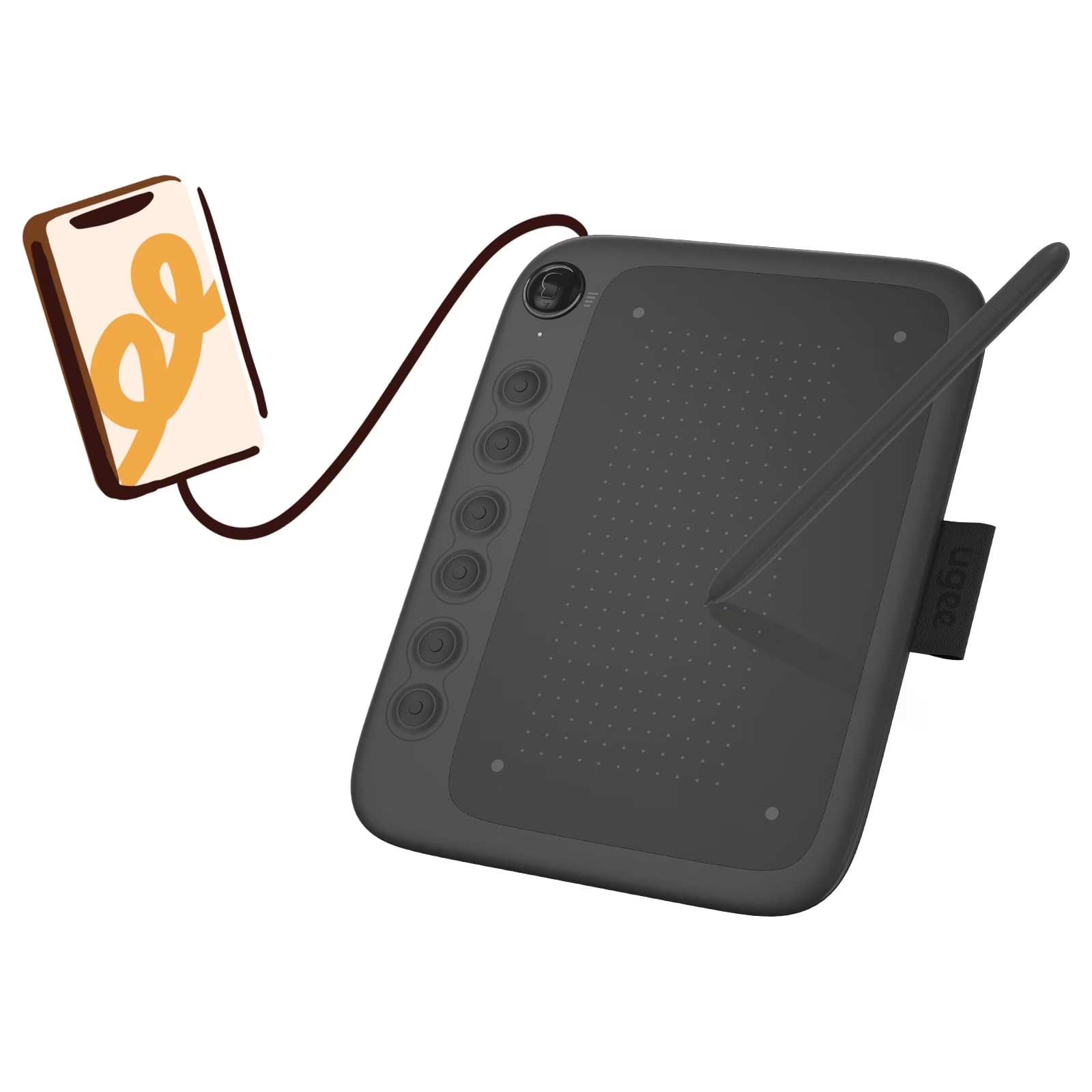
- Does the WH1409 have a screen?
- No. It is a pen tablet, so you draw on the surface while watching your monitor. That keeps it lighter and less expensive than a display tablet.
- How does it connect to a computer?
- It works wirelessly through its receiver or over a wired USB connection. Wireless mode needs the receiver plugged into your computer.
- What software does it work with?
- It works with common desktop drawing programs such as Photoshop, Illustrator, Krita, Clip Studio Paint and Sketchbook. Install the Huion driver first for pressure and key mapping.
- Is it good for beginners?
- It is a reasonable step up for beginners who want a large surface, but drawing without a screen takes practice. A smaller tablet may suit tight desks better.
- What is in the box?
- Expect the tablet, the pressure-sensitive pen, a pen holder with spare nibs, the wireless receiver and a USB cable. Check the box contents for the exact bundle.
- How does it compare with Huion's smaller tablets?
- It offers a much larger drawing area and wireless use, while smaller models are more portable and easier to fit on a small desk. Pen pressure is comparable across the range.
- Where is the Huion WH1409 Wireless Graphic Drawing Tablet cheapest?
- At Newegg, for $151.77, as of our latest check.