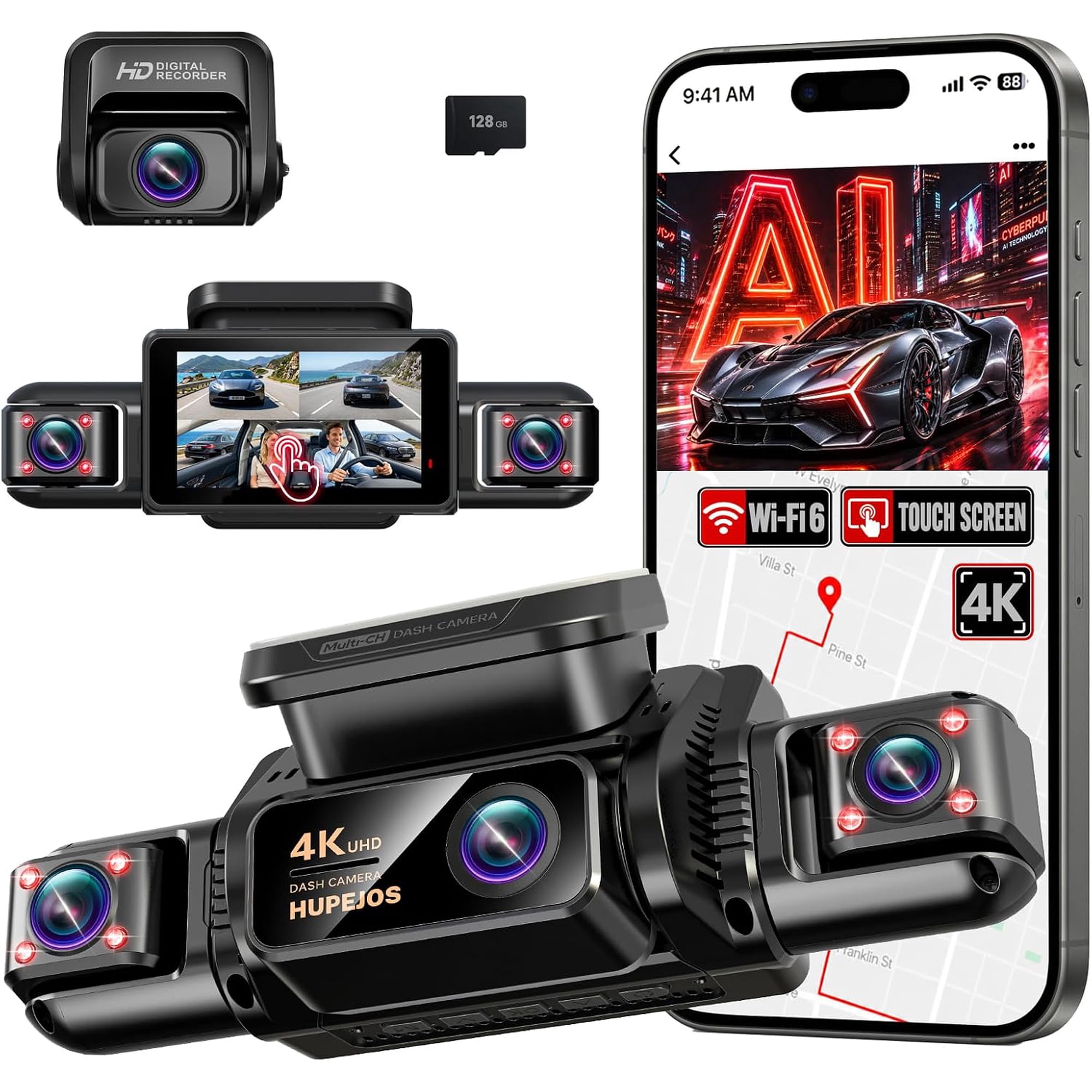
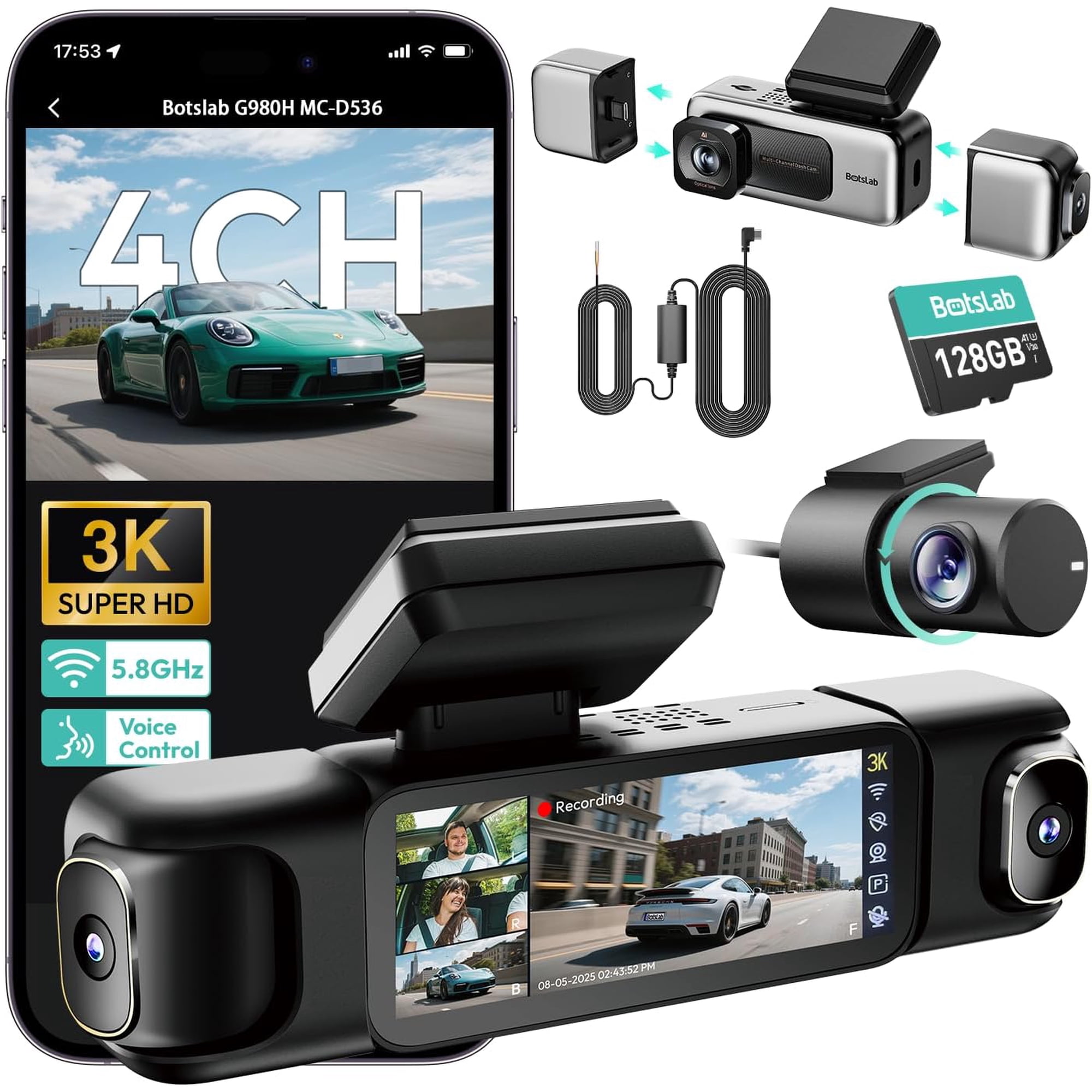
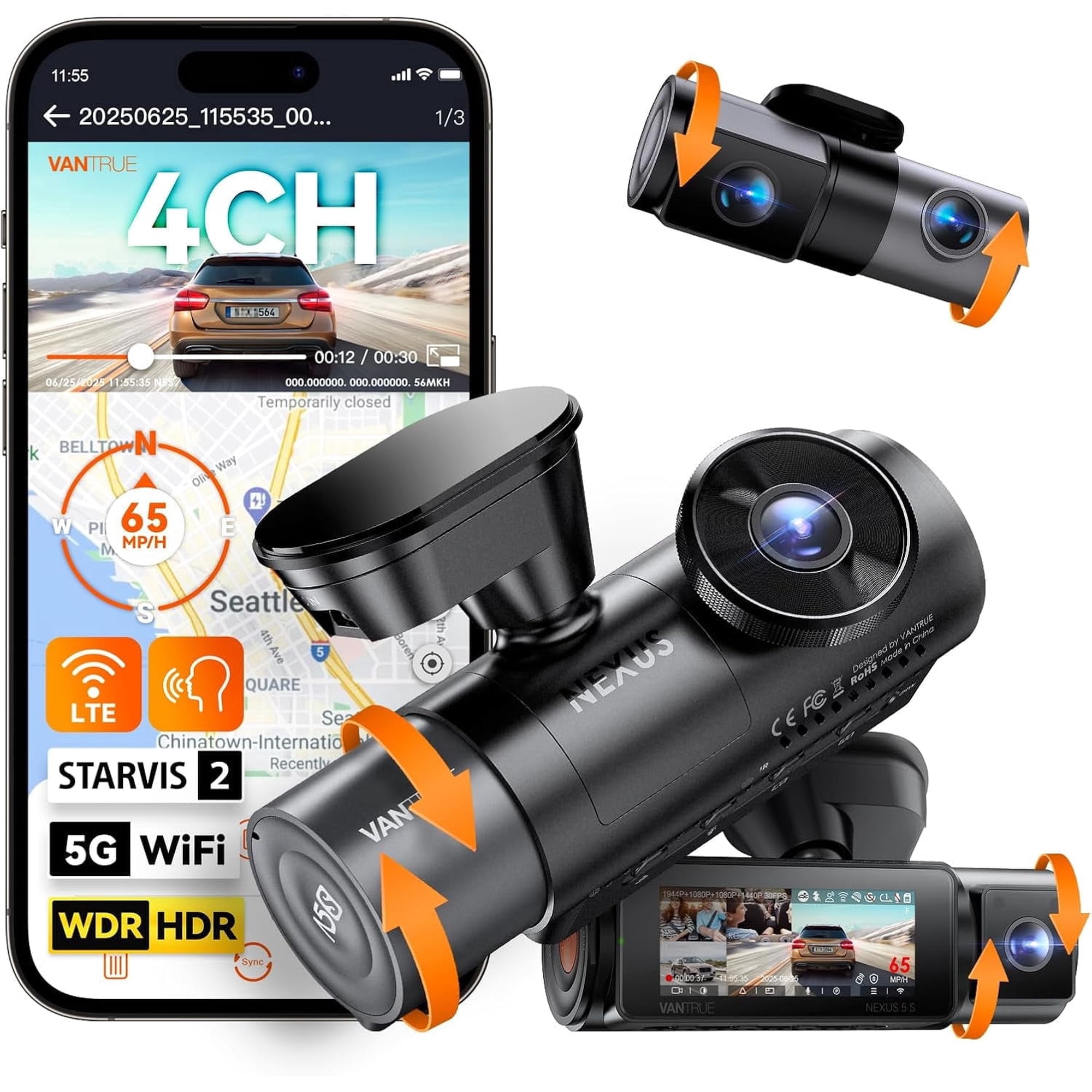
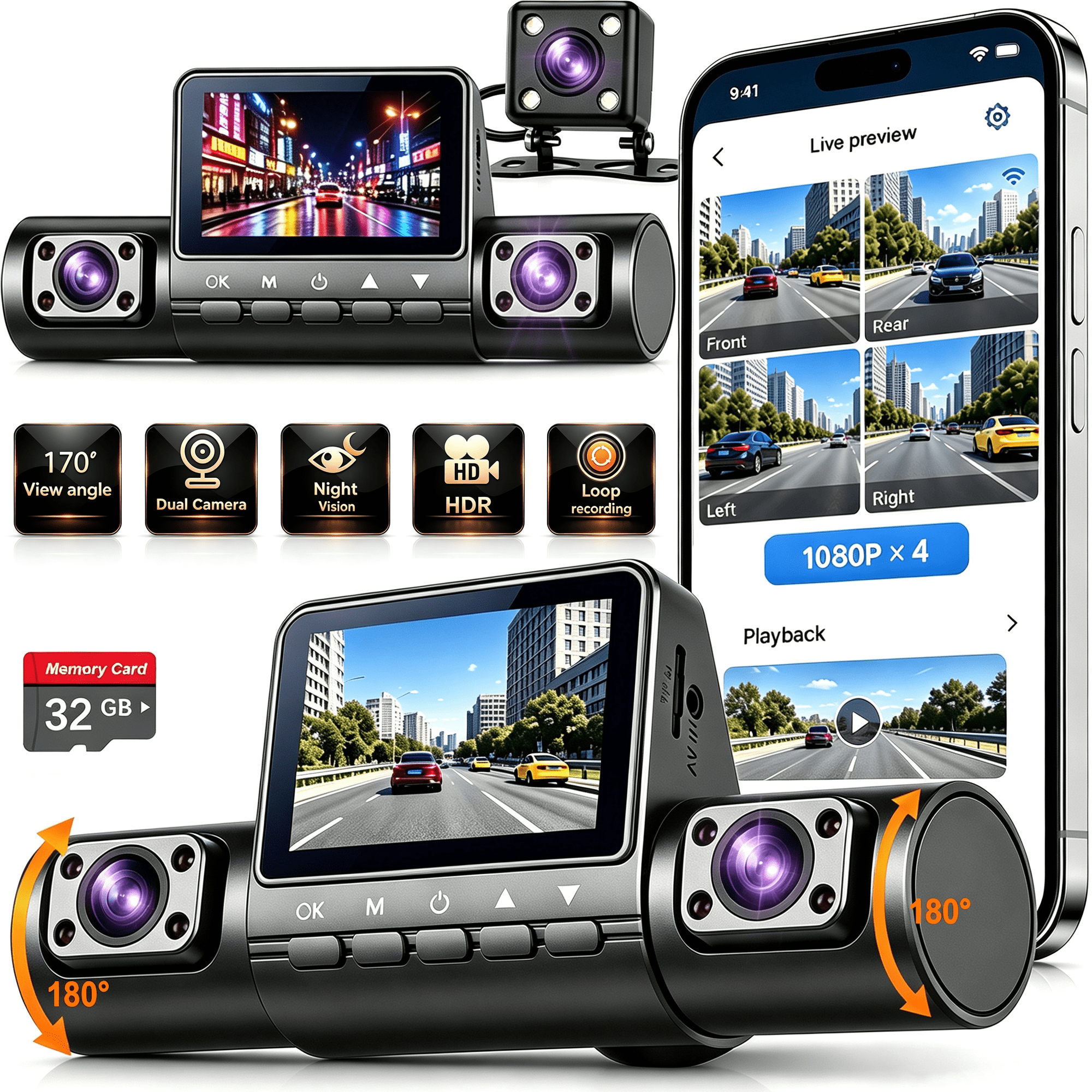
24-hour customer service If you encounter any issues with dash cam installation, please feel free to contact us. HUPEJOS 360° 4 Channel Dash Cam, 4K STARVIS 2 Night Vision Car Black Box, GPS DMS, 5G WiFi Voice Control, G-Sensor Parking Monitor, 3" Touch IPS Screen, 128GB SD Card Included Functions: 4K GPS dash cam, DMS Driver Monitoring System, 128GB SD card included, built-in 5GHz WiFi, 3" IPS screen, STARVIS 2 night vision, WDR, voice control, app control, G-sensor, 24-hour buffered parking mode, 4-channel dash cam, loop recording, automatic incident detection, front/rear/left/right/interior recording. Supports up to 512GB storage. This 4-channel 360° dash cam is equipped with an AI Driver Monitoring System (DMS) that helps detect fatigue, distraction, and phone usage to support safer driving — great for rideshare and new drivers. The 4K UHD dash cam delivers reliable security and clear recording on the road. Built-in Sony STARVIS 2 sensor beats regular sensors: unlike blurry, washed-out night recordings of common dash cams, it captures sharp license plates and clear road details even in dim light with far less image noise. Built-in GPS helps track your location and speed for added reference. 5GHz WiFi enables smooth video viewing and easy access to recordings via the dedicated app. The 4-channel 360° design provides complete coverage, while night vision supports clear recording in low-light environments. The front camera records in 4K, and other cameras support high-definition recording. You can operate the dash cam easily with voice commands and the user-friendly app. This dash cam comes with a free 128GB SD card and supports up to 512GB for expanded storage. Whether you’re commuting, traveling, or parking, this 4K UHD dash cam provides consistent safety and security for everyday driving. Installation: Please test functionality before installation: connect the car charger, attach the rear camera, insert the SD card, and confirm the dash cam works properly. Step 1: Please install the dash cam in the middle of the windshield to facilitate DMS detection. Clean the mounting area on the front windshield. Apply the mounting sticker and remove bubbles. Let it sit for 30 minutes before attaching the 3M mount, then wait 12 hours before installing the dash cam for better stability. Step 2: Route the power cable along the windshield and roof with the included tool, hiding cables in gaps to avoid blocking vision. Step 3: Rear camera installation: Clean the interior rear windshield, apply the static sticker and remove bubbles. Attach the rear camera with the provided 3M adhesive to the prepared position. Note: Recommended for interior use only.What's in the box: 1* V9-4CH -DMS Dash Cam 1*1080P Rear Camera 1*3M adhesive 1*Car Charge with Type C USB Cable 1*Car Wiring Tool 1*User Manual 1*Electrostatic Film for 3M Mount 1*128GB SD Memory Card(inserted into the machine in advance) 1*19.6ft Rear Camera Cable 1*Packing box APP Control 1. Download the App. 2. Connect WiFi of the dash cam (open the phone WiFi settings list, select the WiFi name (SSlD) on the machine, and enter the password: 12345678 to connect.) 3. Click to connect APP. 4. Live screen viewing. 5. Dash cam settings. 6. Video and photo viewing. The built-in WiFi is used to connect the camera and APP, not for internet access. Heat-Cold Resistant Operating temperature: -30°C to +60°C This dash cam can not only record the scenery but also escort your safety. It is your excellent choice. Q1: Why can't I connect to WiFi? A1: We suggest you to install the latest app to use WiFi properly. Please trysearching and downloading one of the following apps from the Play Store: "TsCam", or "Roadcam". Q2: Why is the application not running? A2:We suggest you to install the latest app.Please try searching and downloading one of the following apps from the Play Store: "TsCam", or "Roadcam". Q3: Why does the camera beep and prompt to insert an SD cardeven though one is inserted? A3: This indicates that the camera cannot recognize the SD card. I suggest formatting the SD card and resetting the camera to factory settings. If it still cannot be recognized, the SD card maybe faulty. Please contact us.