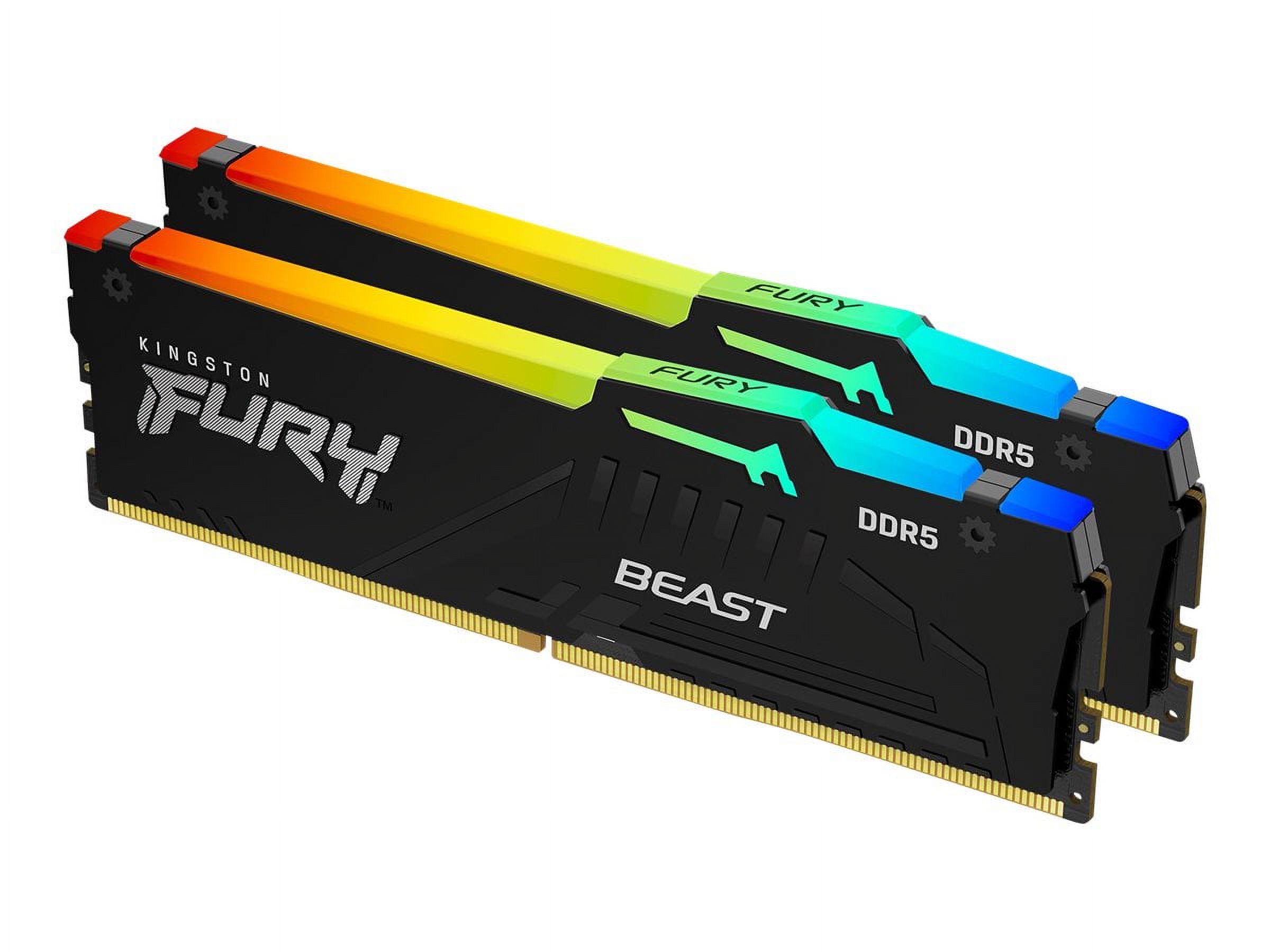
- Does it work with both Intel and AMD boards?
- Yes. It supports XMP for Intel platforms and EXPO for AMD AM5 platforms, so the rated profile can be enabled on either.
- Do I need to enable XMP or EXPO to get 6000 MHz?
- Yes. Out of the box it runs at a slower default speed; enabling the XMP or EXPO profile in the BIOS sets it to its rated 6000 MHz.
- Is CL36 a problem for gaming?
- Not noticeably. CL36 is looser than premium low-latency kits, but in games the difference is small and most owners are satisfied.
- Will it fit under a large CPU air cooler?
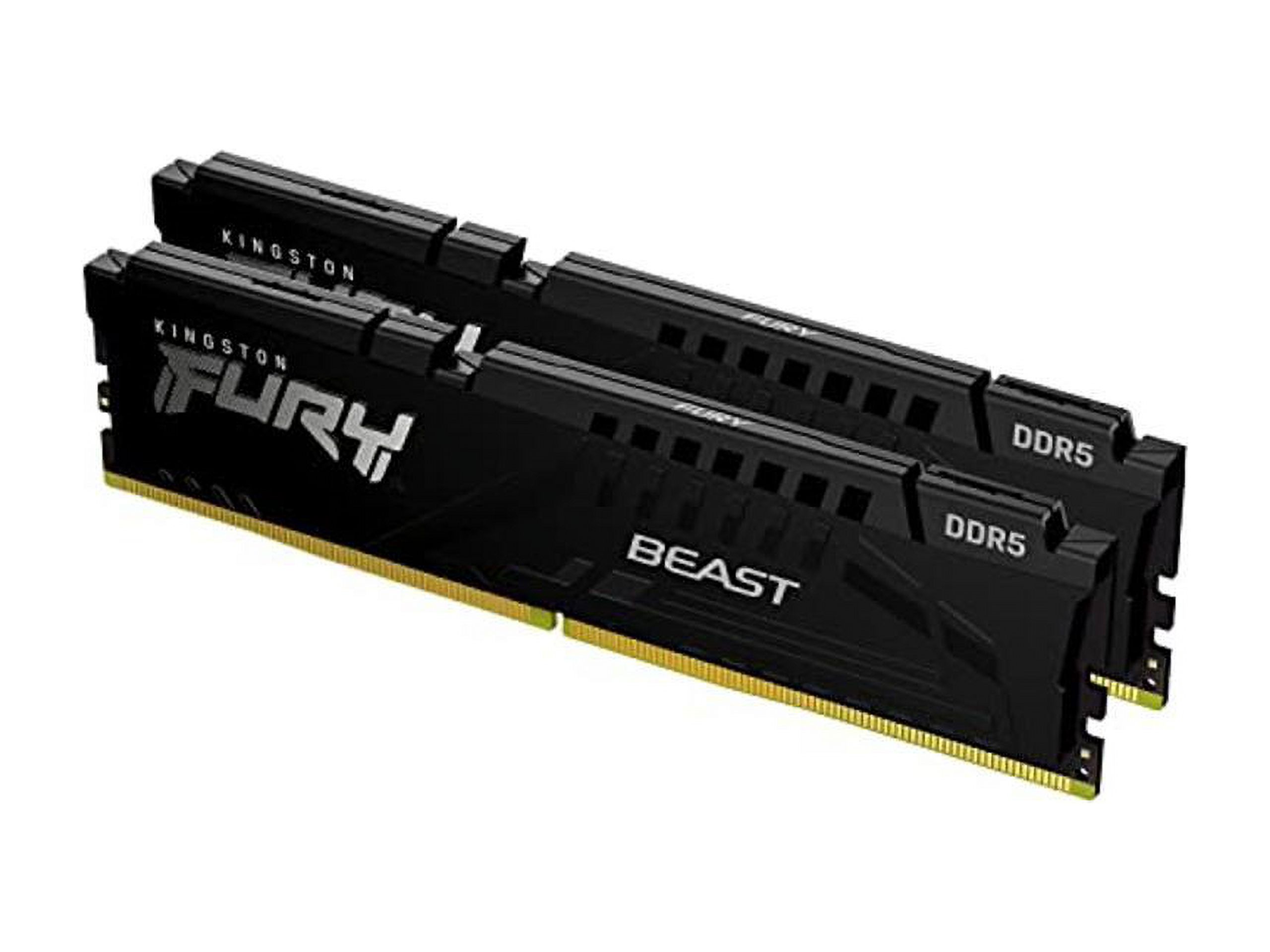
- The Beast uses a low-profile heat spreader, so it generally clears large tower coolers, though check your cooler's clearance.
- Is ECC supported?
- Standard FURY Beast DDR5 modules are non-ECC. ECC variants exist in the line but are separate parts, so confirm the exact model if you need ECC.
- Can I mix it with my existing RAM?
- Mixing kits can work but may prevent reaching rated speed. For best results, use matched modules from the same kit.
- Where is the Kingston FURY Beast 64GB DDR5 6000MHz PC RAM cheapest?
- At Newegg, for $1,359.99, as of our latest check.
- Where can I buy the Kingston FURY Beast 64GB DDR5 6000MHz PC RAM?
- 2 stores we checked sell it, including Newegg, Best Buy.