KOTIN Gaming PC
Best price now
Compared across 3 stores. Prices are checked against each store and labelled with when.

Compared across 3 stores. Prices are checked against each store and labelled with when.
The KOTIN Gaming PC pairs AMD's Ryzen 7 9800X3D, a gaming-focused chip with 3D V-Cache and 96MB of L3 cache, with a Radeon RX 9070 XT 16GB card. That combination targets high-refresh 1440p and playable 4K, plus streaming and content work. It stands out from generic prebuilts with a built-in 11.3-inch smart display for live CPU, GPU, temperature and memory readouts, a 360mm ARGB liquid cooler, 32GB of DDR5, a 1TB PCIe 4.0 NVMe SSD and Wi-Fi 7. It suits shoppers who want top-tier gaming performance without building, though it is more hardware than casual users need.
In stockReturn policy
In stock
Availability unknown
As an Amazon Associate, Deal.ai earns from qualifying purchases.
Store links may earn us a commission.
Lowest price we've seen: $2,499.99 on Nov 12 at KOTIN. Tracked across 2 stores since Nov 12.
The KOTIN Gaming PC is a prebuilt desktop with an AMD Ryzen 7 9800X3D processor, which has 3D V-Cache technology and 96MB of L3 cache. It is paired with an AMD Radeon RX 9070 XT 16GB graphics card that supports FSR 4 and advanced ray tracing. It is built for high-FPS esports, 1440p gaming at ultra settings, 4K gaming, streaming, and content creation.
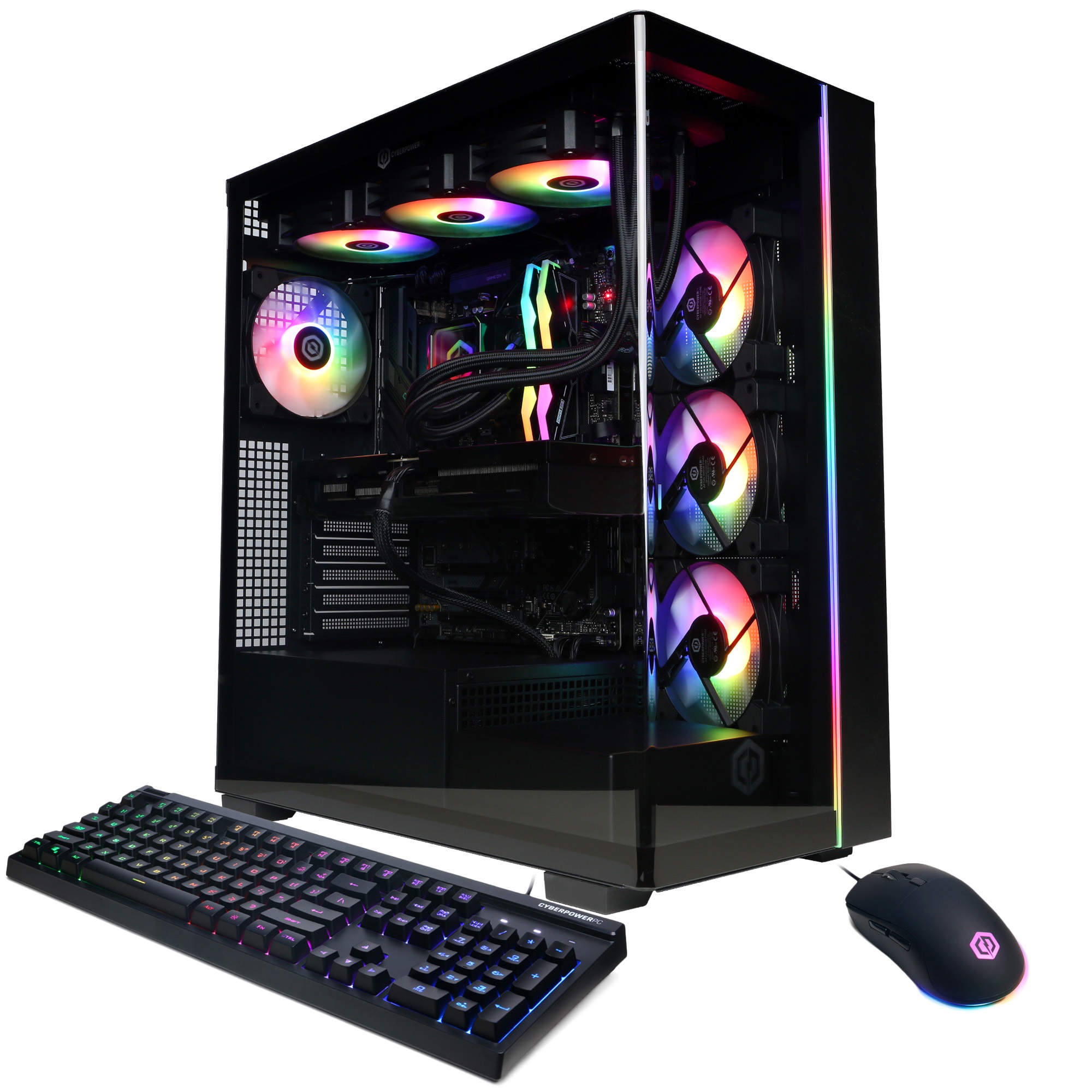
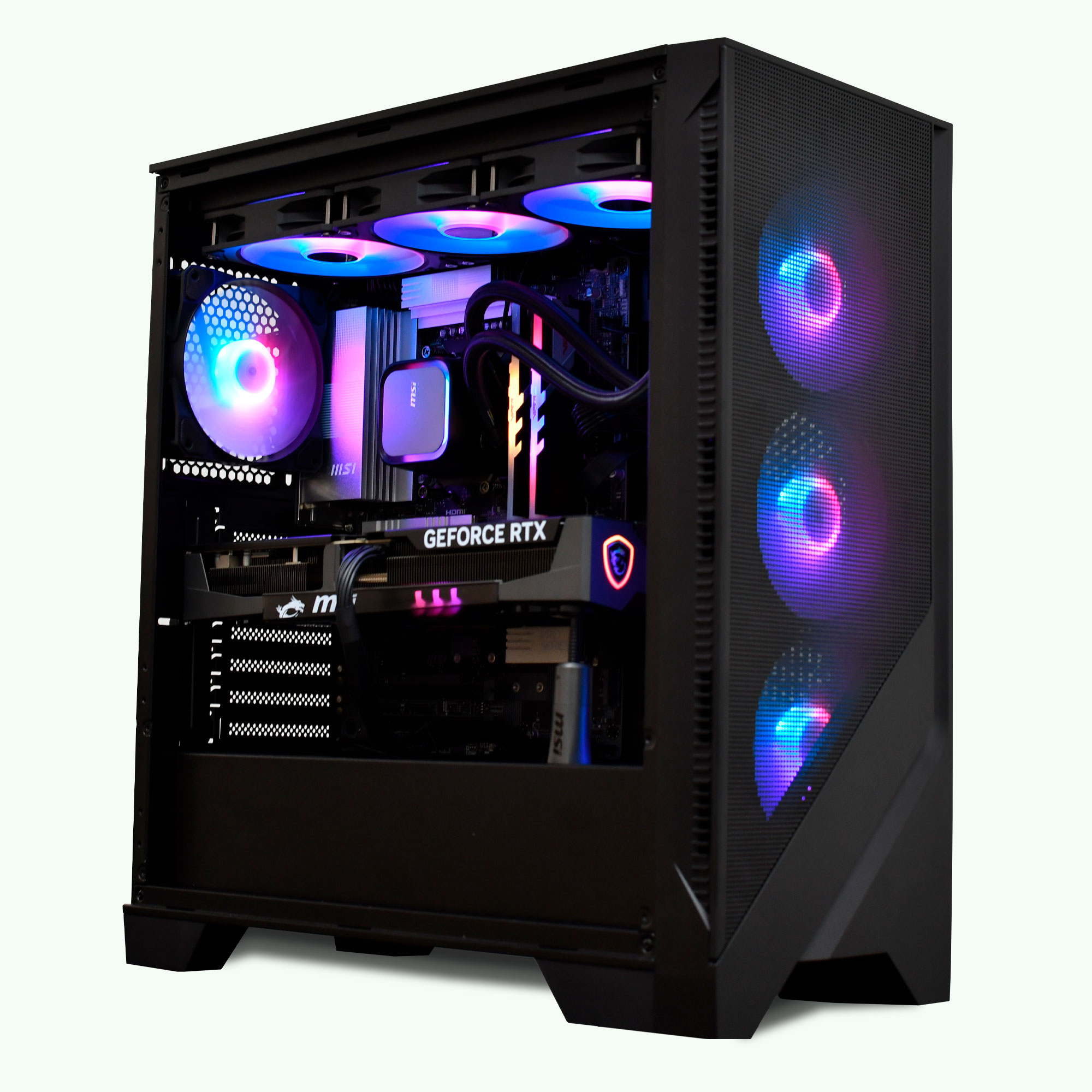
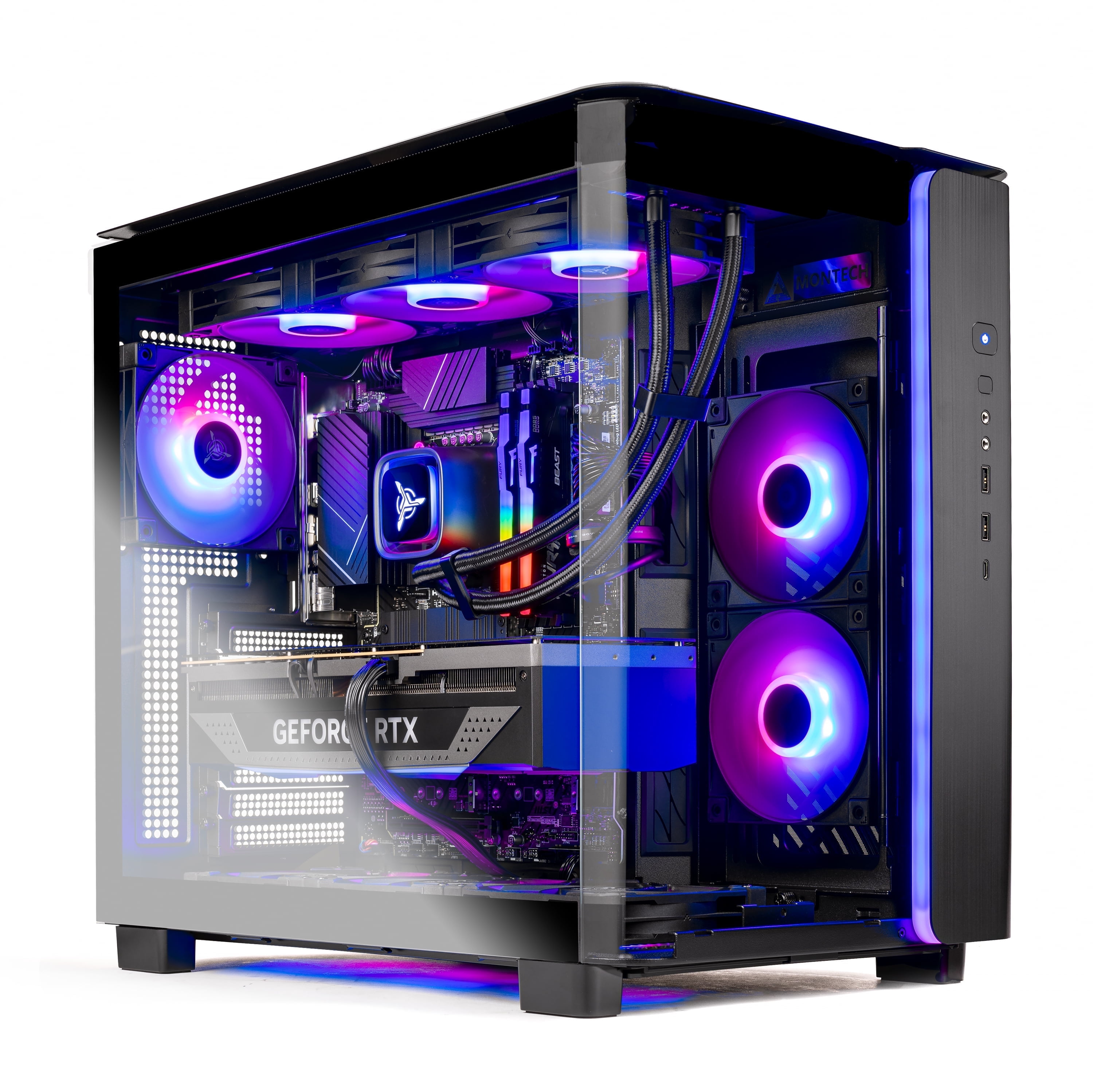
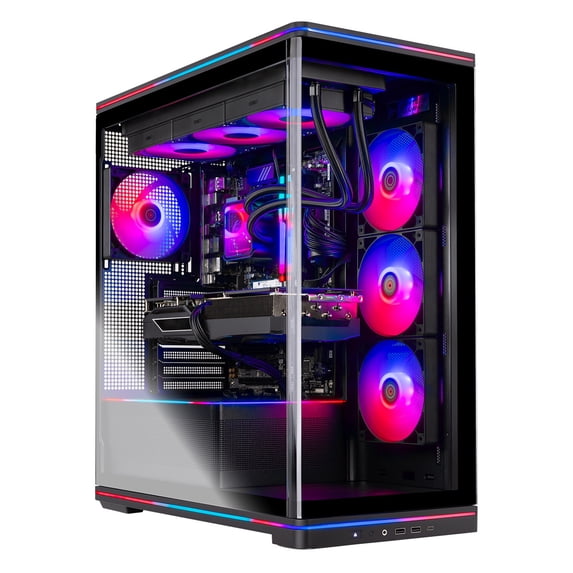
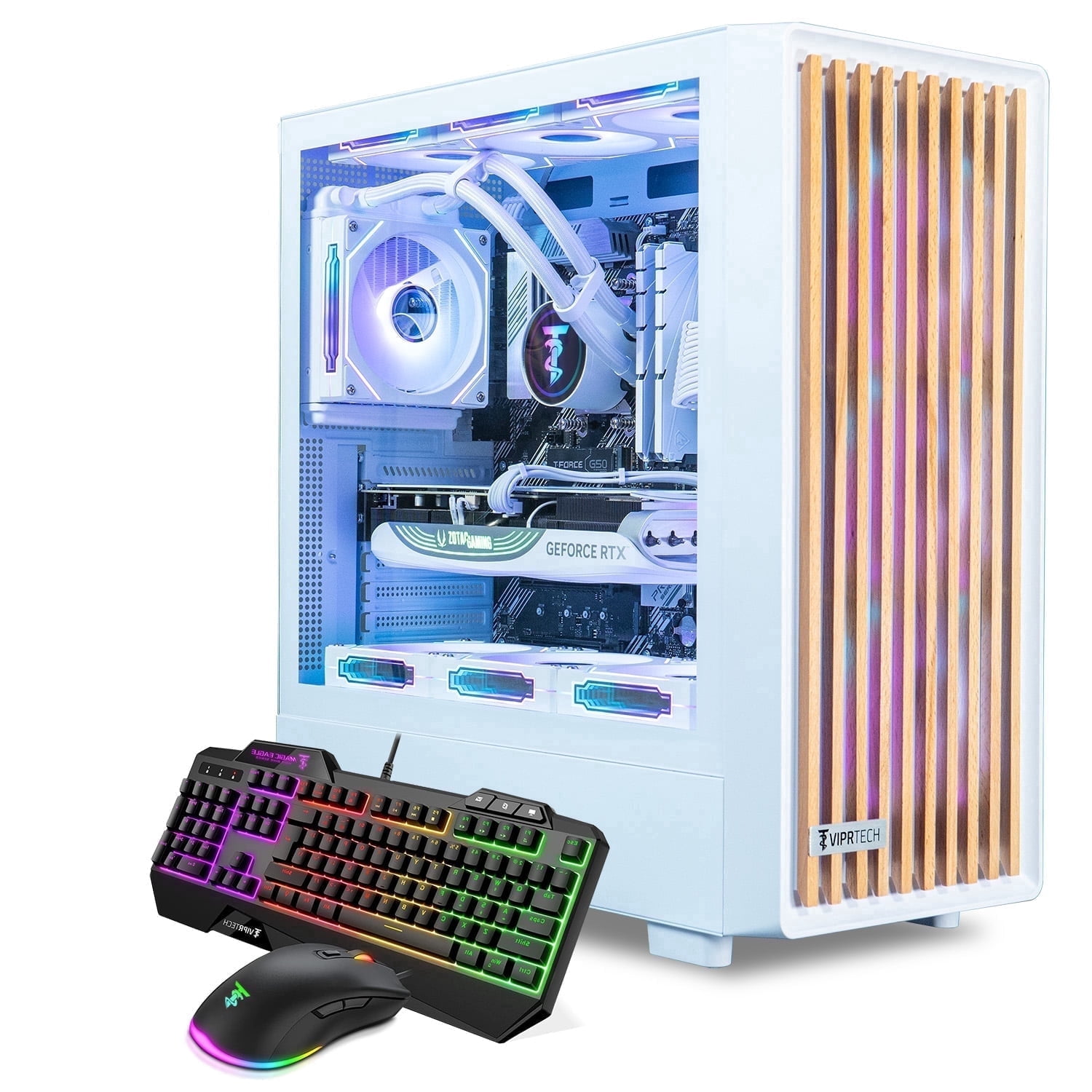
An integrated 11.3-inch smart display shows real-time system information, including CPU and GPU usage, temperatures, memory status, and SSD usage. It offers multiple display themes. The case has a tempered-glass side panel and ARGB lighting. A 360mm ARGB liquid cooler manages CPU temperatures, and its digital pump display shows the CPU temperature in real time. The lighting is synchronized with the motherboard.
The PC is assembled, tested, and configured in California, USA, with Windows 11 Home pre-installed. To set it up, remove the internal protective foam and connect a monitor and peripherals. Connect the monitor to the graphics card ports on the lower rear of the PC (the horizontal row), not the motherboard ports above them. Otherwise, there may be no display. VGA or DVI monitors need a compatible HDMI or DisplayPort adapter.
It checks today's price at every store, compares the alternatives and answers in about a minute.