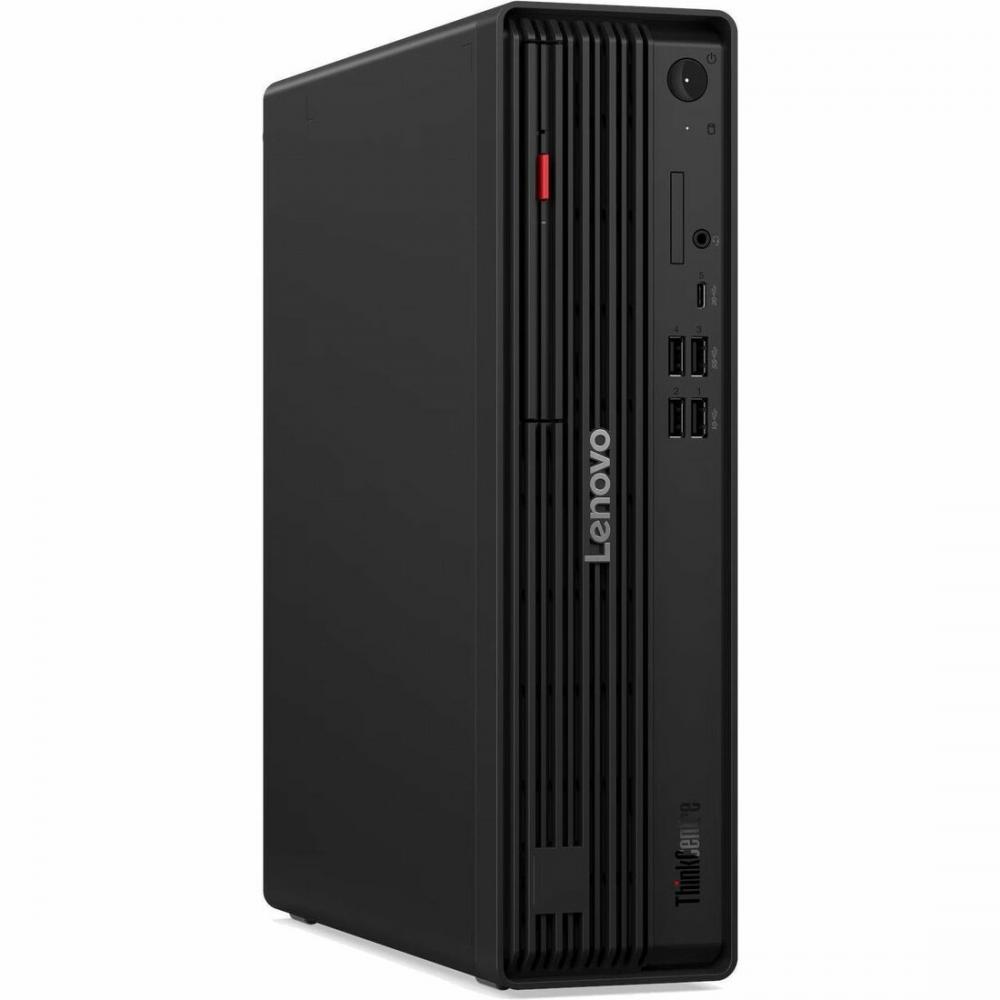
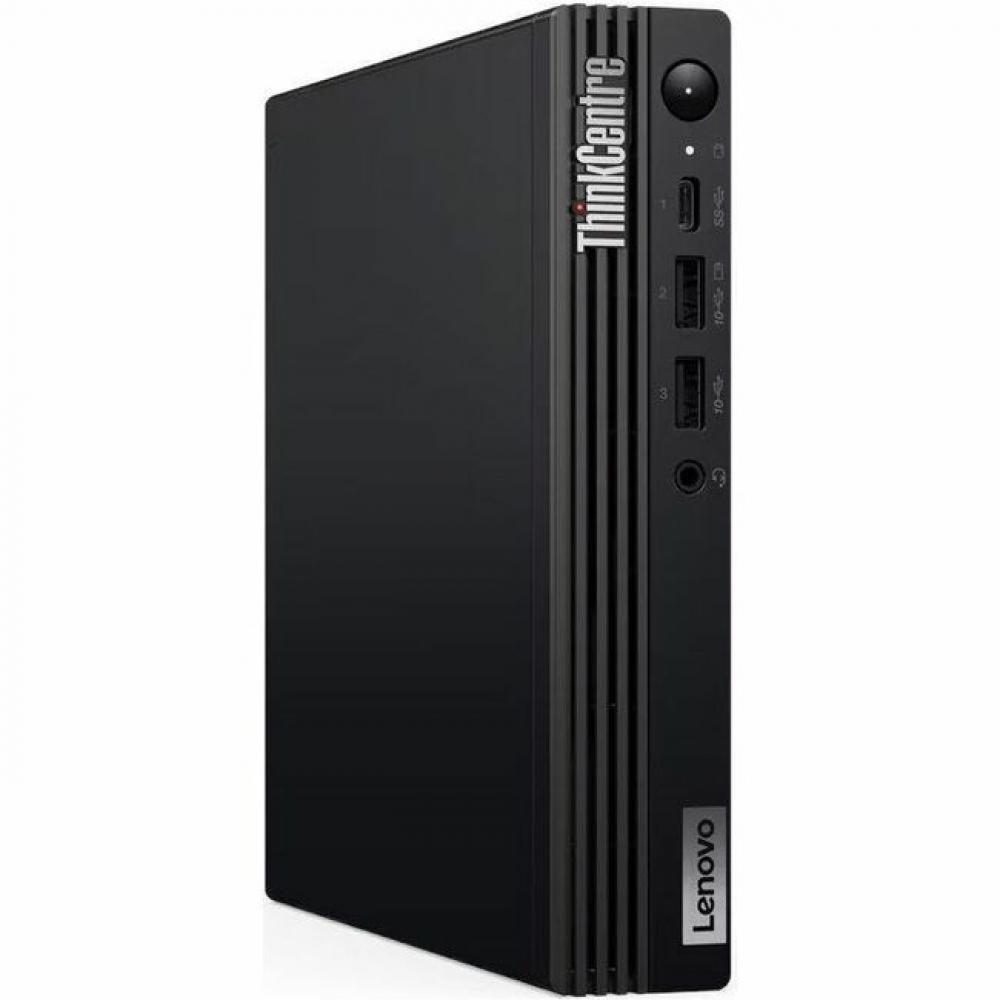
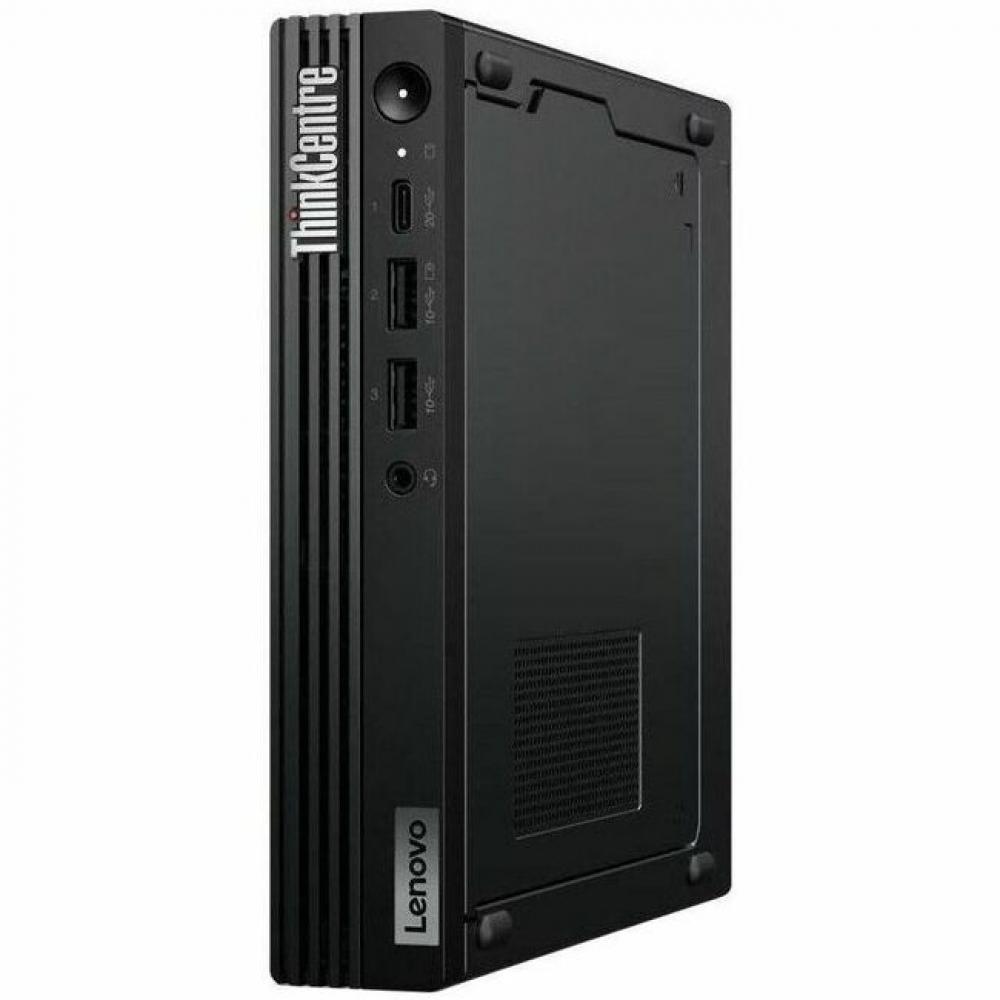
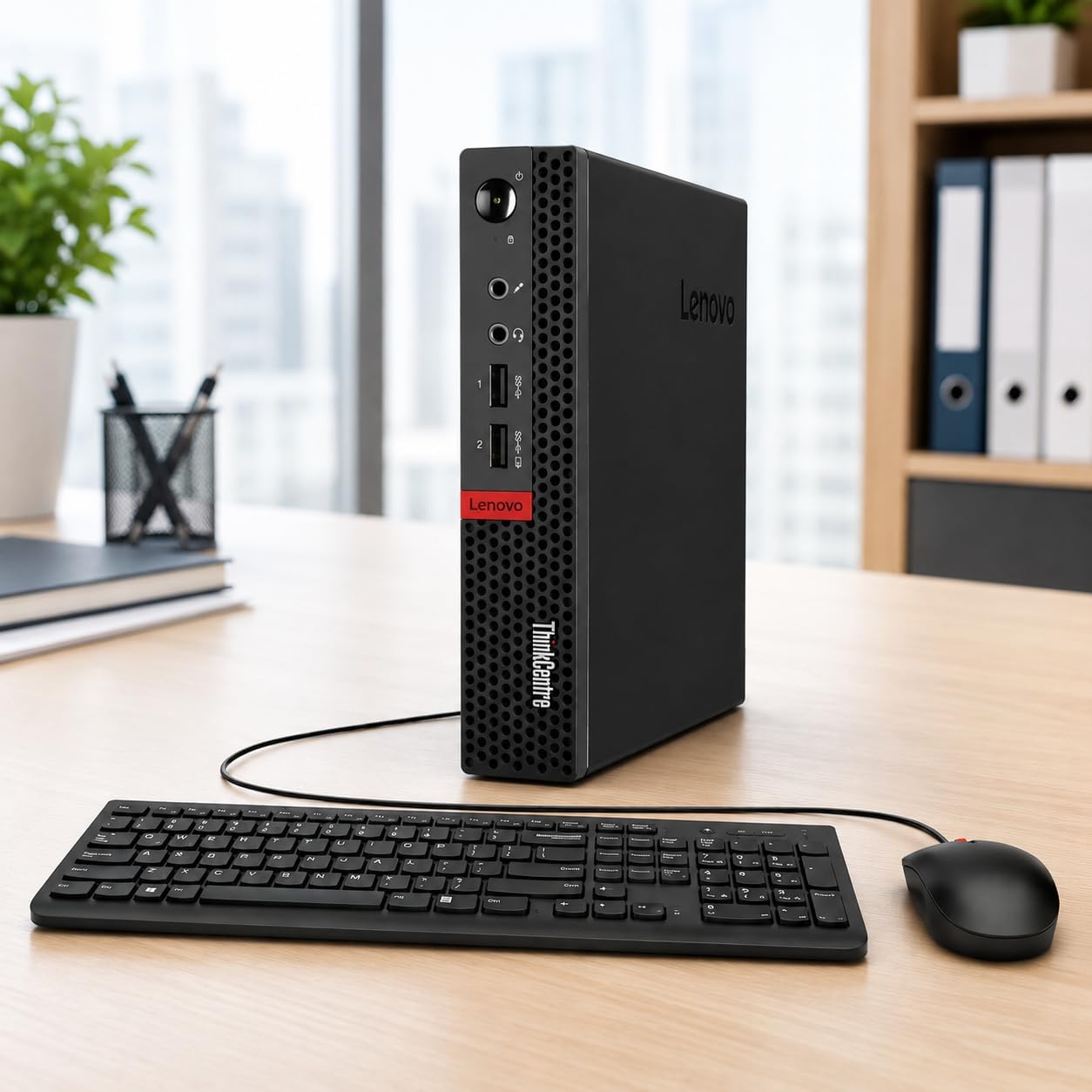
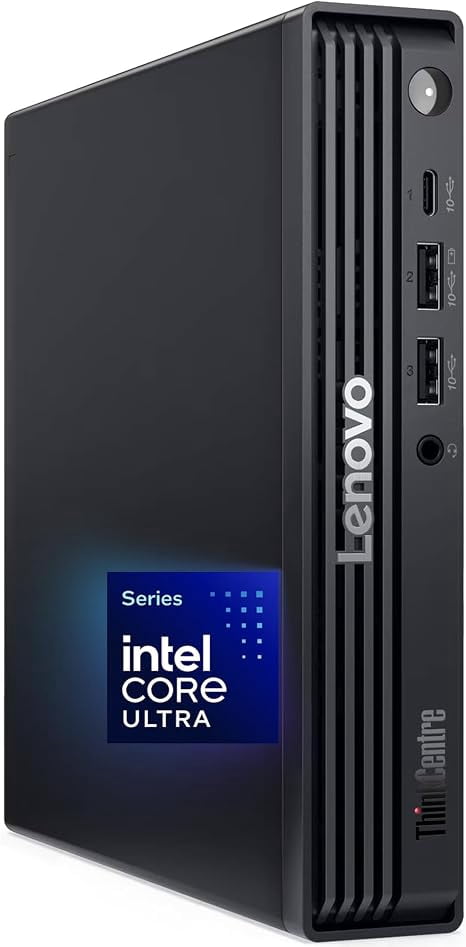
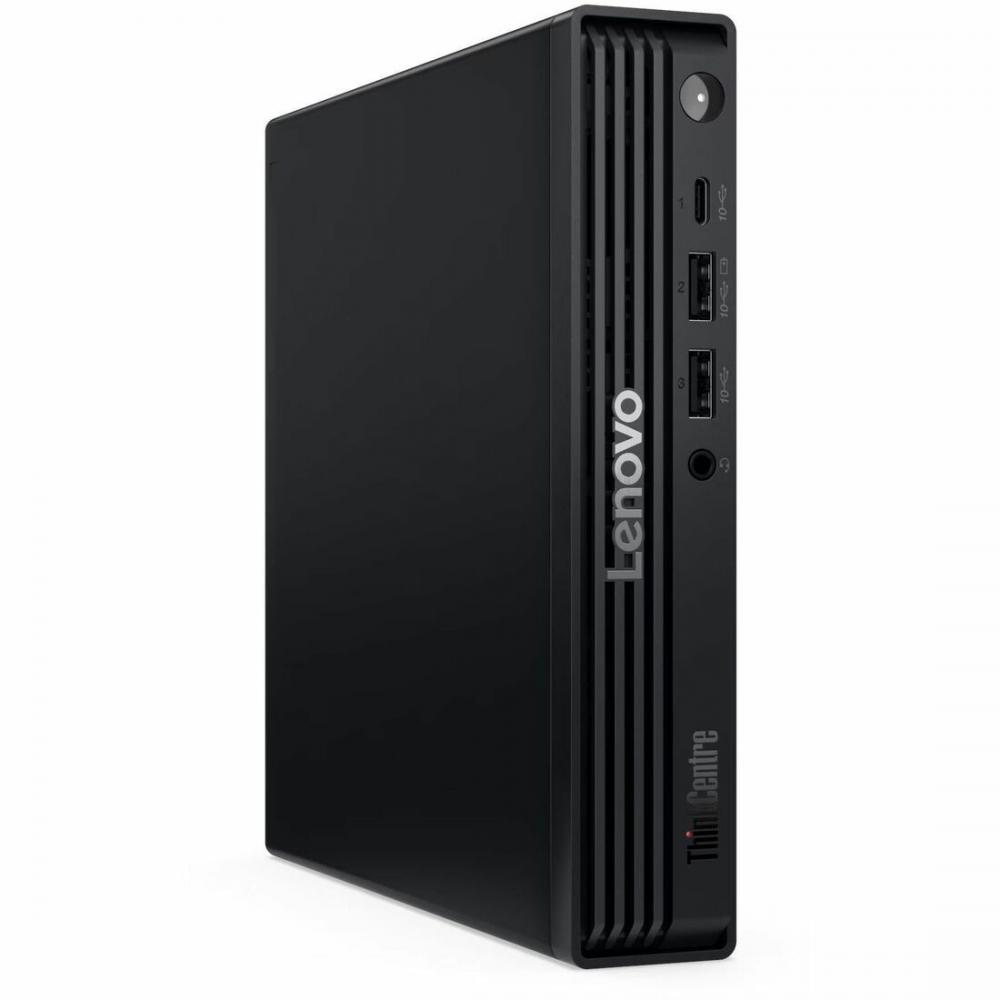
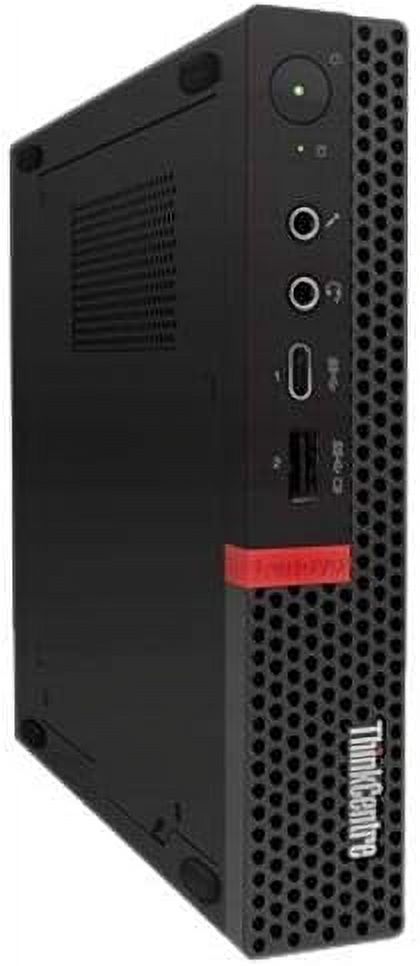
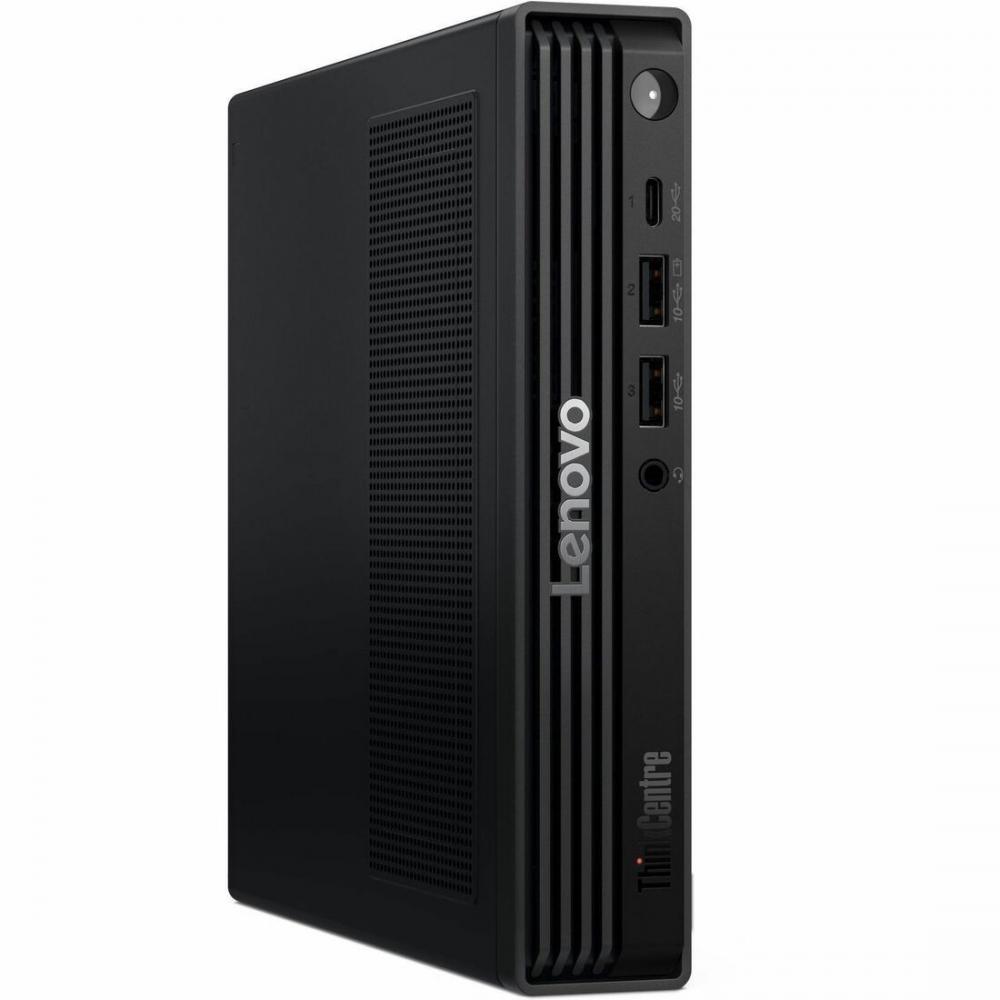
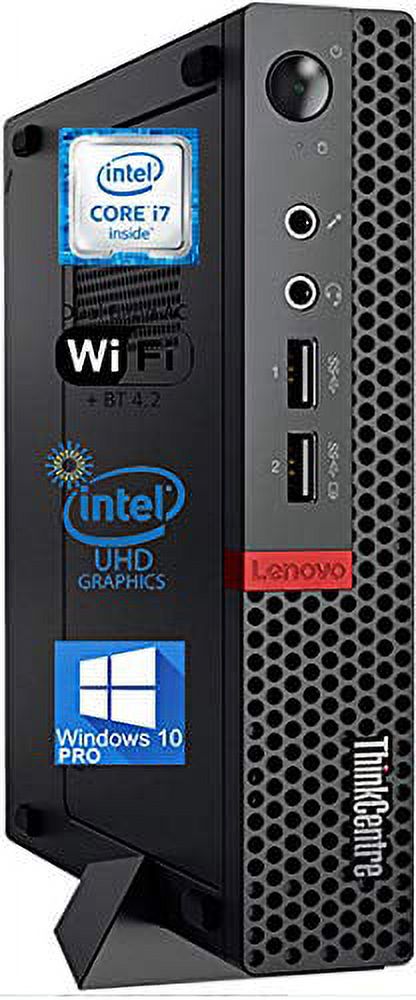
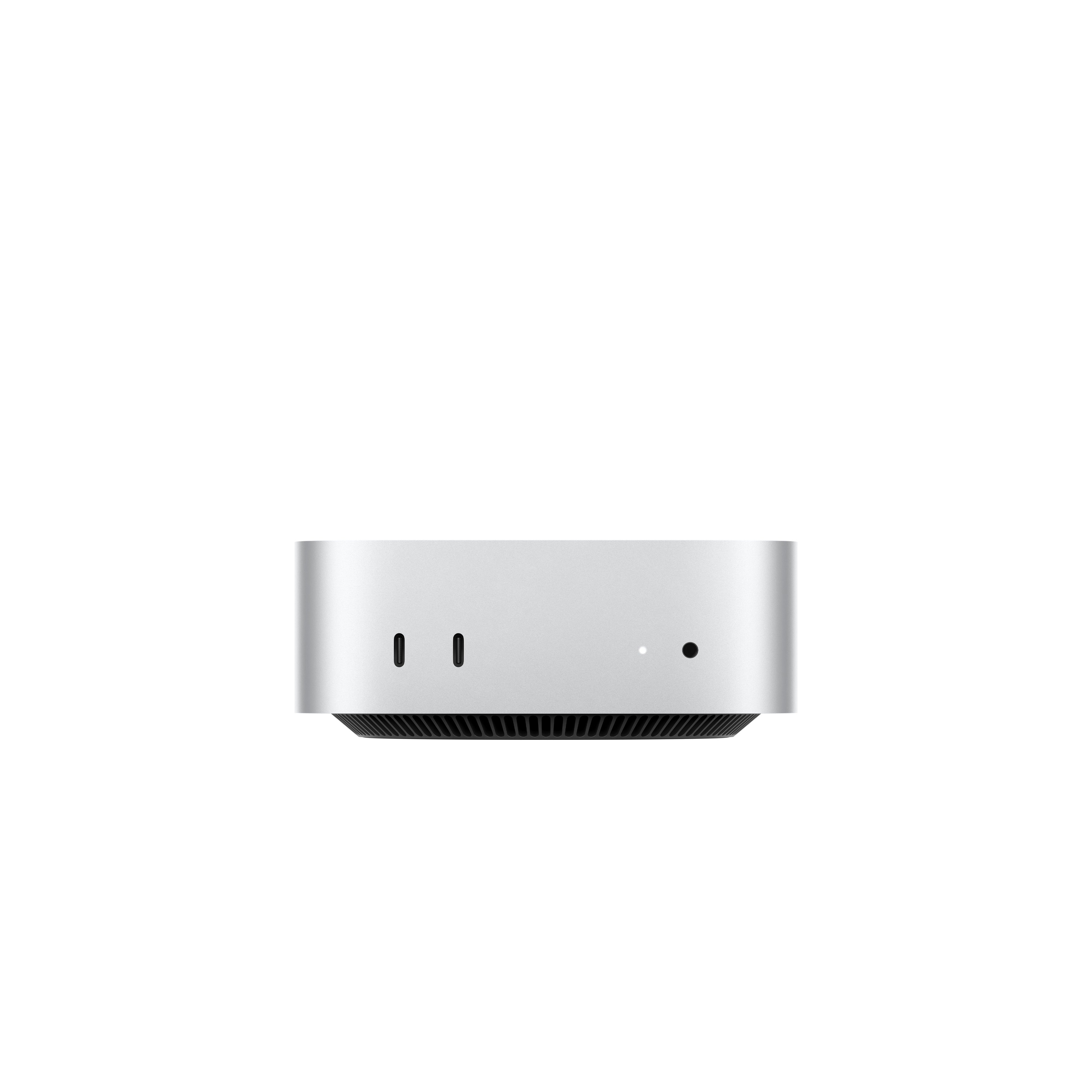
The Lenovo ThinkCentre M920x Tiny is a compact desktop PC with a 1 L form factor. It is MIL-SPEC tested for durability and includes a ThinkCentre Dust Shield that reduces dust intake. It supports up to six independent displays.
This model has a 9th gen Intel Core i7-9700 processor, 8 GB of DDR4 memory and a 256 GB SSD. Intel vPro options, optional Intel Optane memory and a 4-port LAN add-on card are available for the M920x line. The add-on card turns the PCIe interface into four Ethernet ports.
Security features include a Trusted Platform Module (TPM) that stores encryption keys on the hardware, and Smart USB Protection to restrict which USB devices can access data. Padlock loops, an optional E-Lock and a Smart Cable Clip help prevent unauthorized removal of the side panel or cables. The side panel slides off without tools for component swaps, and the PC can be switched on remotely from the keyboard with Alt+P.
- Processor
- Intel Core i7-9700, 9th gen (Coffee Lake), 1 processor installed
- Cores/threads
- 8 cores, 8 threads
- Clock speed
- 3 GHz base, 4.7 GHz boost
- Cache
- 12 MB Smart Cache
- Processor details
- 64-bit, 14 nm, LGA 1151 (Socket H4), 65 W TDP, 8 GT/s system bus rate, Tjunction 100 °C
- Memory
- 8 GB DDR4-SDRAM, 2666 MHz, non-ECC
- Memory slots
- 2 x SO-DIMM
- Max memory
- 32 GB installed memory maximum (processor supports up to 128 GB)
- Memory bandwidth
- Up to 41.6 GB/s
- Storage
- 1 x 256 GB SSD
- Optical drive
- None