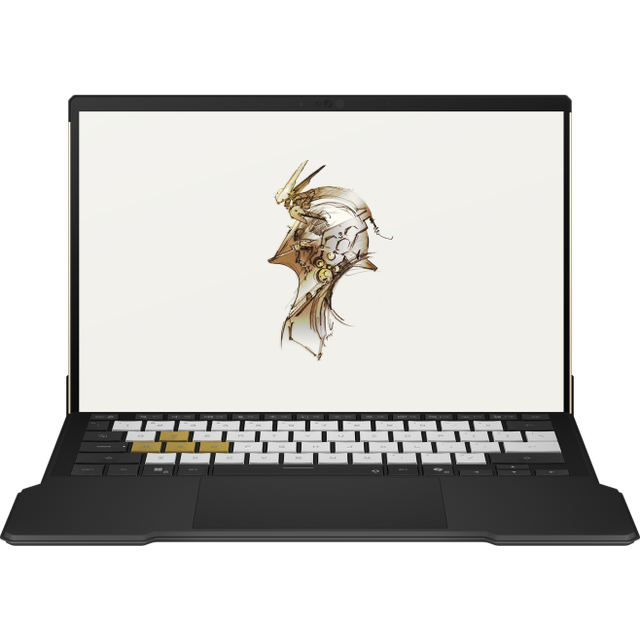
Lenovo ThinkPad L13 Yoga Gen 4 13.3" FHD+ Touch Laptop
Where to buy
No store is showing a current price right now. The stores below sell it; ask the agent to check today's prices.
Prices are checked against each store and labelled with when.
Check today's price at PzDealsAsk our agent about this product
It checks today's price at every store, compares the alternatives and answers in about a minute.
In stock now from Lenovo


Our take on the Lenovo ThinkPad L13 Yoga Gen 4 13.3" FHD+ Touch Laptop
The ThinkPad L13 Yoga Gen 4 is a 13.3-inch 2-in-1 business convertible with a 360-degree hinge, a touchscreen, and an integrated stylus. It is a mid-range ThinkPad aimed at offices, students and field workers who want a durable, serviceable machine rather than a thin consumer ultrabook. Against the X1 Yoga and other premium convertibles it gives up some weight and display quality, but it keeps the ThinkPad keyboard, MIL-STD durability testing and easy repairs. Buyers who want a flexible work laptop with a real keyboard tend to like it; those chasing a light, bright-screen media machine should look elsewhere.
- 360-degree hinge with touchscreen and pen support
- Comfortable, well-regarded ThinkPad keyboard
- MIL-STD-810H durability testing
- User-serviceable parts and business-grade security features
- Good port selection for a 13-inch convertible
Lenovo ThinkPad L13 Yoga Gen 4 13.3" FHD+ Touch Laptop prices at every store
- PzDealsCheck price at PzDeals
What reviewers say
Owners and reviewers treat the L13 Yoga Gen 4 as a solid, no-frills business convertible. The keyboard, durability and repairability draw consistent praise, while weight, display brightness and battery life come in for criticism.
- KeyboardPraisedReviewers consistently rate the typing feel among the best on any laptop.
- BuildPraisedOwners report it holds up well to daily commuting and travel.
- WeightCriticisedMany find it noticeably heavier than thin consumer convertibles.
Questions and answers
- Is the L13 Yoga Gen 4 good for note-taking?
- Yes. The 360-degree hinge and touchscreen with pen support let you fold it into tablet mode and write or sketch. The pen is integrated, so there is nothing extra to carry.
- How does it compare with the ThinkPad X1 Yoga?
- The X1 Yoga is lighter and offers better displays, but it costs more and is harder to service. The L13 Yoga Gen 4 trades some polish for durability, ports and repairability.
- Can I upgrade the memory or storage?
- Storage is user-replaceable, and the bottom cover comes off with standard tools. Memory is soldered on most configurations, so choose the capacity you need up front.
- Does it have a good port selection?
- It covers the business basics: USB-C, USB-A, HDMI and a headphone jack. That means fewer dongles than ultra-thin rivals that rely on USB-C alone.
- Is the display good enough for outdoor use?
- The FHD+ panel is fine indoors but only average in bright light. If you work outside often, a brighter premium panel is worth considering.
- Is it good for gaming or heavy creative work?
- No. It is built for office, web and note-taking workloads. Integrated graphics handle light tasks only, and sustained load brings fan noise and heat.