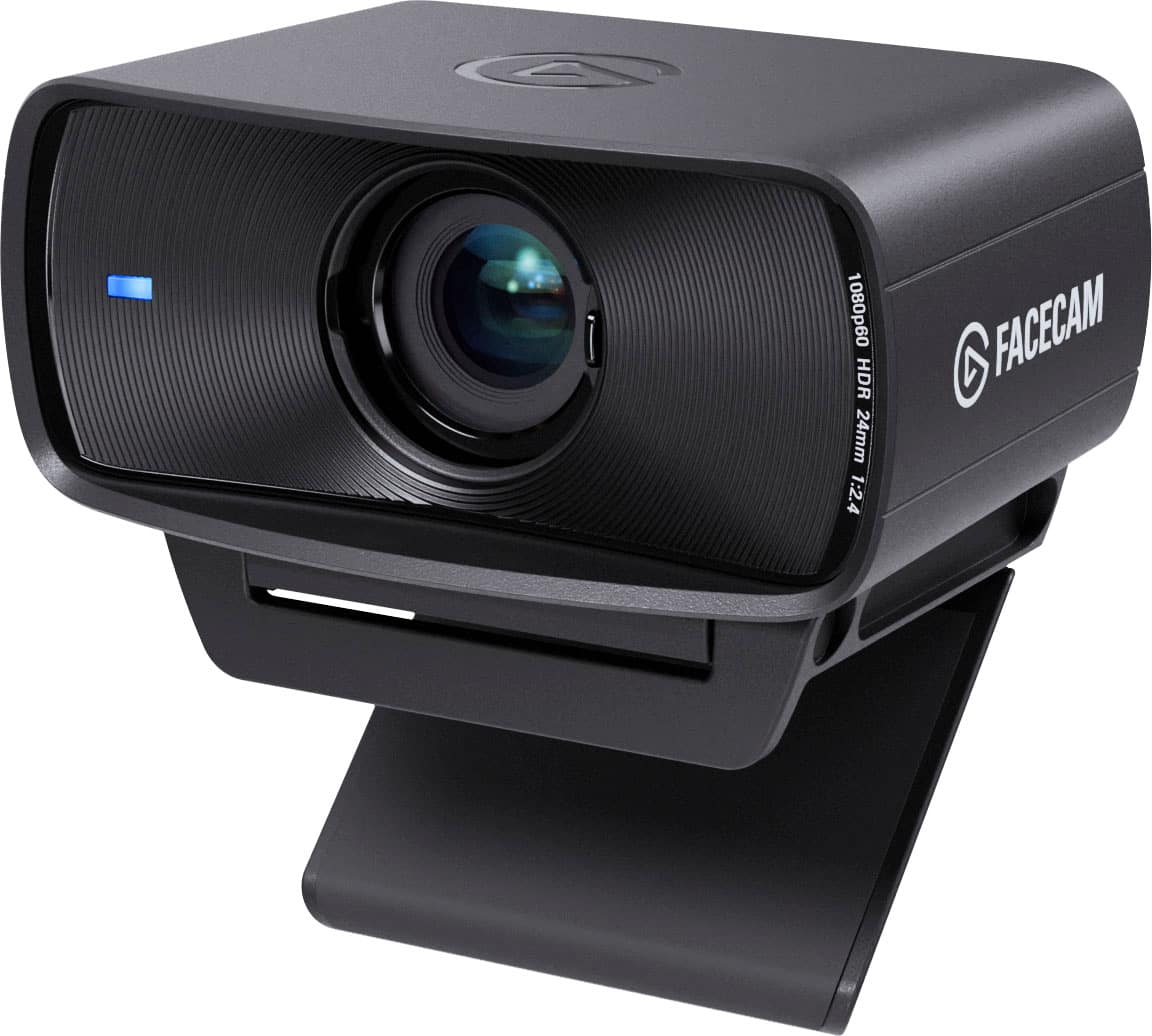
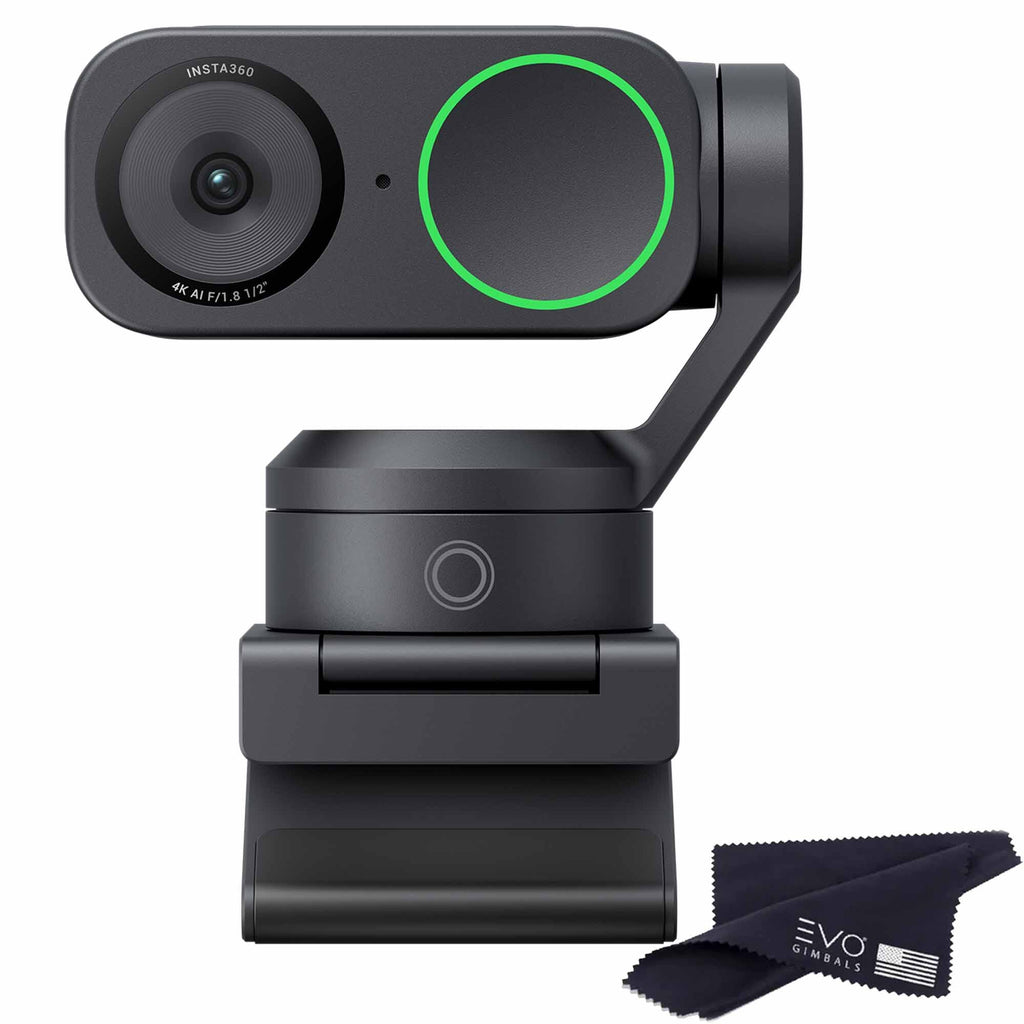
- Is the Lenovo ThinkVision M50 good for video calls?
- Yes for everyday meetings. It shoots 1080p at 30 fps with autofocus and has a built-in mic, which covers standard calls. In very dim rooms the image gets noisy because there is no built-in light.
- Does the M50 support Windows Hello?
- No. It has no facial recognition, so you cannot use it to sign in to Windows with your face. You will still need a password, PIN or fingerprint reader.
- Does it have a microphone and speaker?
- It has a built-in microphone for your voice. It has no speaker, so call audio comes from your laptop or separate speakers.
- How does it mount on a monitor?
- It uses a clip mount that sits on the top edge of most monitors and laptops. It weighs about 4.4 ounces, light enough to stay put without tipping a thin screen.
- What resolution and frame rate does it record?
- It captures 1920x1080 Full HD at up to 30 fps. That is fine for meetings and chat but below the 60 fps some streamers prefer.
- Does it need extra software?
- No. It connects over USB and works with common video apps without special drivers. Lenovo may offer optional software, but the camera works as a plug-and-play device.
- Where is the Lenovo ThinkVision M50 cheapest?
- At Antonline, for $117.88, as of our latest check.