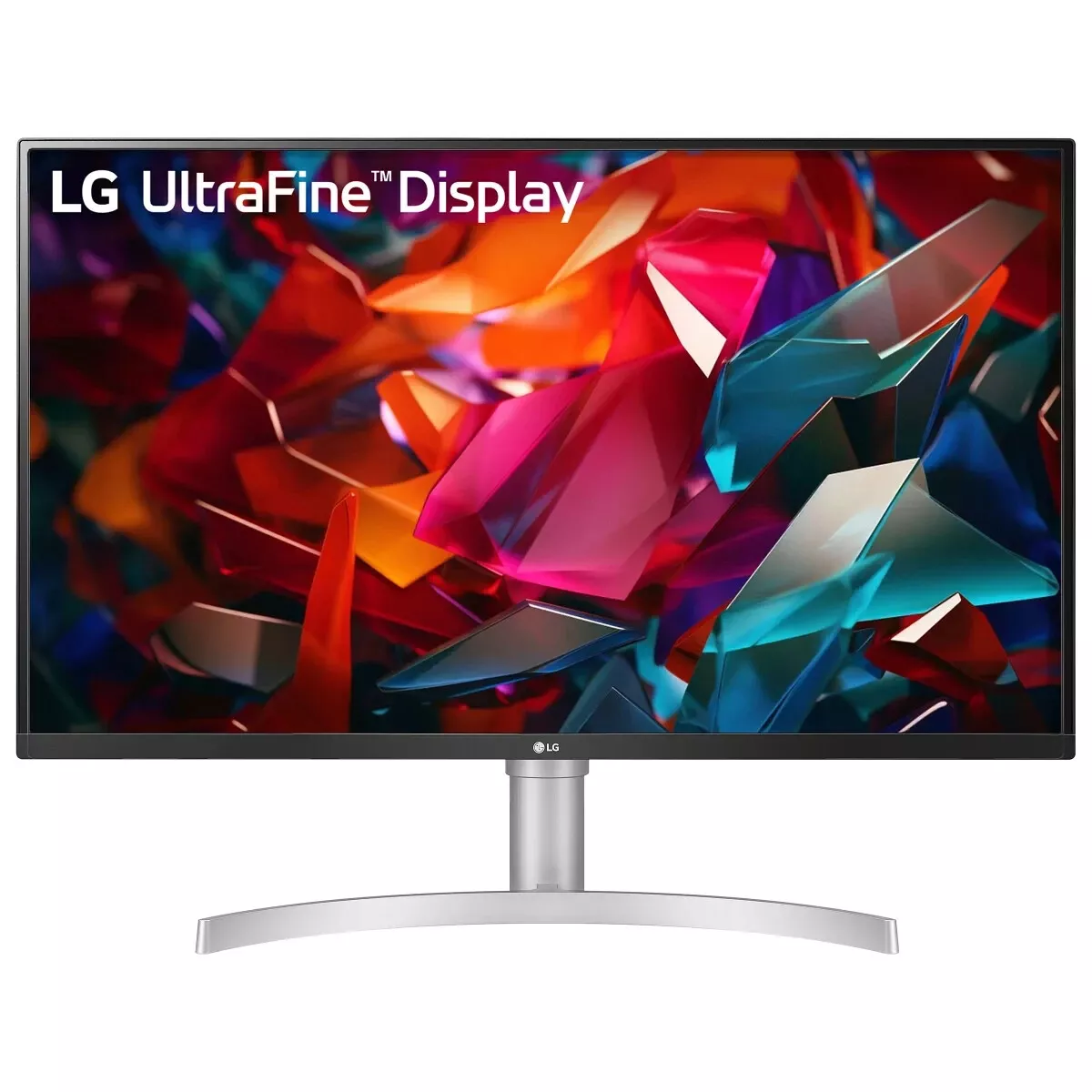
LG 32BN88U-B Ergo
Last price we saw
Prices change often: ask the agent below to check today's price at every store.
Prices differ by screen size, and this one may be for a smaller size: check the size at the store.
Prices are checked against each store and labelled with when.
In stock now from LG
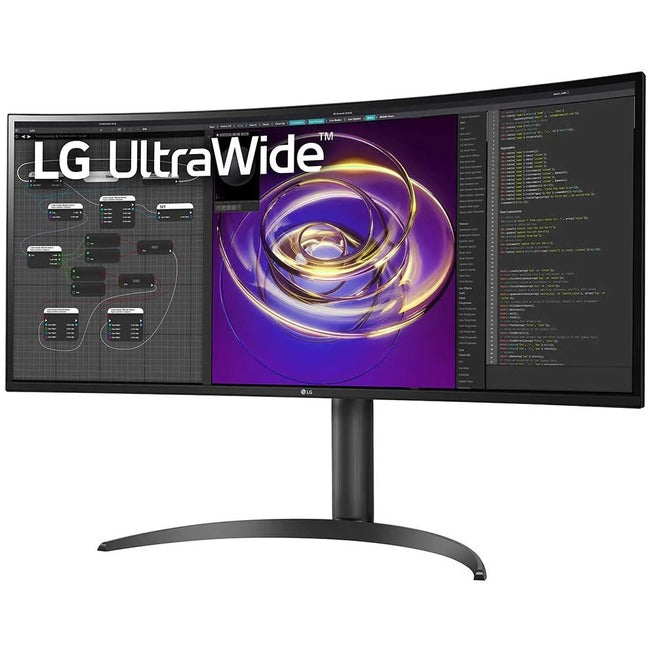


Our take on the LG 32BN88U-B Ergo
The LG 32BN88U-B Ergo is a 31.5-inch 4K IPS monitor built for desk work. Its stand clamps to the desk edge and holds the screen on an adjustable arm, so the panel floats above the surface and frees the space underneath. It covers 10-bit color, HDR, a 95 Hz refresh rate and USB-C with power delivery, which puts it ahead of basic 4K office monitors on connectivity and ergonomics. It suits people who want a clean desk and a sharp, color-capable screen for documents, code and light creative work.
- Desk-clamp arm frees the desk surface
- Sharp 4K resolution on a 31.5-inch panel
- USB-C single-cable connection with power delivery
- 10-bit color and HDR support
- 95 Hz refresh rate is smoother than 60 Hz office panels
- Two HDMI ports plus USB hub
What reviewers say
Owners of LG's Ergo line praise the clamp arm for clearing desk space and the USB-C setup for cutting cable clutter. The 4K IPS panel gets credit for sharp text and good color. Complaints center on the arm's desk-edge requirement and on HDR that looks flat next to VA or OLED screens.
- Ergo armPraisedOwners like that the clamp arm lifts the screen off the desk and adjusts easily.
- USB-CPraisedA single USB-C cable for video, USB hub and laptop charging is a common reason people pick it.
- Picture qualityPraisedText is sharp at 4K and colors are good for office and light editing work.
Ask our agent about this product
It checks today's price at every store, compares the alternatives and answers in about a minute.
Questions and answers
- Is the LG 32BN88U-B Ergo good for gaming?
- It handles casual gaming with a 95 Hz refresh rate and 4K resolution, but it has no high refresh rate or adaptive sync features aimed at competitive play. For fast shooters, a dedicated gaming monitor is a better fit.
- Does the Ergo arm fit any desk?
- The arm clamps to a desk edge, so the desk needs a lip it can grip and enough strength to take the monitor's weight. Very thin or glass-topped desks may not work.
- Can I connect a laptop with one cable?
- Yes. USB-C carries the 4K picture, USB hub data and charging to a compatible laptop, so a single cable can replace a dock for basic setups.
- Does it have built-in speakers?
- No. You need external speakers or headphones, connected through the monitor's audio output or your computer.
- Is 31.5 inches too big for 4K?
- No. At this size 4K gives a dense, sharp image with plenty of room for side-by-side windows, and text stays crisp without scaling.
- Does it support HDR?
- It accepts HDR signals, but the IPS panel's contrast limits the effect. Treat HDR as a bonus rather than a reason to buy.