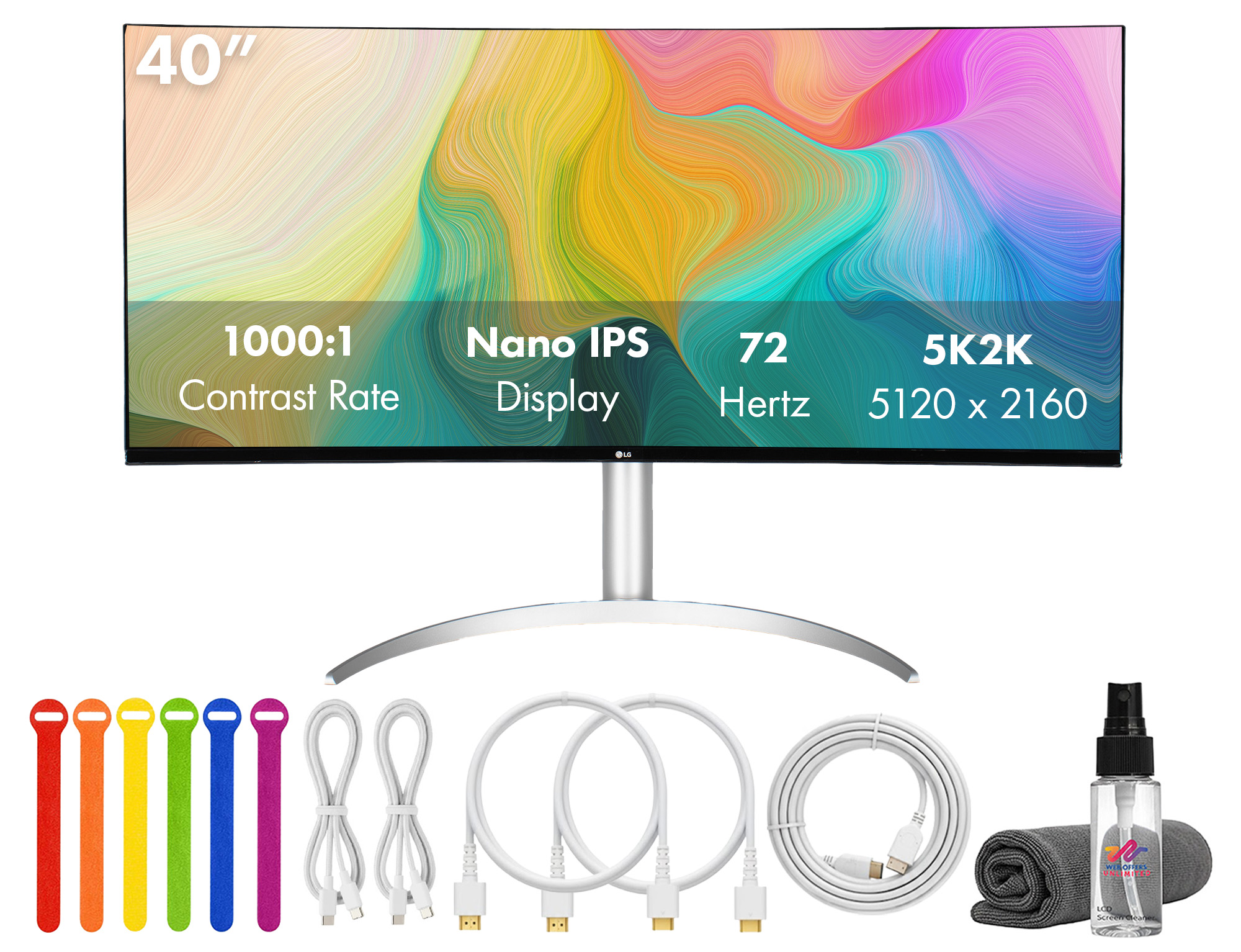
LG 34" 21:9 UltraWide 5K2K WUHD Nano IPS Monitor
Where to buy
No store is showing a current price right now. The stores below sell it; ask the agent to check today's prices.
Prices are checked against each store and labelled with when.
In stock now from LG

Our take on the LG 34" 21:9 UltraWide 5K2K WUHD Nano IPS Monitor
The LG 34-inch UltraWide is a 21:9 monitor with a 5120x2160 5K2K panel built on Nano IPS. The wide, high-resolution canvas suits multitasking, video editing and immersive games better than a 27-inch 4K screen, which shows less timeline and fewer windows. Nano IPS gives wide viewing angles and strong color, though contrast trails VA panels and the resolution is demanding on a GPU. It sits above 34-inch 3440x1440 ultrawides on sharpness and below 5K/6K professional displays on color-critical accuracy.
- 5120x2160 resolution is very sharp on a 34-inch panel
- 21:9 shape fits more windows and timeline than 16:9
- Nano IPS gives wide viewing angles and vivid color
- Single cable replaces a two-monitor desk setup
- USB-C connectivity suits laptops
LG 34" 21:9 UltraWide 5K2K WUHD Nano IPS Monitor prices at every store
- PzDealsCheck price at PzDeals
What reviewers say
Owners of LG's 5K2K ultrawides praise the sharpness and the space for multitasking, and many say it replaced two monitors. Complaints center on IPS contrast, the GPU power needed for gaming at full resolution and the size of the stand.
- ResolutionPraisedOwners say the 5K2K panel is very sharp and makes text and fine detail easy to read.
- MultitaskingPraisedReviewers like fitting several windows or a long timeline on one screen instead of two monitors.
- ContrastCriticisedIPS blacks look gray in dim rooms, and HDR impact is limited.
Ask our agent about this product
It checks today's price at every store, compares the alternatives and answers in about a minute.
Questions and answers
- Is 5K2K worth it over a 3440x1440 ultrawide?
- Yes if you read text all day or edit video: 5120x2160 is noticeably sharper and shows more vertical detail. A 3440x1440 panel is easier to drive in games and cheaper to run.
- Can a laptop drive this monitor over USB-C?
- Yes, USB-C carries video and can charge a laptop on models that support power delivery. Check that your laptop outputs enough resolution and refresh rate over its USB-C port.
- How does it compare with a 27-inch 4K monitor?
- It is wider and slightly taller in pixels, so it fits more windows and a longer timeline. A 27-inch 4K screen is sharper per inch and takes far less desk space.
- Do I need a high-end graphics card for gaming?
- For modern games at native 5K2K, yes; a high-end card is needed for high frame rates. You can drop to a lower resolution or use upscaling to keep frame rates up.
- Is it good for color-critical photo and video work?
- Nano IPS gives wide angles and vivid color, which suits editing. For print-accurate work, check the factory calibration and coverage of the color spaces you need.
- What is in the box?
- The monitor, its stand and the usual cables for its inputs. Confirm the exact cable bundle for the model you buy, since it varies by region.