It checks today's price at every store, compares the alternatives and answers in about a minute.
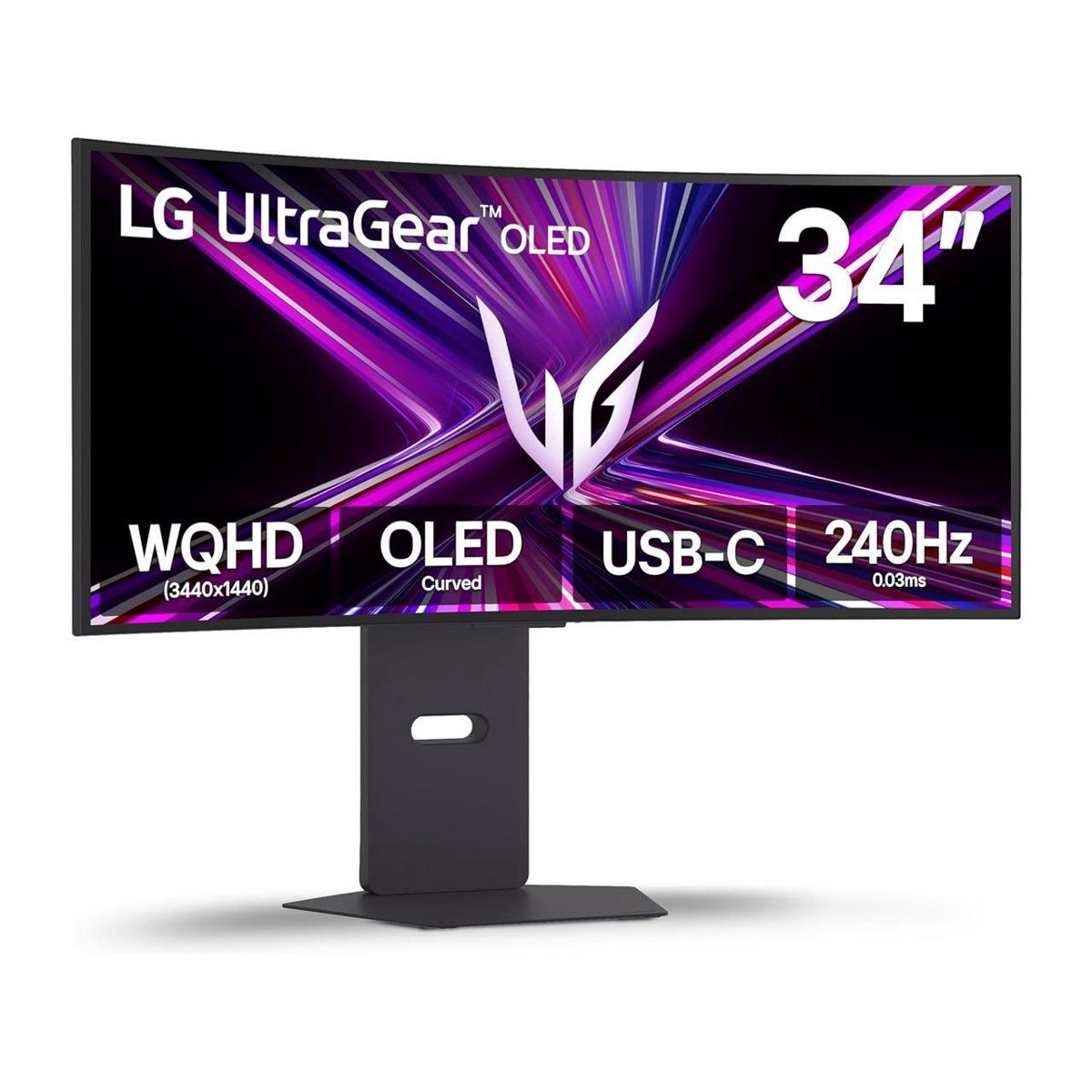
The LG UltraGear 34" is a 3440x1440 ultrawide OLED gaming monitor with a steep 800R curve and a 21:9 panel that is about a third wider than a standard 16:9 screen. LG's WOLED panel with Micro Lens Array+ boosts brightness, rated at 275 nits full-screen and up to 1300 nits peak, with VESA DisplayHDR True Black 400 for deep blacks and strong contrast. It suits gamers who want an immersive curved ultrawide and are willing to accept OLED's brightness limits and burn-in care. Against QD-OLED rivals it trades some color volume for very dark blacks and LG's brightness tuning; against LCD ultrawides it wins on contrast and response but costs more and needs more desk depth.
In stockSold by Video & Audio CenterReturns: Sold by a Walmart Marketplace seller; returns go to the seller under the seller's returns policy.
Rated 4.7 out of 5 from 28 ratings, owners are largely enthusiastic about the OLED picture, the curve and the ultrawide immersion. Complaints center on brightness in lit rooms and OLED care habits.
This 34-inch curved gaming monitor uses an LG WOLED panel with UWQHD (3440x1440) resolution and a 21:9 aspect ratio. The view is 34% wider than a standard 16:9 screen. The 800R curve gives a consistent 90-degree viewing angle across the screen. The panel has an anti-glare finish and Micro Lens Array+ (MLA+) technology, which gives up to 37.5% brighter SDR.
It has a 240Hz refresh rate and a 0.03ms (GtG) response time. It is an NVIDIA G-SYNC Compatible monitor, with VESA Adaptive Sync certification and AMD FreeSync Premium Pro. Gaming features include Low Latency, Black Stabilizer, Crosshair and an FPS Counter. It works with both PC and console.
A USB-C connection delivers up to 65W of power to a laptop. The monitor has built-in 7W x2 speakers with Depth-Sound technology and a 4-pole headphone out with virtual 3D sound powered by DTS Headphone:X. The L-stand adjusts for swivel, tilt and height. The design is virtually borderless on four sides and has hexagon lighting. The LG Switch app lets you save image and brightness settings to a hotkey and split the display into 11 layouts. On-Screen Display settings help protect the OLED from afterimages and burn-in.