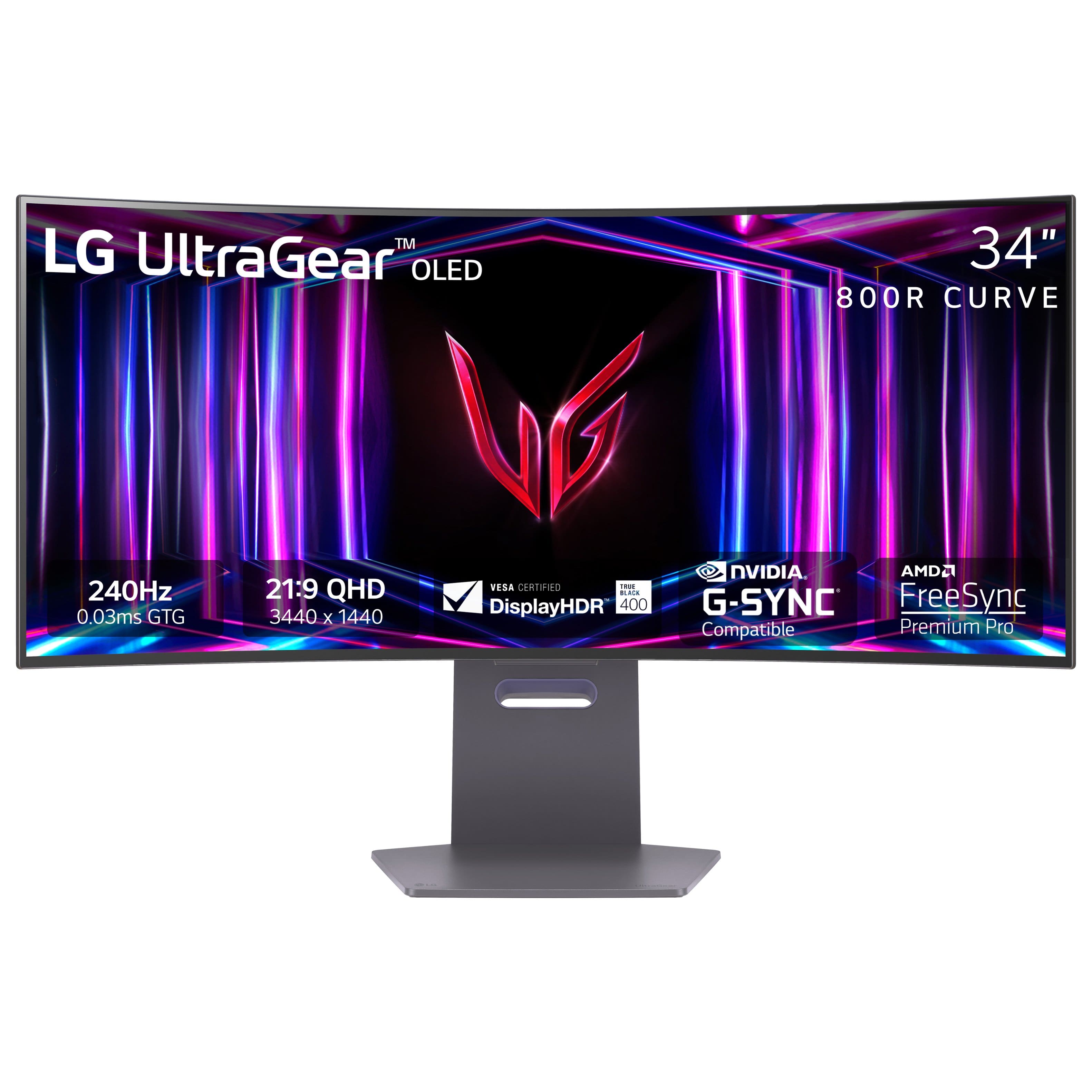
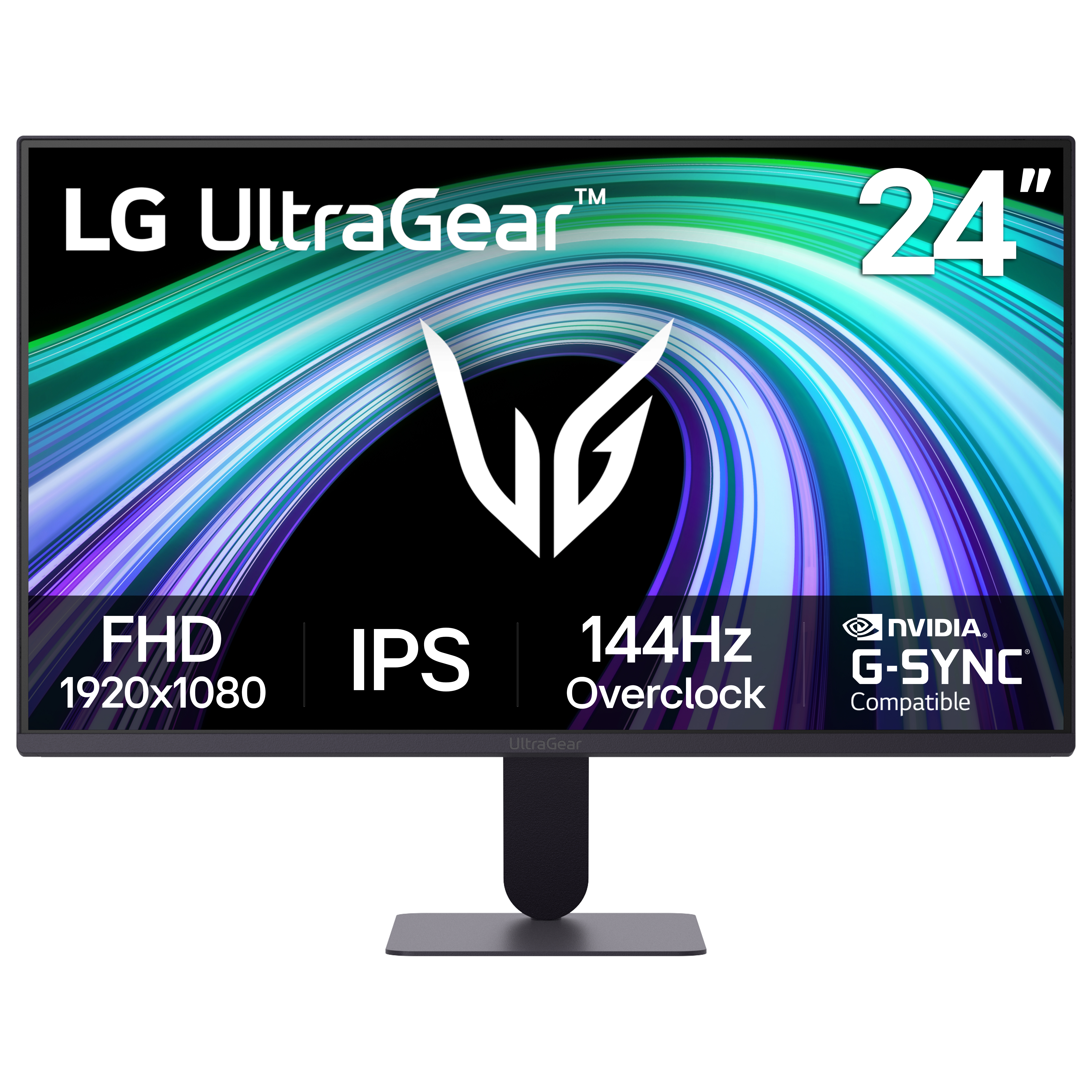
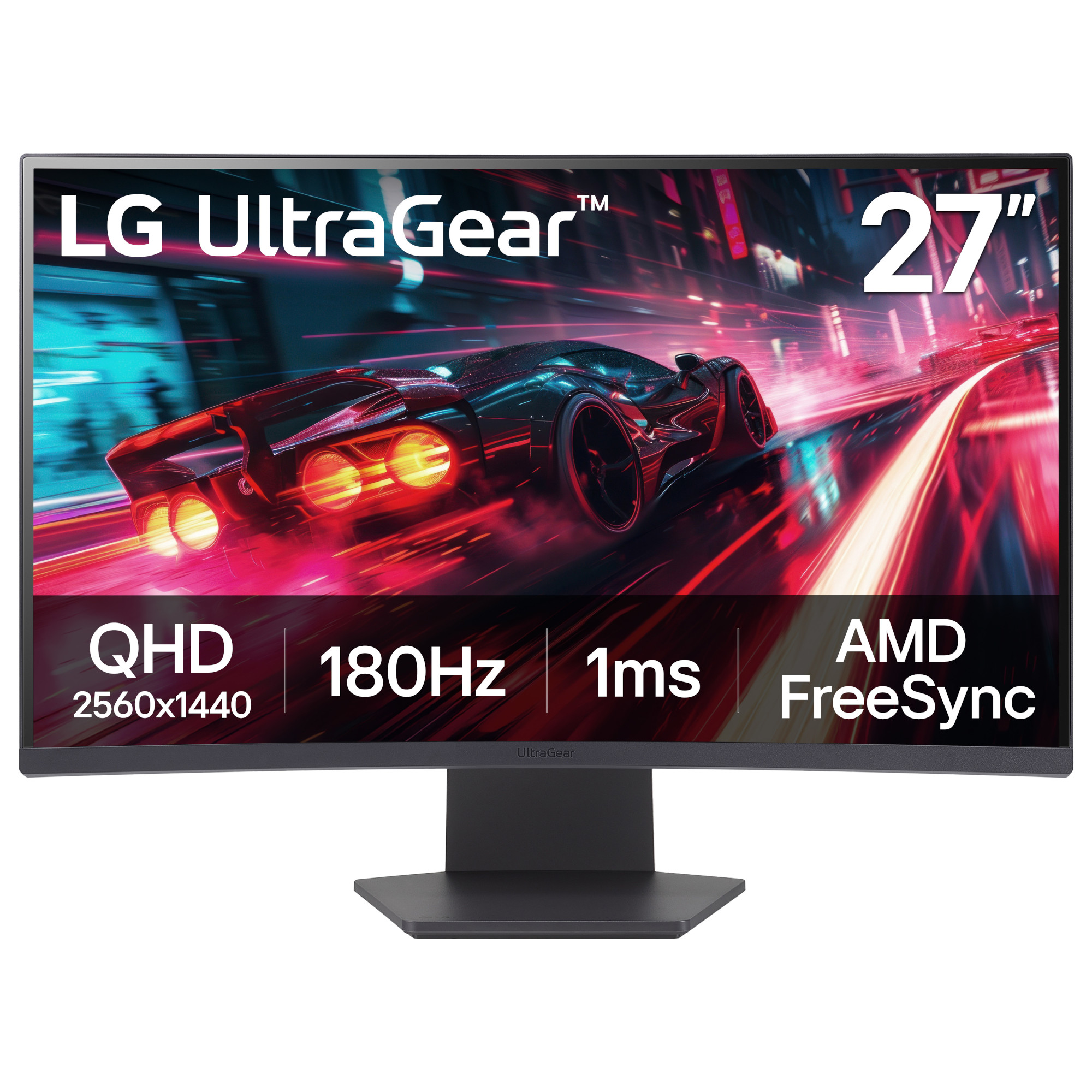
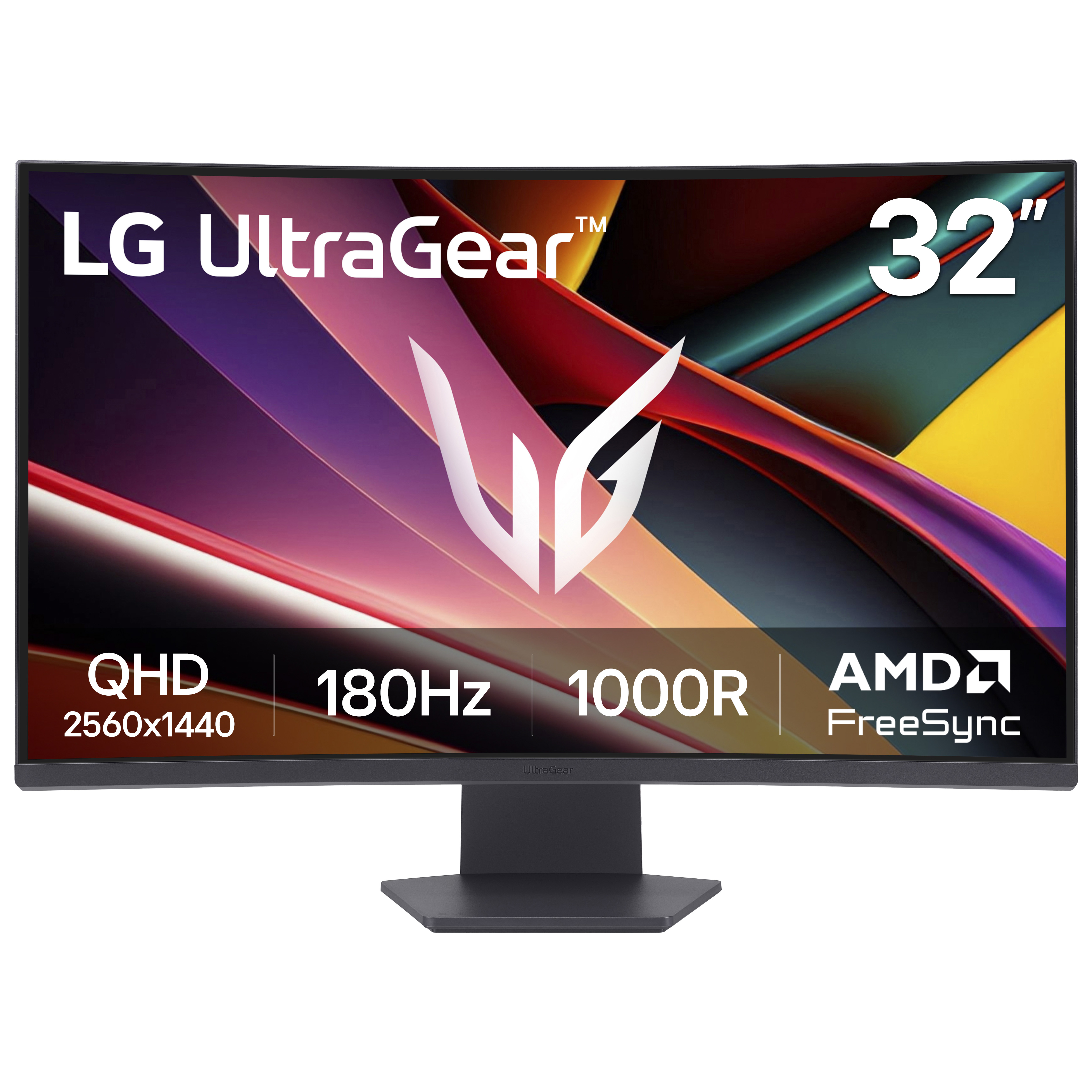
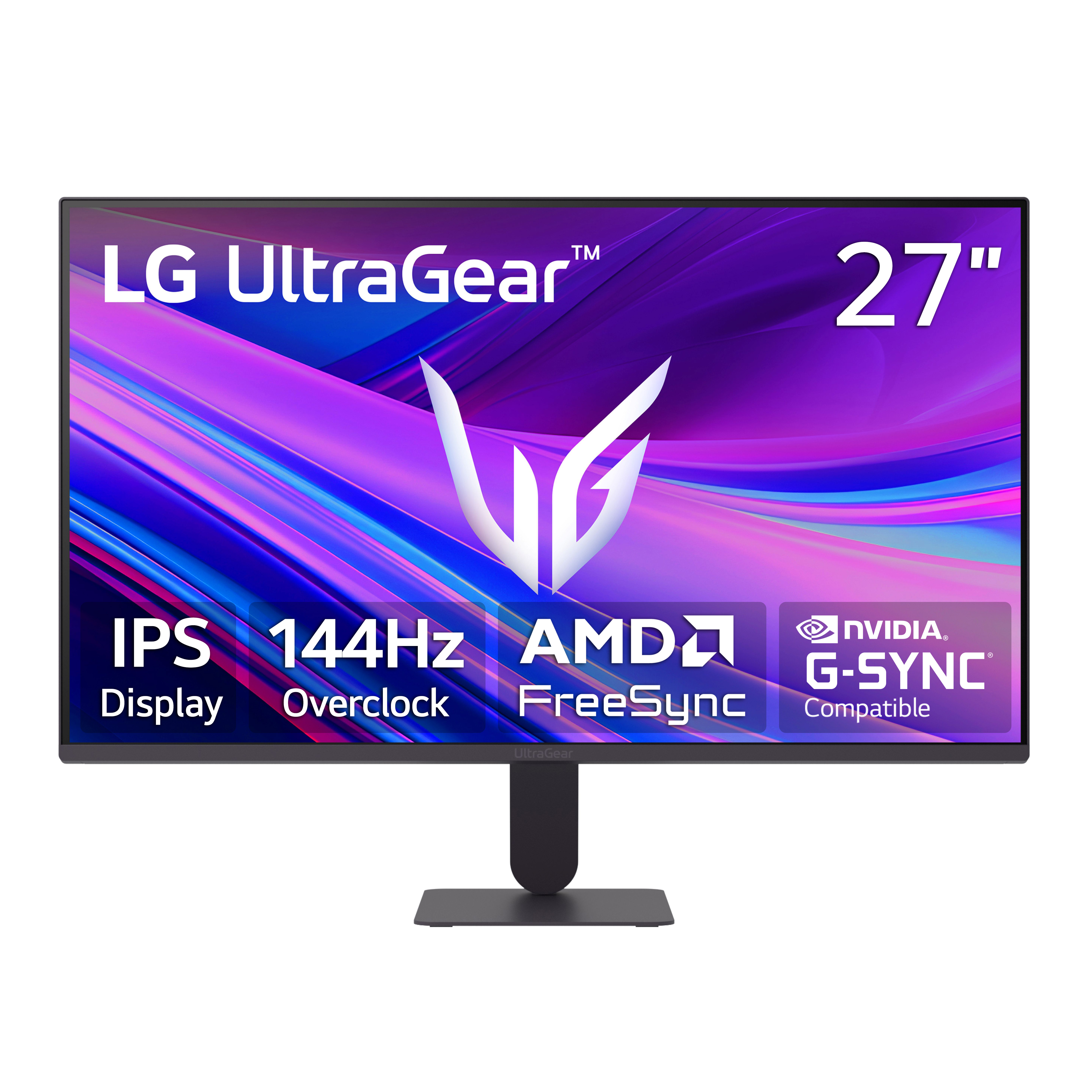
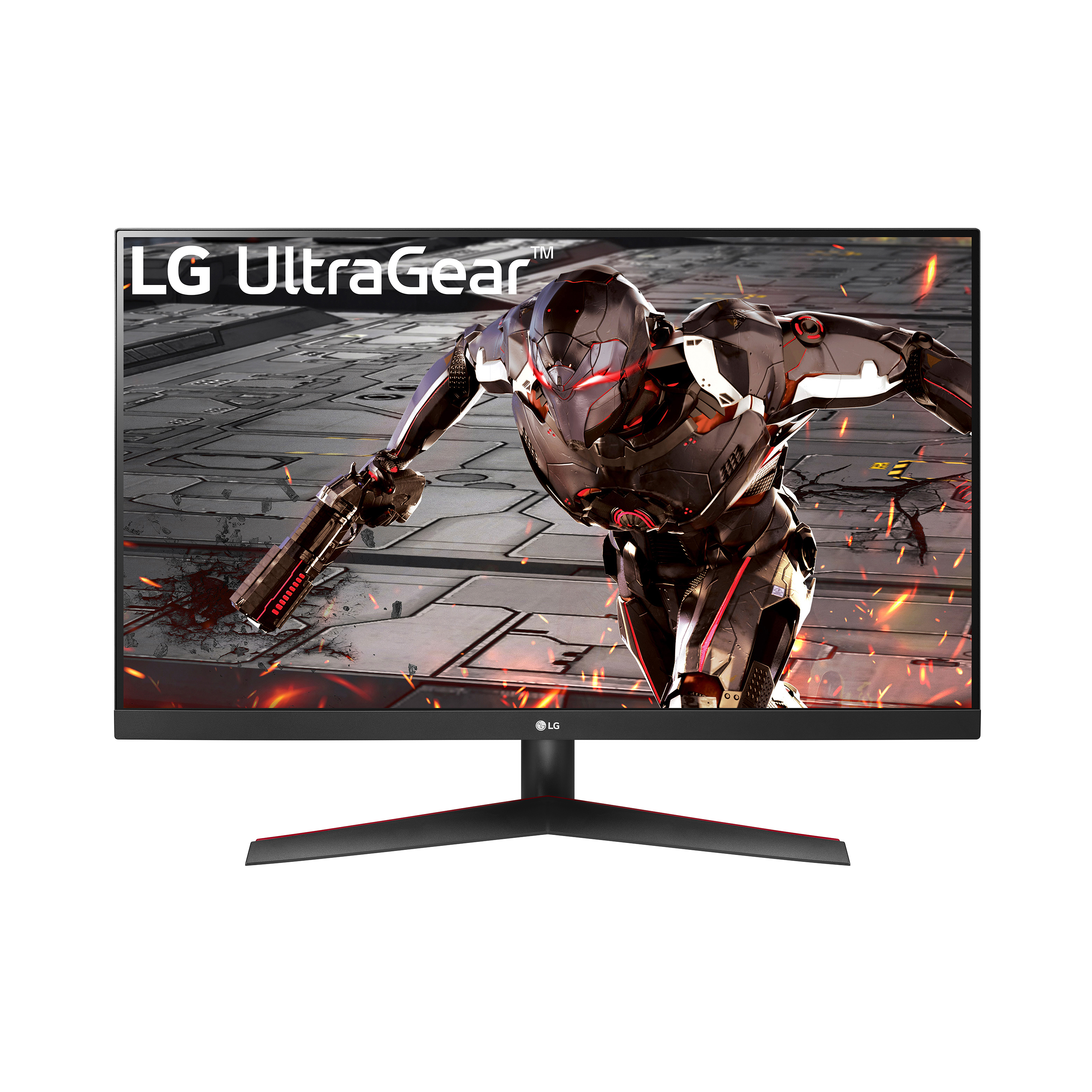
LG UltraGear 27GR83Q
Last price we saw
Prices change often: ask the agent below to check today's price at every store.
Prices differ by screen size, and this one may be for a smaller size: check the size at the store.
Prices are checked against each store and labelled with when.
In stock now from LG


Our take on the LG UltraGear 27GR83Q
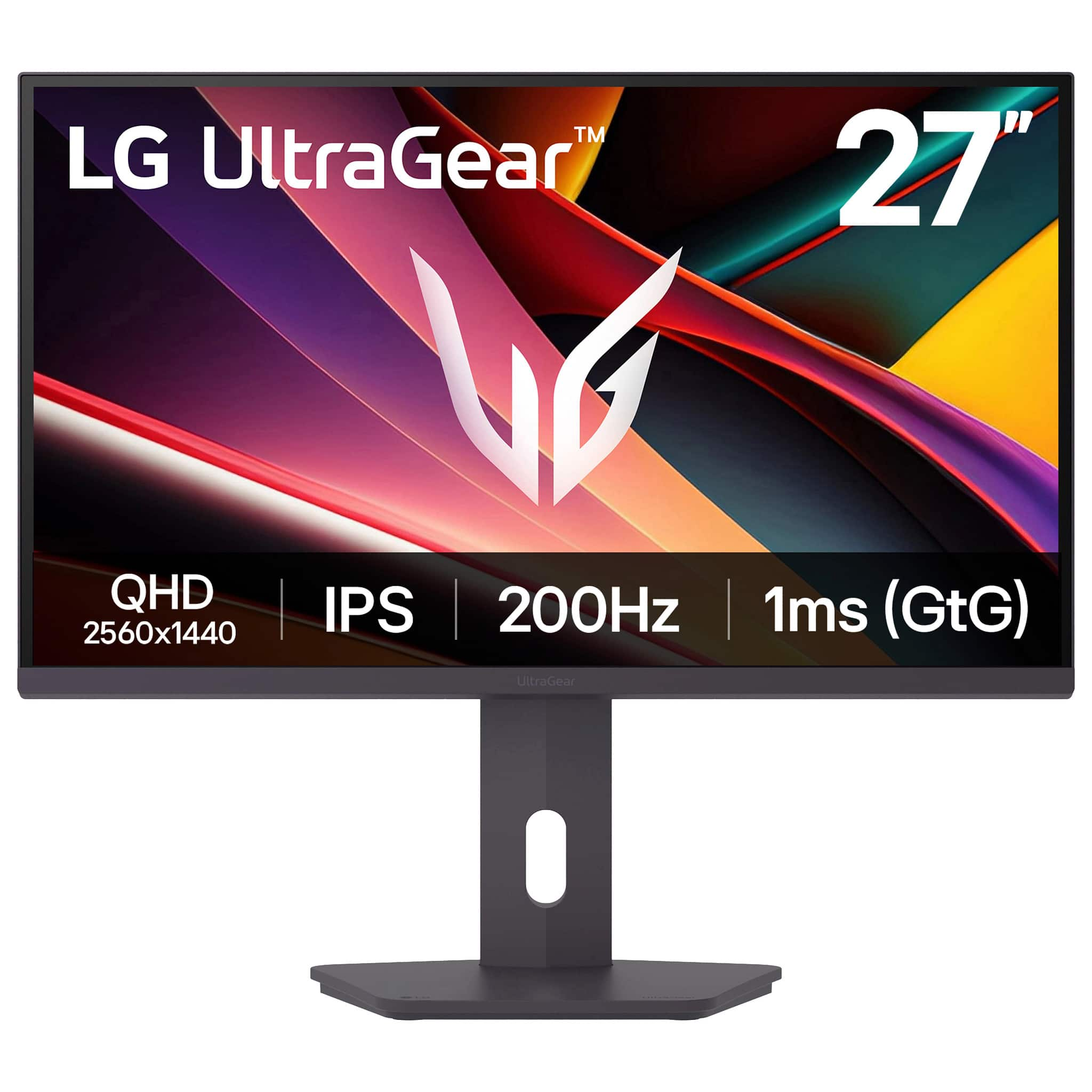
The LG UltraGear 27GR83Q is a 27-inch 1440p gaming monitor built on an IPS panel with a 240 Hz refresh rate and a 1 ms response time. It covers the fast, sharp middle ground between 1080p high-refresh screens and expensive 4K gaming monitors, and the IPS panel keeps colors consistent at wide angles. HDMI, DisplayPort and USB-C inputs let it serve a PC and a console or laptop without a hub. It suits competitive players and mixed-use desk setups more than buyers who want deep blacks or HDR punch.
- 240 Hz refresh with 1 ms response suits fast shooters
- 1440p on 27 inches keeps text and detail crisp
- IPS panel holds color and contrast at wide angles
- HDMI, DisplayPort and USB-C cover PC, console and laptop
- Fast panel without the cost of a 4K gaming screen
What reviewers say
Owners of the 27GR83Q generally praise the smooth 240 Hz motion and the sharp 1440p picture, and many like the USB-C input for laptops. Complaints center on weak HDR and gray-looking blacks in dark rooms.
- MotionPraisedOwners say fast movement stays clear and the high refresh rate makes shooters feel responsive.
- Picture sharpnessPraisedReviewers like the crisp 1440p detail on the 27-inch panel for both games and desktop work.
- ConnectivityPraisedThe mix of HDMI, DisplayPort and USB-C is called handy for switching between a PC and a laptop.
Ask our agent about this product
It checks today's price at every store, compares the alternatives and answers in about a minute.
Questions and answers
- Is the 27GR83Q good for competitive gaming?
- Yes. The 240 Hz refresh rate and 1 ms response time are built for fast shooters, and 1440p keeps targets and text sharp.
- Does it work with a PS5 or Xbox Series X?
- It has HDMI inputs, so consoles connect, but consoles cap at lower refresh rates and the panel is 1440p rather than 4K.
- How does it compare with a 4K 144 Hz monitor?
- It trades 4K detail for a higher 240 Hz refresh rate and easier driving at 1440p, which most gaming PCs can hit.
- Can I connect a laptop through USB-C?
- Yes, the USB-C port lets a compatible laptop send video to the monitor, though check that your laptop supports DisplayPort over USB-C.
- Is the IPS panel good for dark-room gaming?
- It is fine for most use, but IPS blacks look gray in a dark room, so buyers who want deep blacks should consider a VA or OLED screen.
- What is in the box?
- The monitor ships with its stand and cabling for its video inputs; check the specific listing for which cables are included.