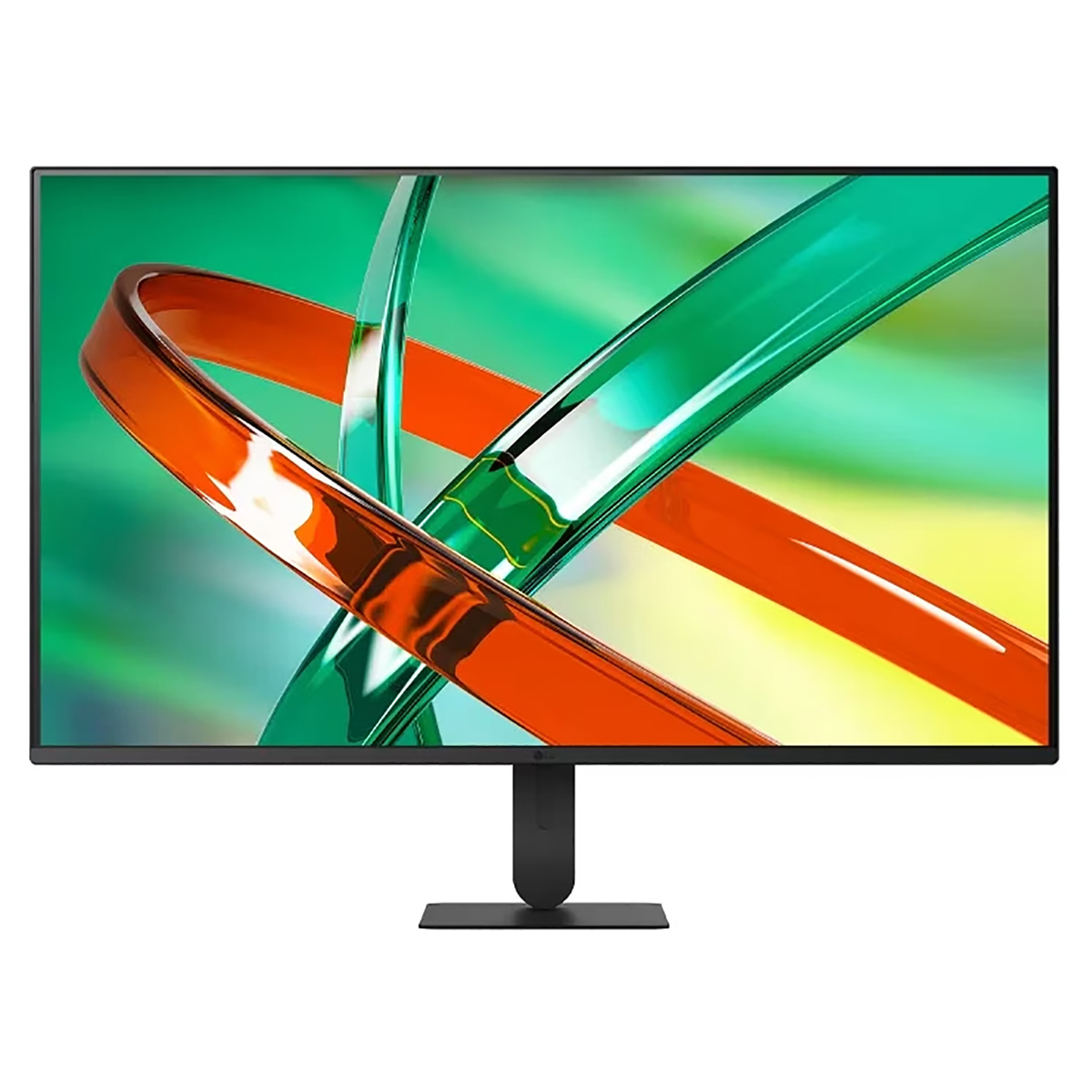
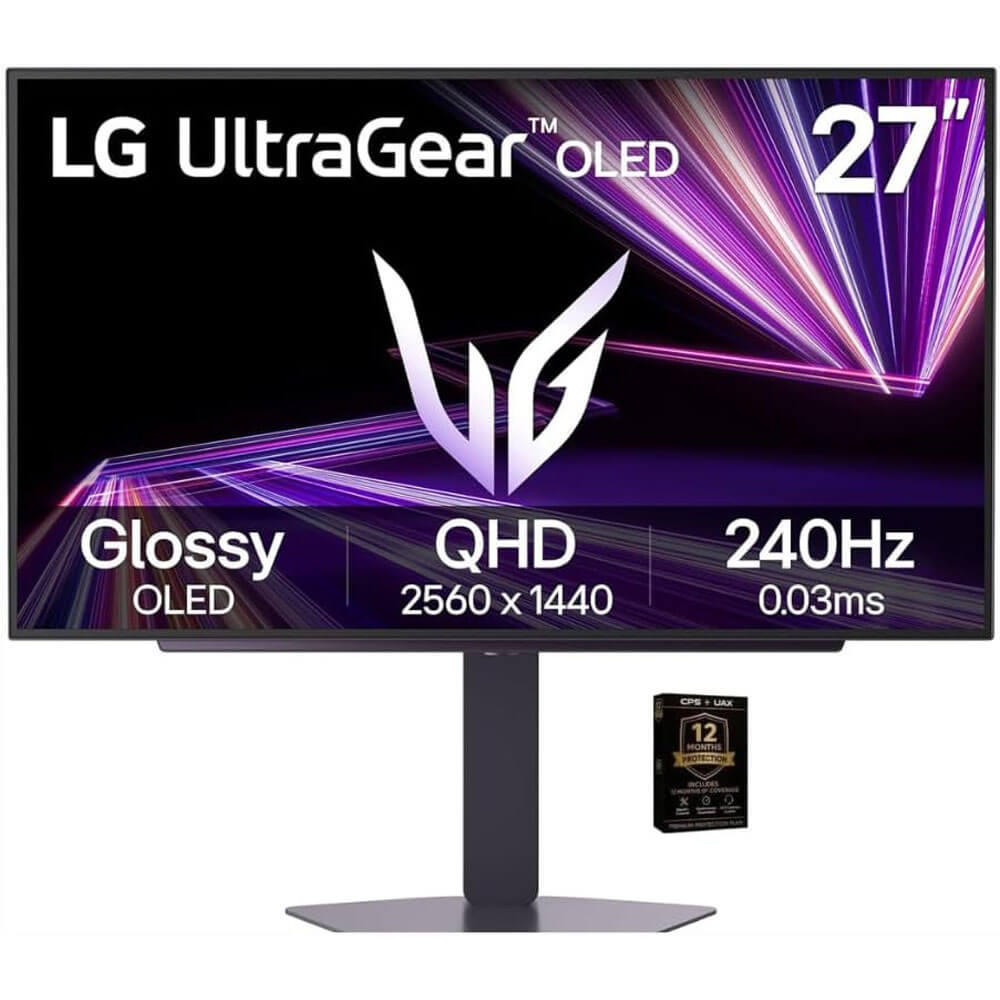
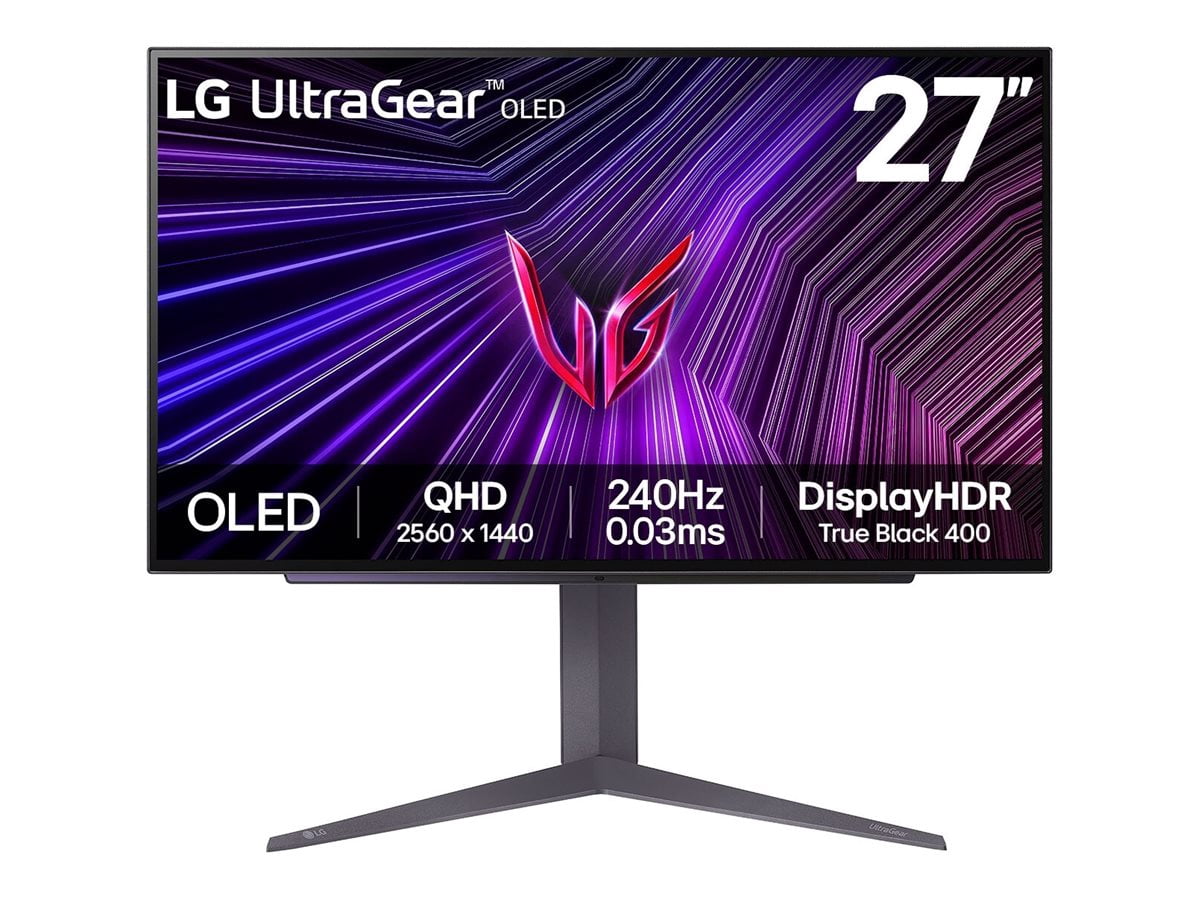
LG UltraGear 32" WQHD IPS Gaming Monitor
Where to buy
No store is showing a current price right now. The stores below sell it; ask the agent to check today's prices.
Prices are checked against each store and labelled with when.
Check today's price at PzDealsAsk our agent about this product
It checks today's price at every store, compares the alternatives and answers in about a minute.
In stock now from LG
- LG UltraGear 24" G4 IPS FHD 144Hz Gaming Monitor 24G411B-B$89.99 at Quick Ship ElectronicsVisit Quick Ship Electronics

- LG 24GS50F-B UltraGear 24" VA Gaming Monitor$153.18 at MacrotronicsVisit Macrotronics

- LG UltraGear 27" QHD 200Hz IPS Gaming Monitor$169.99 at BuyDig.com29% under its usual $238.09Visit BuyDig.com

Our take on the LG UltraGear 32" WQHD IPS Gaming Monitor
The LG UltraGear 32" WQHD IPS Gaming Monitor is a 2560x1440 gaming display built around an IPS panel, which gives it wide viewing angles and stable color from off-center seats. At 32 inches, the pixel density is lower than a 27-inch 1440p screen, so text and fine detail look a little softer, but the larger picture suits console and PC players who sit back. It competes with 32-inch 1440p rivals that often use VA panels with deeper blacks and faster pixel response, while the IPS panel here favors color accuracy and consistency. Shoppers who want a big, color-accurate 1440p screen for mixed gaming and desktop work are the natural audience.
- Wide viewing angles and consistent color from an IPS panel
- 2560x1440 resolution balances sharpness and GPU load
- 32-inch size gives an immersive, big-screen feel
- Good fit for both gaming and everyday desktop work
LG UltraGear 32" WQHD IPS Gaming Monitor prices at every store
- PzDealsCheck price at PzDeals
About the LG UltraGear 32" WQHD IPS Gaming Monitor
A 32 inch WQHD IPS monitor designed for immersive gaming and visual clarity.
Questions and answers
- Is 32 inches too big for 1440p?
- It is a matter of taste. At 32 inches the pixel density is lower than a 27-inch 1440p screen, so text and fine detail look slightly softer. Many players still prefer the bigger picture for immersion.
- Is an IPS panel good for gaming?
- IPS gives wide viewing angles and stable color, which helps in bright rooms and off-center seating. Its contrast is weaker than VA, so dark scenes look less deep, and fast-motion clarity depends on the panel's response time.
- Does it work well for office work as well as games?
- Yes. The 2560x1440 resolution gives useful desktop space and the IPS panel keeps color consistent across the screen. The lower pixel density at 32 inches is the main trade-off for text-heavy work.
- What should I check before buying?
- Confirm the refresh rate, response time and adaptive sync support, since those decide how it feels in fast games. Also check the stand's height and tilt adjustment and which ports it offers.
- How does it compare with a 27-inch 1440p monitor?
- The 27-inch version looks sharper because the same pixels are packed tighter. This 32-inch model trades some sharpness for a larger, more immersive image.