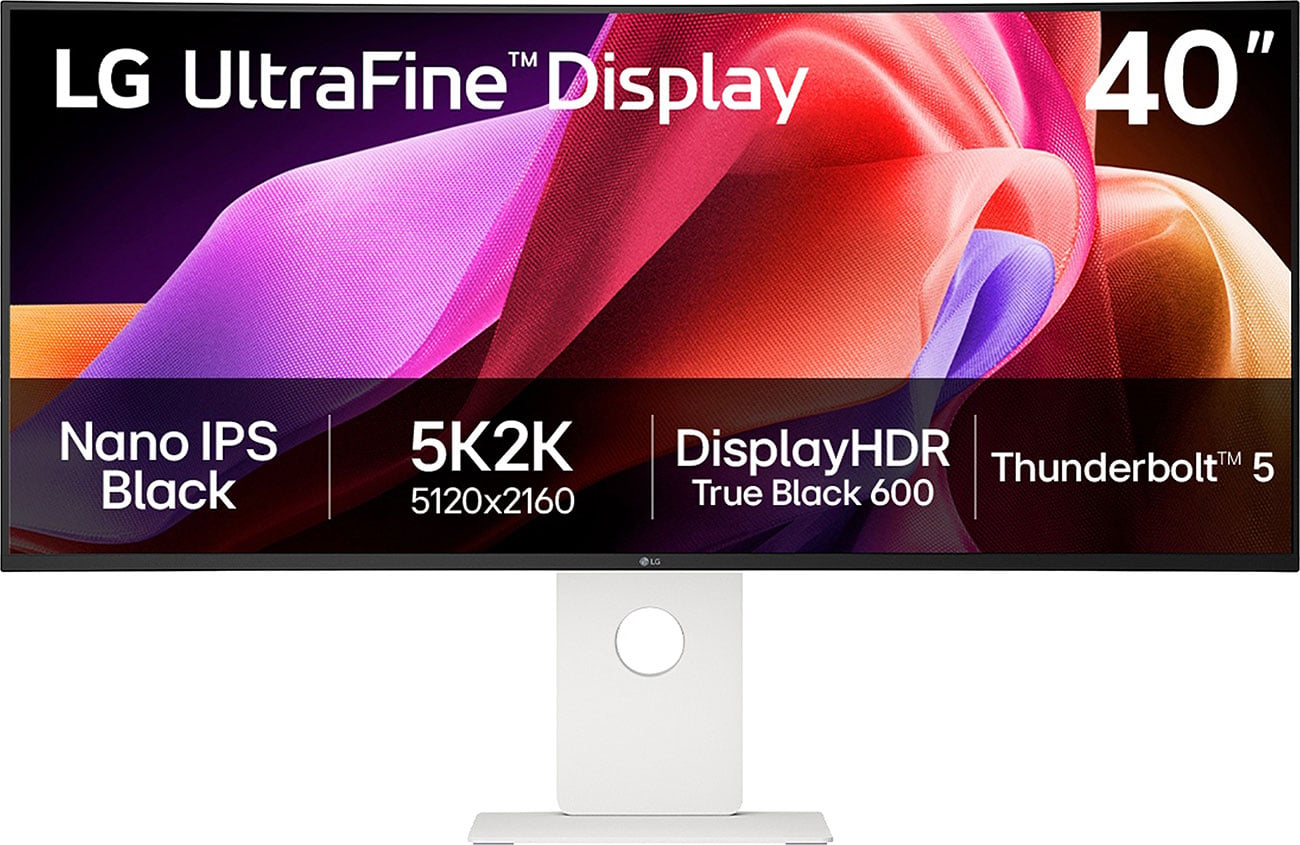
LG UltraWide Monitor 29U511A 29 WFHD
Last price we saw
Prices change often: ask the agent below to check today's price at every store.
Prices differ by screen size, and this one may be for a smaller size: check the size at the store.
Prices are checked against each store and labelled with when.
In stock now from LG

Our take on the LG UltraWide Monitor 29U511A 29 WFHD
The LG UltraWide 29U511A is a 29-inch ultrawide monitor with a 21:9 2560x1080 panel. The IPS panel covers about 99% of sRGB and supports HDR10, and the 100Hz refresh rate with AMD FreeSync keeps motion smoother than a standard 60Hz office screen. It suits multitaskers who want two or three windows side by side without a dual-monitor setup. Against 34-inch ultrawides it gives up some vertical height and sharpness, since 2560x1080 stretched over 29 inches is less dense than a 1440p panel.
- 21:9 width fits two or three windows side by side
- IPS panel with about 99% sRGB coverage
- 100Hz refresh rate with AMD FreeSync
- HDR10 support
- Wide viewing angles from IPS
- 2560x1080 is low pixel density at 29 inches
About the LG UltraWide Monitor 29U511A 29 WFHD
It has a resolution of 2560 x 1080 and an IPS/PLS panel that covers 99% of the sRGB color space (Typ.).
The monitor supports HDR10 and has a 100 Hz refresh rate. It uses AMD FreeSync adaptive sync technology.
- Display
- UltraWide WFHD
- Aspect ratio
- 21:9
- Resolution
- 2560 x 1080
- Panel type
- IPS/PLS
- Refresh rate
- 100 Hz
- HDR
- Yes (HDR10)
- Color coverage
- 99% sRGB (Typ.)
- Adaptive sync
- AMD FreeSync
Specifications
- Refresh Rate (Hz)
- 100klarna.com
- HDR
- Yesklarna.com
Ask our agent about this product
It checks today's price at every store, compares the alternatives and answers in about a minute.
Questions and answers
- Is 2560x1080 sharp enough at 29 inches?
- It is roughly equivalent to a 1080p screen stretched wider, so text is less crisp than on a 1440p panel. It is fine for documents and video, but pixel-peepers may notice softness.
- Does it work with Nvidia graphics cards?
- FreeSync is designed for AMD cards. Many Nvidia cards can run adaptive sync over DisplayPort, but support is not guaranteed, so check before relying on it.
- Is this good for gaming?
- The 100Hz refresh and FreeSync help with casual and mid-paced games. Competitive players usually want a higher refresh rate and a faster panel.
- How does it compare with a 34-inch ultrawide?
- A 34-inch 3440x1440 model gives more vertical space and much sharper text. This 29-inch screen is smaller and lighter on desk space.
- What is in the box?
- The monitor, stand, power cable and a display cable are typically included. Confirm the cable type with the seller, since bundles vary.