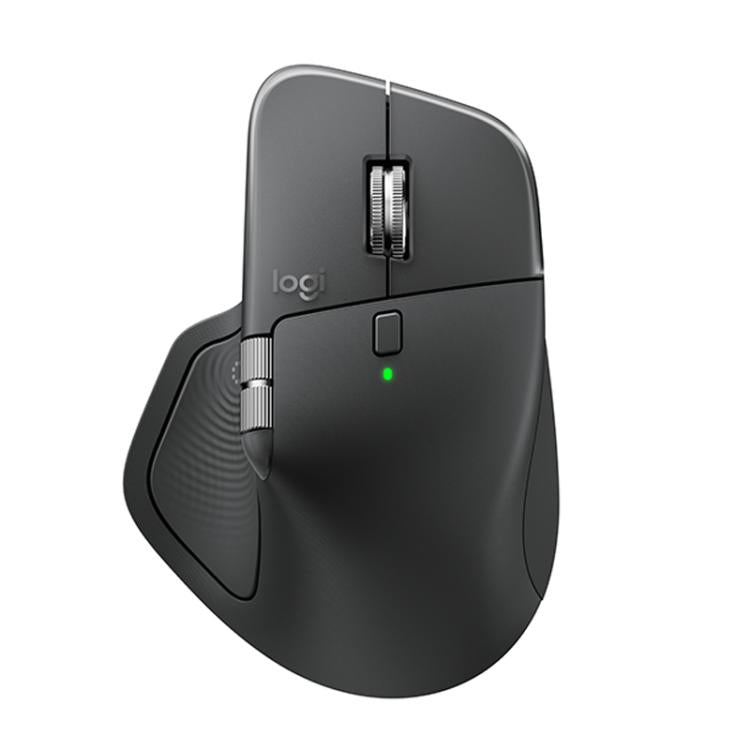
- Does the Logitech M185 need software or pairing?
- No. Plug the USB receiver into a free port and the mouse works right away on Windows, macOS and Chrome OS. There is no Bluetooth pairing and no Logitech Options install required.
- What battery does the M185 use, and how long does it last?
- It runs on one AA battery, which is included. Logitech rates battery life at about a year of typical use, and an on/off switch helps stretch it.
- Is the M185 good for gaming?
- No. The sensor is fixed at 1000 DPI with no DPI button, and there are no side buttons or adjustable polling settings. It is made for office work, browsing and travel.
- Will it fit large hands?
- It is a small mouse, so people with large hands often find it cramped for all-day use. It suits smaller hands and occasional laptop use better.
- Does it work with a Mac or a Chromebook?
- Yes. It works with macOS and Chrome OS as well as Windows, using the same USB receiver. Mac users get basic button and scroll functions without extra software.
- Can I use it on a glass desk?
- No. The optical sensor needs a surface with some texture, so use a mousepad or a non-glossy desk.
- Where is the Logitech M185 Wireless Mouse cheapest?
- At Adorama, for $17.99, as of our latest check.
- What do buyers say about the Logitech M185 Wireless Mouse?
- Rated 4.5 out of 5 from 6,768 ratings.
- Where can I buy the Logitech M185 Wireless Mouse?
- 10 stores we checked sell it, including Office Depot, Staples, Adorama, Quill, TWIST.