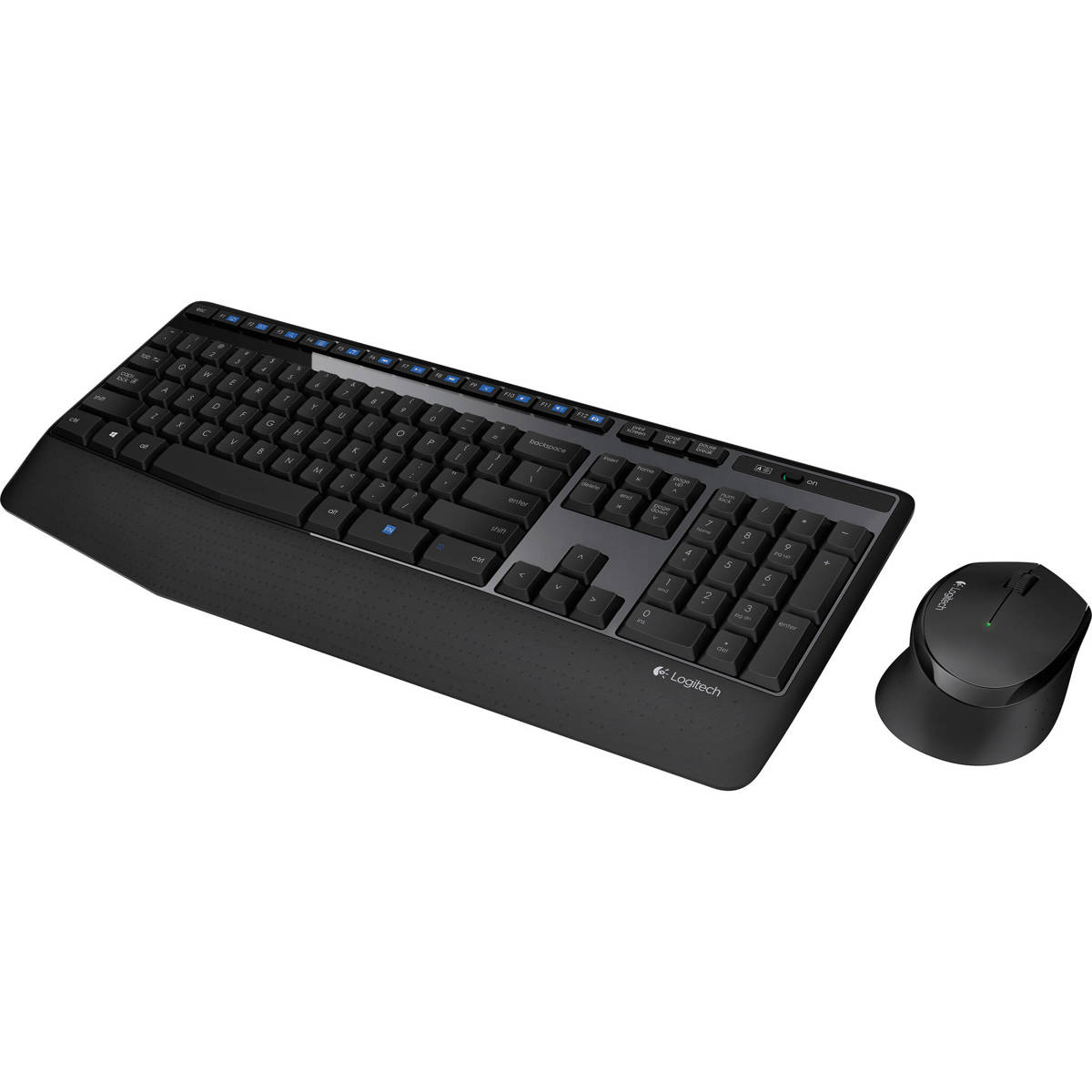
- Is the MK470 good for typing?
- It offers a low-profile scissor-key feel similar to a laptop, which many find comfortable for everyday typing. However, heavy typists may prefer a mechanical keyboard with more key travel.
- Does the mouse work on different surfaces?
- The mouse uses an optical sensor and works on most surfaces, but a mousepad is recommended for best performance.
- Can I connect the MK470 to multiple devices?
- No, it connects via a single USB receiver and does not support Bluetooth or multi-device pairing.
- What is included in the box?
- The box includes the keyboard, mouse, USB receiver, and two AA batteries (one for each device).
- Is the keyboard backlit?
- No, the MK470 keyboard does not have backlighting.
- How do I pair the keyboard and mouse?
- They come pre-paired to the included USB receiver. Just plug the receiver into a USB port and they should work automatically.
- Where is the Logitech MK470 Slim Wireless Keyboard Mouse Combo cheapest?
- At Newegg, for $31.99, 36% under what the other stores charge, as of our latest check.
- What do buyers say about the Logitech MK470 Slim Wireless Keyboard Mouse Combo?
- Rated 4.5 out of 5 from 706 ratings.
- Where can I buy the Logitech MK470 Slim Wireless Keyboard Mouse Combo?
- 6 stores we checked sell it, including Newegg, Best Buy, Staples, Office Depot, Quill.