- Is the MX Brio worth it over a cheaper 1080p webcam?
- If you stream or take a lot of video calls in poor light, the 4K sensor and larger pixels are a real step up. For casual calls, a 1080p webcam costs far less and is often enough.
- Does it do 4K at 60fps?
- No. It records 4K at up to 30fps and 1080p at up to 60fps.
- Do I need G HUB to use it?
- It works plug-and-play over USB-C, but manual exposure, white balance and other fine settings are adjusted in Logitech G HUB.
- Does it work with Zoom, Teams and Google Meet?
- Yes. It is listed as compatible with Zoom, Microsoft Teams and Google Meet, and it also works on ChromeOS.
- Can I mount it on a tripod?
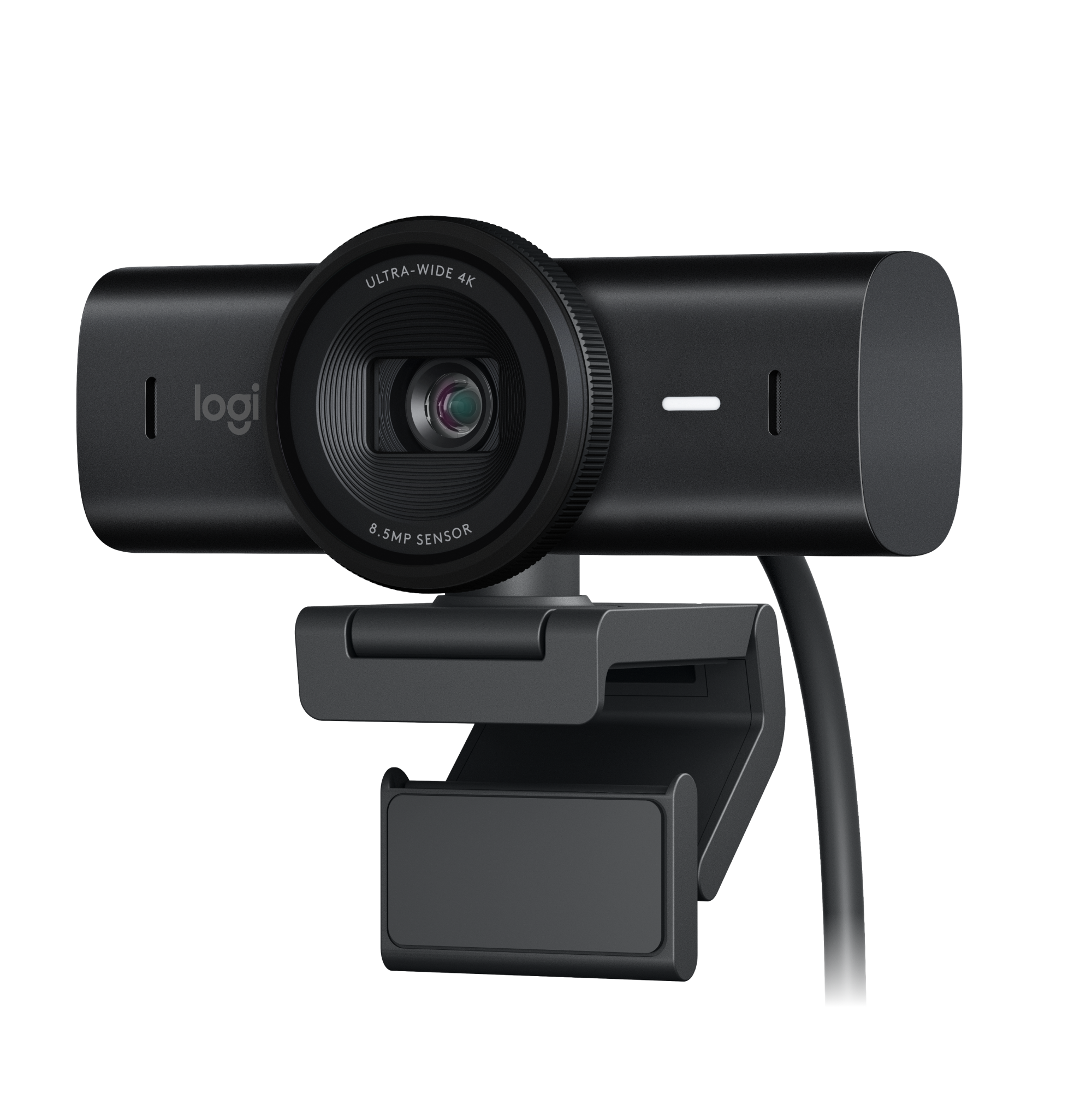
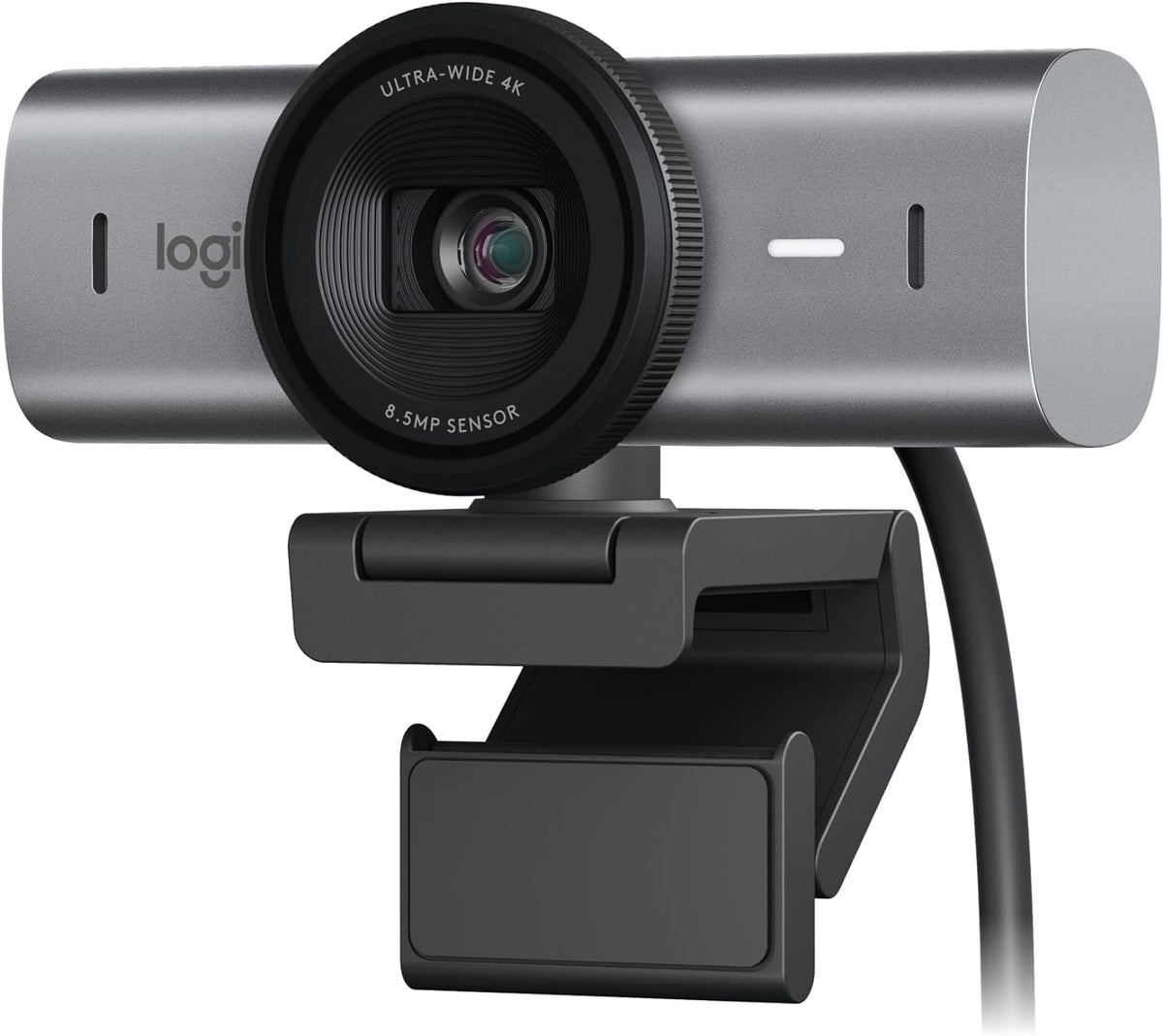
- Yes. It has a tripod mount and weighs 4.83 oz, with a width of 3.9 inches.
- How does it compare with the earlier Brio 4K?
- The MX Brio uses a Sony Starvis sensor with pixels 70% larger than the previous Brio 4K, which should mean cleaner video in dim rooms. Both top out at 4K 30fps, and the MX Brio adds face detection and G HUB control.
- What is Show Mode?
- Show Mode tilts the camera down so you can share physical work and notes on a video call.
- What can I adjust in G HUB?
- ISO, shutter speed, temperature, tint and vibrance, plus white balance, so you can tune the picture to your room.
- Where is the Logitech MX Brio 4K Ultra HD Webcam cheapest?
- At Amazon, for $161.49, 19% under what the other stores charge, as of our latest check.
- Is the Logitech MX Brio 4K Ultra HD Webcam at its lowest price?
- Yes: $161.49 is the lowest price we've seen for it since October 31.
- What do buyers say about the Logitech MX Brio 4K Ultra HD Webcam?
- Rated 4.7 out of 5 from 415 ratings.
- Where can I buy the Logitech MX Brio 4K Ultra HD Webcam?
- 14 stores we checked sell it, including Amazon, Best Buy, Micro Center, Macy's, Lenovo.