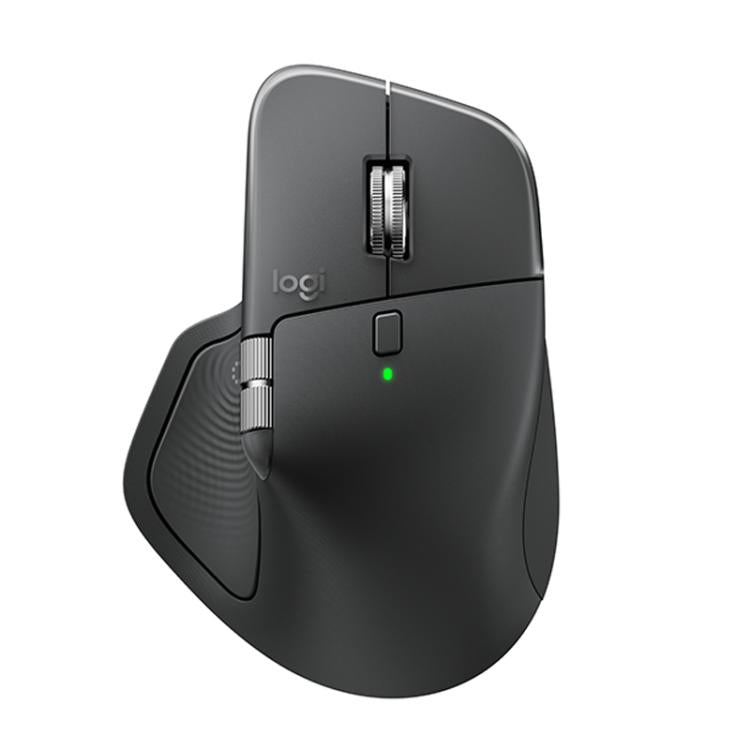
- How is a trackball different from a regular mouse?
- You move the cursor by rolling the ball with your thumb instead of sliding the whole mouse. The mouse body stays in one spot, so your wrist and forearm move less.
- Can I use it with more than one computer?
- Yes. It pairs over Bluetooth and also works with Logitech's USB receiver, so you can switch between devices.
- Is it good for gaming?
- It is built for desk work and precision, not fast twitch gaming. The thumb ball is slower for quick flick aiming than a light gaming mouse.
- Does the tilt angle adjust?
- Yes. The hinged base lets you set the ball at a flat angle or a raised one, so you can match the tilt to your hand.
- Is it suitable for left-handed users?
- No. The body and thumb ball are shaped for the right hand.
- What is in the box?
- The mouse, a USB receiver and a charging cable. Check the listing for the exact bundle.
- Where is the Logitech MX Ergo S Plus Wireless Mouse cheapest?
- At Newegg, for $93.00, as of our latest check.
- Where can I buy the Logitech MX Ergo S Plus Wireless Mouse?
- 7 stores we checked sell it, including Newegg, Best Buy, Abt Electronics, B&H Photo, Staples.