StoreDeal.ai store
Shop
  • Deals
  • Deal checker
  • Black Friday
  • Buying guides
  • Brands
  • Stores
Travel
  • Flight deals
  • Hotel deals
Company
  • Research
  • Press
  • Use in AI assistants
  • Contact
  • deal.ai apps
Black Friday 2026
  • Walmart
  • Best Buy
  • Target
  • TVs
  • Laptops
  • Headphones
  • Apple
  • Gaming
  • Vacuums
  • Kitchen
  • Toys
  • Smartwatches
  • Tablets
  • Furniture
  • Mattresses
© Deal.ai Inc.·2222 Ponce de Leon Blvd, Miami, FL 33134·support@deal.ai
TermsPrivacy
Deal.ai › Logitech › Ergonomic & Trackball Mouse
Logitech
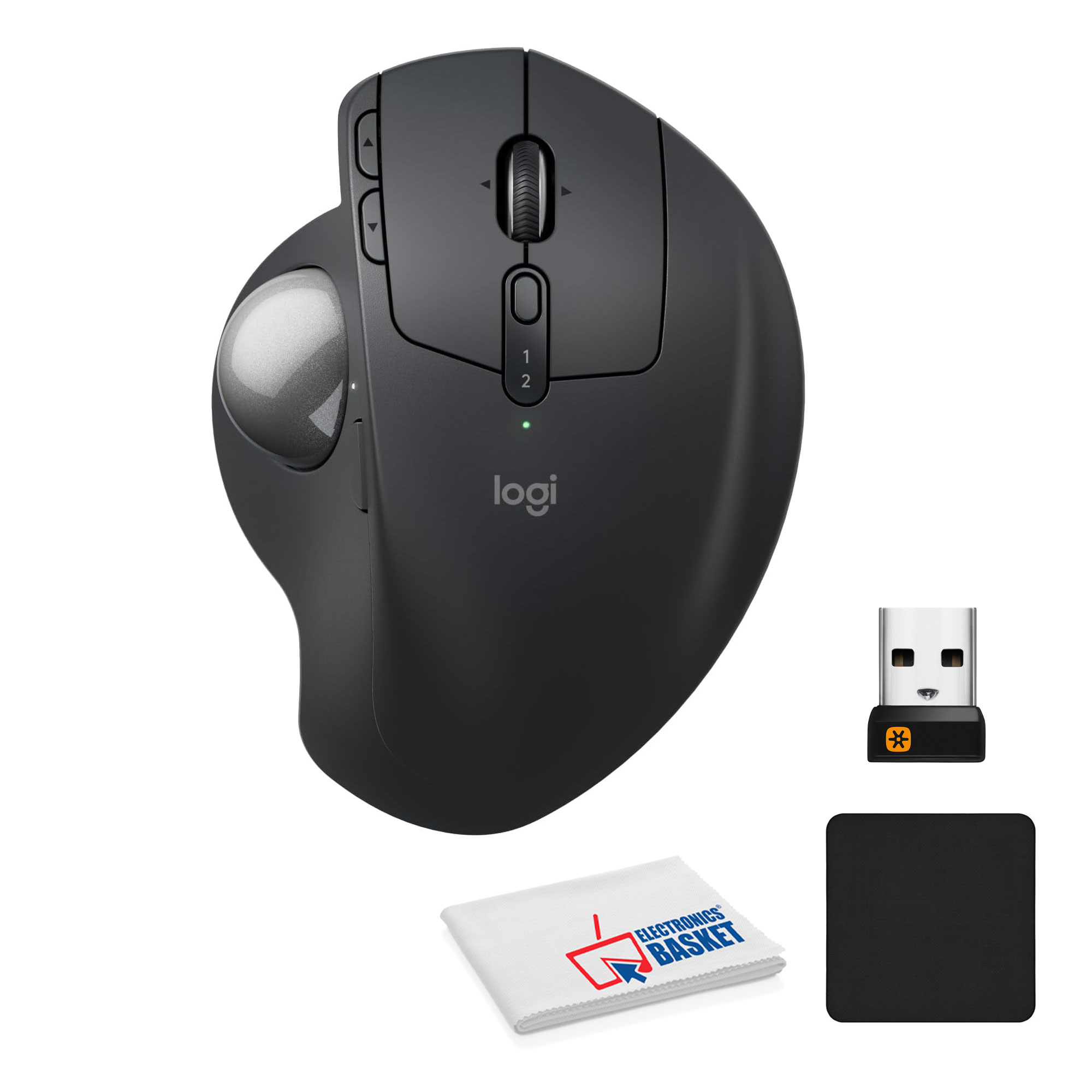
Logitech MX Ergo S Trackball

Logitech MX Ergo S Trackball

3(1 rating)

Best price now

$109.95at WalmartChecked Nov 14

Prices are checked against each store and labelled with when.

Visit Walmart

Ask our agent about this product

It checks today's price at every store, compares the alternatives and answers in about a minute.

Enter to send, Shift+Enter for a new line

Price facts

  • Last seen at $109.95 at Walmart on Nov 14.

Our take on the Logitech MX Ergo S Trackball

The MX Ergo S is Logitech's wireless ergonomic thumb trackball, a refresh of the MX Ergo with quieter clicks and USB-C charging. Its 20-degree tilt is certified by ergonomists and Logitech claims it cuts forearm muscle strain by 27%. The sculpted body with a soft rubber grip suits medium to large hands, and six customizable buttons plus a DPI switch cover everyday work. Against rivals like the Kensington Expert Mouse or SlimBlade, it trades a finger ball for thumb control and a tilting base, so the hand stays still and only the thumb moves.

Best forDesk workers with wrist or forearm strainPeople who want to keep the hand still all dayMedium to large handsSpreadsheet, coding and multi-monitor work
Pros
  • Thumb control keeps the arm and wrist stationary
  • 20-degree tilt supports a more natural forearm posture
  • Six customizable buttons plus a DPI switch
  • Quiet clicks and USB-C charging over the older MX Ergo
  • Sculpted shape with soft rubber grip
Cons
  • Thumb trackballs can strain the thumb over long sessions
  • Large footprint takes desk space
  • Tilt angle is fixed, not adjustable
  • Logi Options+ software needed for full button customization

Logitech MX Ergo S Trackball prices at every store

  • WalmartNew

    In stockSold by TechoramaReturns: Sold by a Walmart Marketplace seller; returns go to the seller under the seller's returns policy.

    $109.95Free shippingChecked Nov 14
    Visit Walmart

What reviewers say

Owners of the MX Ergo line praise the reduced wrist movement and the tilting base for all-day comfort. Many say the quiet clicks and USB-C port are welcome fixes, while some find the thumb ball takes getting used to and the software fussy.

What people mention
  • ComfortPraisedOwners say the tilted base and still hand ease wrist and forearm strain through the workday.
  • Thumb controlMixedPrecise once learned, but some users report thumb fatigue after long sessions.
  • ClicksPraisedThe quieter switches are a noted improvement over the earlier MX Ergo.
  • ChargingPraisedUSB-C charging is seen as a practical upgrade over micro-USB.
  • SoftwareCriticisedSome find Logi Options+ needed for button customization and occasionally glitchy.
  • Learning curveMixedTrackball newcomers say it takes days to adjust to thumb-based cursor control.

About the Logitech MX Ergo S Trackball

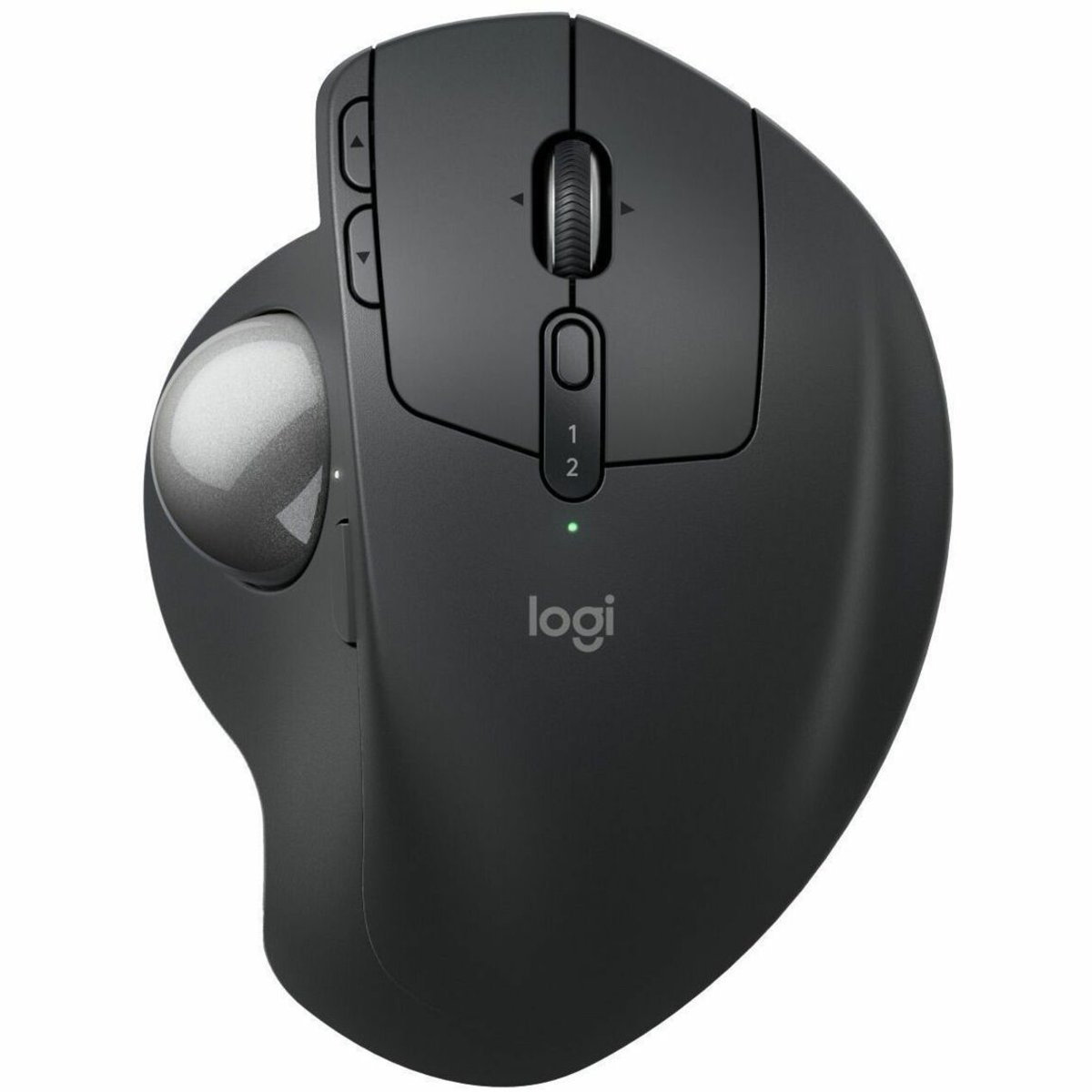
The Logitech MX Ergo S is a wireless ergonomic trackball. You control the cursor with your thumb while your hand stays supported on the sculpted body, which has a soft rubber grip. It suits medium to large-sized hands.

The trackball has a 20-degree tilt angle that is certified by ergonomists. The tilt encourages a better forearm posture and reduces forearm muscle strain by 27%. The clicks are quiet, and the trackball charges over USB-C.

A DPI button switches between fast and high-precision tracking. Six customizable buttons let you assign shortcuts or Smart Actions in the Logi Options+ app.
Type
Wireless ergonomic trackball
Color
Gray
Tilt angle
20 degrees
Buttons
6 customizable buttons plus a DPI button
Charging
USB-C
Hand size
Medium to large
Software
Logi Options+ app
Grip
Soft rubber

Specifications

color
GraySource

Questions and answers

Is the MX Ergo S worth it over the original MX Ergo?
The S adds quiet clicks and USB-C charging to the same tilting thumb-trackball design. If you already own the MX Ergo, the upgrade is mainly about noise and charging; first-time buyers get the full ergonomic benefit either way.
How does it compare with a finger trackball like the Kensington Expert Mouse?
The MX Ergo S uses thumb control with a 20-degree tilt, so the hand stays still and the thumb does the work. Finger trackballs keep the thumb free but need more hand movement and usually lack the tilt.
Does the tilt angle adjust?
The 20-degree tilt is built into the base and is fixed. You can't change the angle, so check that the posture suits your desk setup.
What's in the box?
You get the trackball, a USB-C charging cable and the Logi Bolt USB receiver for wireless connection. Button customization uses the Logi Options+ app.
Is it good for small hands?
Logitech describes the sculpted body as a fit for medium to large hands. Smaller hands may find the palm rest and thumb reach less comfortable.
Can I use it with multiple devices?
Yes. It pairs over Logi Bolt or Bluetooth and can switch between paired computers, so one trackball can serve a desktop and a laptop.
Where is the Logitech MX Ergo S Trackball cheapest?
At Walmart, for $109.95, as of our latest check.
What do buyers say about the Logitech MX Ergo S Trackball?
Rated 3 out of 5 from 1 ratings.

More from Logitech

  • L
    Logitech MX Master 4 High Performance Wireless Mouse
    Logitech MX Master 4 High Performance Wireless Mouse
  • L
    Logitech MX Ergo S Wireless Trackball Mouse
    Logitech MX Ergo S Wireless Trackball Mouse
  • L
    Logitech MX Master 3 Advanced Wireless Mouse
    Logitech MX Master 3 Advanced Wireless Mouse
  • L
    Logitech MX Creative Console
    Logitech MX Creative Console
  • L
    Logitech MX Master 4 Ergonomic Wireless Performance Mouse
    Logitech MX Master 4 Ergonomic Wireless Performance Mouse
  • L
    Logitech MX Master 4 Creator Edition
Logitech MX Master 4 Creator Edition
  • L
    Logitech MX Master 4 910-007561 Wireless Mouse
    Logitech MX Master 4 910-007561 Wireless Mouse
  • L
    Logitech MX Master 4 Developer Edition
    Logitech MX Master 4 Developer Edition
  • All Logitech deals and products →

    More wireless mice

    • L
      Logitech MX Master 3S Wireless Mouse
      Logitech MX Master 3S Wireless Mouse
    • M
      Microsoft Surface Precision Mouse
      Microsoft Surface Precision Mouse
    • L
      Logitech MX Anywhere 3S Wireless Mouse
      Logitech MX Anywhere 3S Wireless Mouse
    • R
      Razer Basilisk V3 Pro Wireless Mouse
      Razer Basilisk V3 Pro Wireless Mouse
    • H
      HYPERLIGHT
      HYPERLIGHT
    • K
      Keychron M6 Wireless Mouse
      Keychron M6 Wireless Mouse
    • S
      Slim EX Wireless Mouse
      Slim EX Wireless Mouse
    • K
      Keychron G3 Ultra Light Wireless Mouse
      Keychron G3 Ultra Light Wireless Mouse