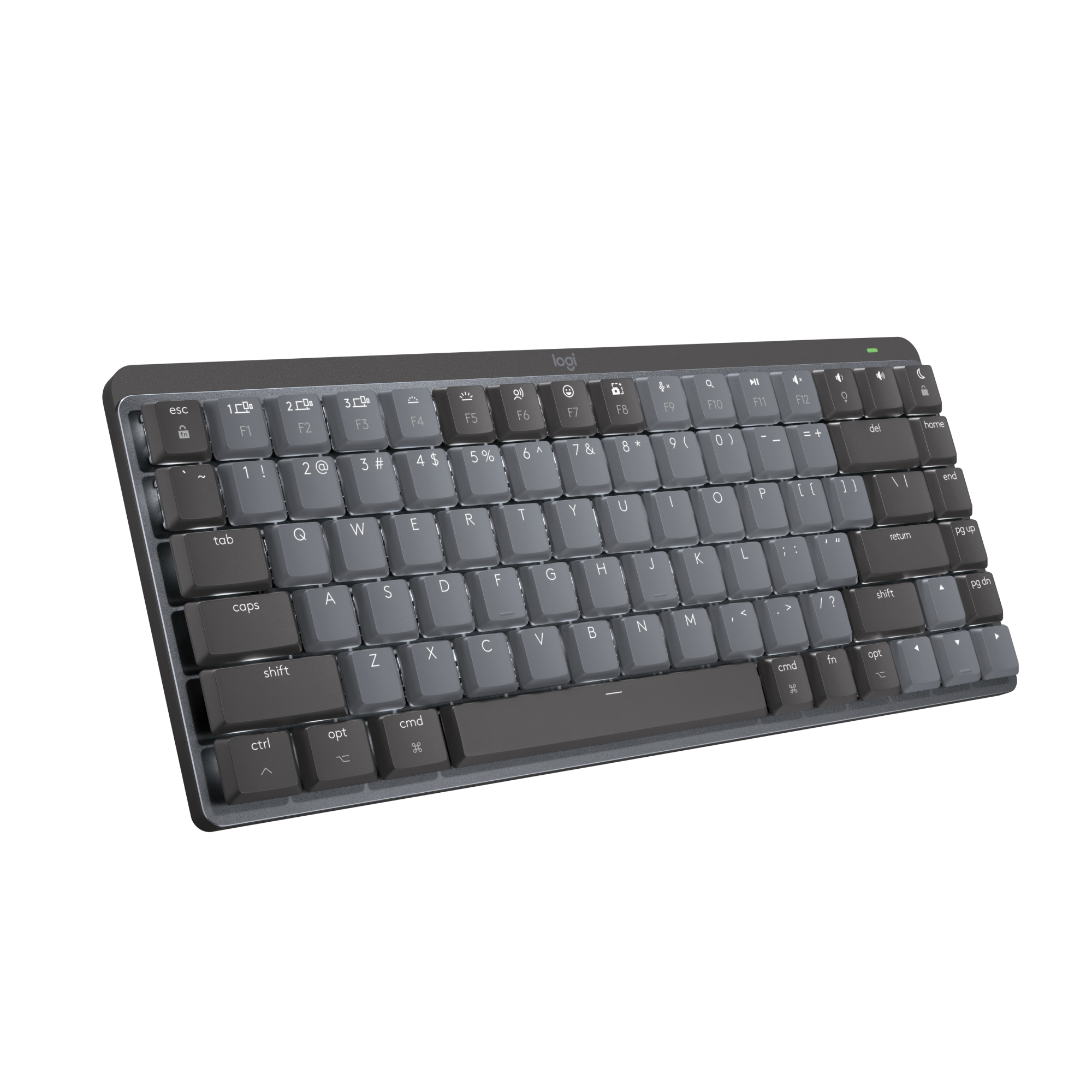
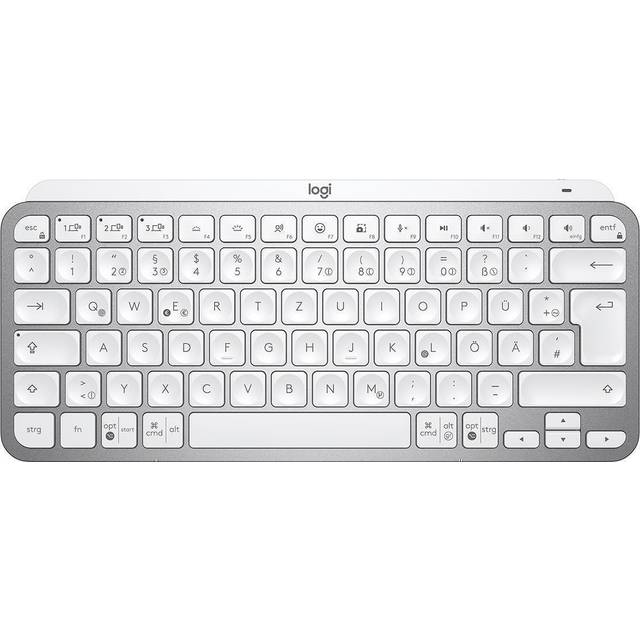
Logitech MX Keys S Wireless Keyboard With Smart Actions Shortcuts
Where to buy
No store is showing a current price right now. The stores below sell it; ask the agent to check today's prices.
Prices are checked against each store and labelled with when.
Check today's price at PzDealsIn stock now from Logitech
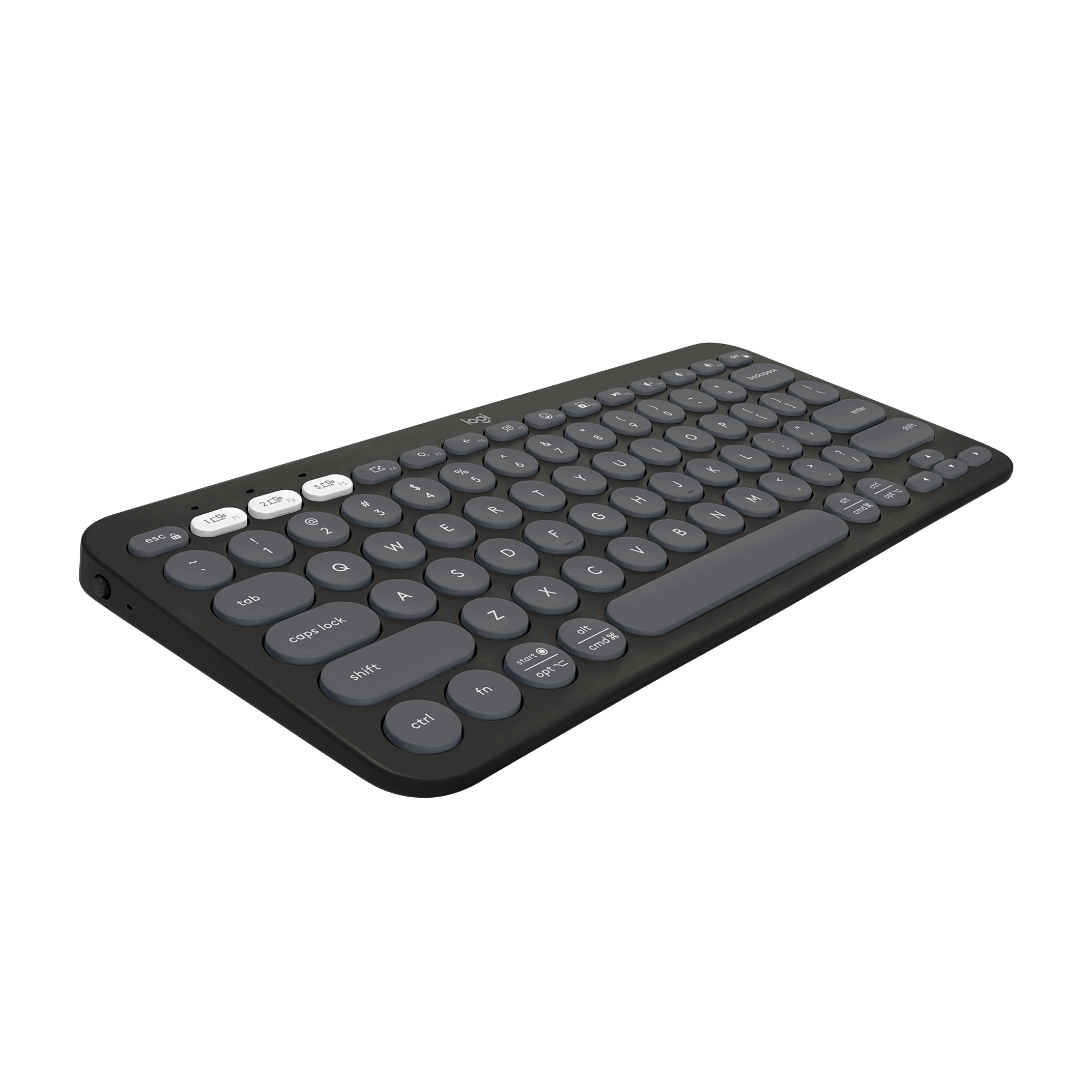

Our take on the Logitech MX Keys S Wireless Keyboard With Smart Actions Shortcuts
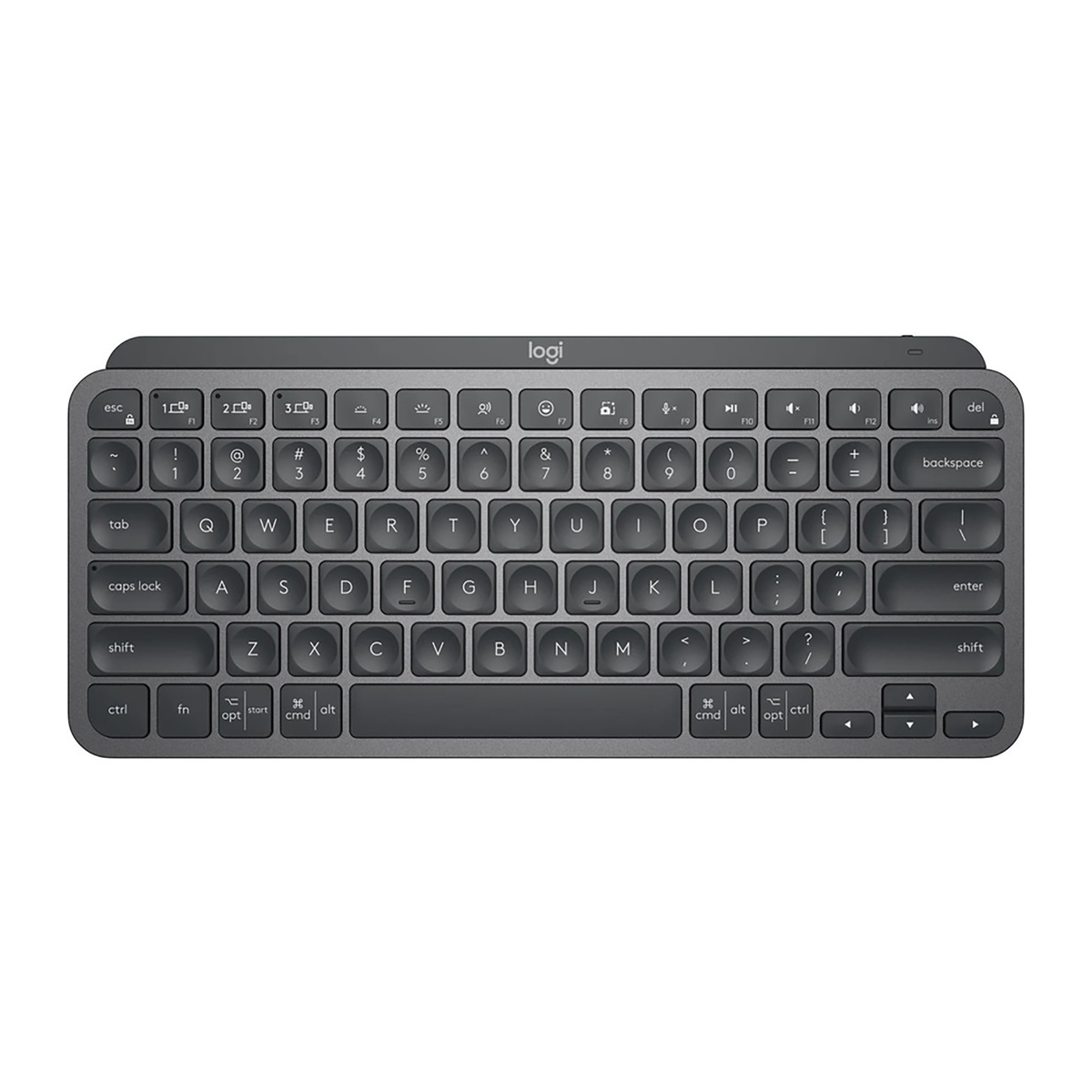
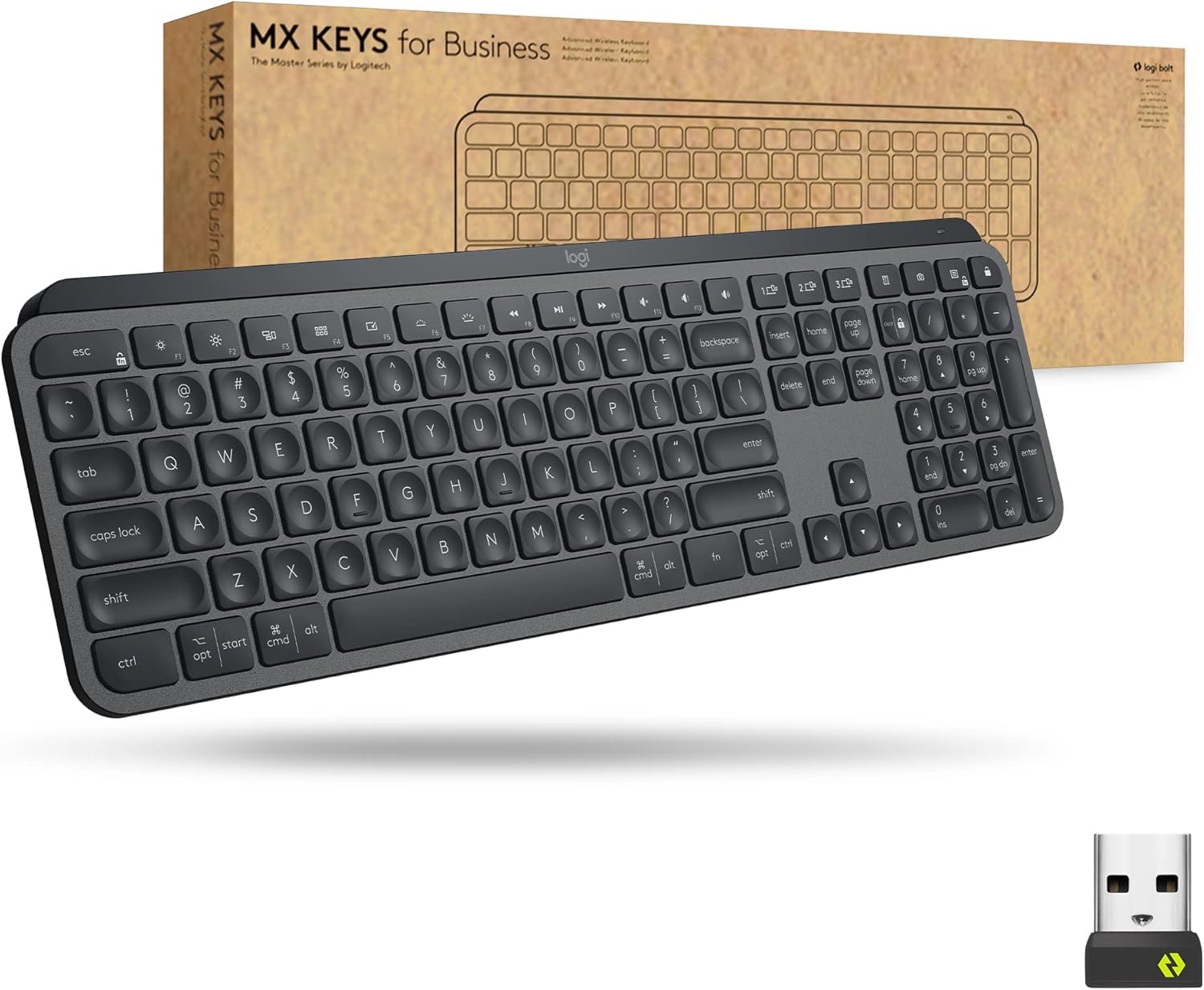
The MX Keys S is Logitech's full-size wireless keyboard with low-profile, backlit square keys and a quiet scissor mechanism. It adds Smart Actions, Logitech's macro shortcuts that chain app commands into one keypress, and a backlight that brightens as your hands approach. It suits people who type all day across several devices and want a laptop-like feel with a number pad. Against the MX Keys it replaces, it keeps the same layout and feel but adds the shortcut software and a smoother backlight; it is not a mechanical keyboard, so typists who want deep travel or a hot-swappable board should look elsewhere.
- Low-profile keys with a quiet, stable scissor feel
- Backlight that turns on as your hands get close
- Pairs with up to three devices and switches between them
- Smart Actions chain multi-step app commands into one key
- Full layout with number pad and dedicated media keys
Logitech MX Keys S Wireless Keyboard With Smart Actions Shortcuts prices at every store
- PzDealsCheck price at PzDeals
What reviewers say
Owners generally rate the MX Keys S highly for its quiet, comfortable typing and the convenience of switching between devices. Complaints center on the shallow key travel and on battery life when the backlight is on.
- Key feelMixedTypists like the quiet, stable scissor keys but some find the travel too shallow for long sessions.
- BacklightMixedThe hand-proximity backlight is convenient, though owners say it drains the battery noticeably.
- Multi-devicePraisedSwitching between three paired devices is quick and reliable.
Ask our agent about this product
It checks today's price at every store, compares the alternatives and answers in about a minute.
Questions and answers
- How is the MX Keys S different from the MX Keys?
- The layout, key feel and metal body carry over. The S adds Smart Actions macros and a backlight that reacts to your hands, plus a slightly refined design.
- Does it work with Mac and Windows?
- Yes. It pairs over Bluetooth or the included Logitech Bolt receiver and works with Windows, macOS, Linux, iPadOS and Android, with Mac and Windows key layouts printed on the keys.
- How many devices can it connect to?
- Up to three, and you switch between them with the keys above the number pad.
- Is it good for gaming?
- It works, but the shallow scissor keys and Bluetooth connection suit office work better than fast-paced gaming.
- What is in the box?
- The keyboard, a USB-C charging cable and a Logi Bolt USB receiver.
- Can I use it without installing Logitech software?
- Yes for typing, backlight and device switching. Smart Actions and key customization need Logi Options+.