- Is the G PRO 2 worth it over the G PRO X Superlight 2?
- The G PRO 2 is lighter and simpler, while the Superlight 2 adds a higher maximum polling rate and longer battery life. Pick the G PRO 2 for a lower weight and a plainer shape.
- Does it reach 4 kHz polling out of the box?
- No. It runs at 2 kHz with the included receiver. Reaching 4 kHz requires Logitech's separate Lightspeed receiver upgrade.
- How long does the battery last?
- Logitech rates it for roughly 95 hours at 1 kHz and less at higher polling rates. Expect shorter runs if you game at 2 kHz or 4 kHz.
- Can I use it over Bluetooth?
- Yes. It pairs over Bluetooth for everyday use and switches to Lightspeed for gaming.
- What is in the box?
- The mouse, a Lightspeed USB receiver, a USB charging cable and Logitech's grip tape. The 4 kHz receiver is sold separately.
- Is it good for large hands?
- It is a small, low-profile mouse best suited to claw and fingertip grips. Palm grippers with large hands often find it too short.
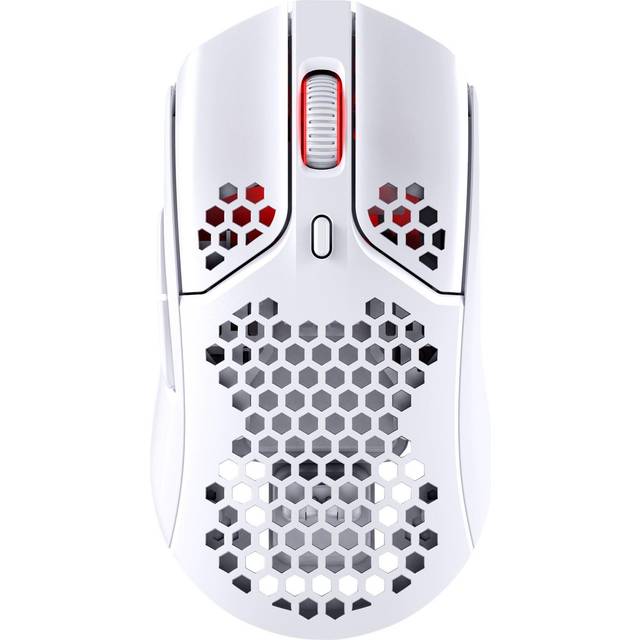
- Where is the Logitech PRO 2 Wireless Optical USB Gaming Mouse cheapest?
- At Newegg, for $105.99, as of our latest check.
- Where can I buy the Logitech PRO 2 Wireless Optical USB Gaming Mouse?
- 6 stores we checked sell it, including Newegg, Best Buy, Staples, Adorama, Sunny Sports.