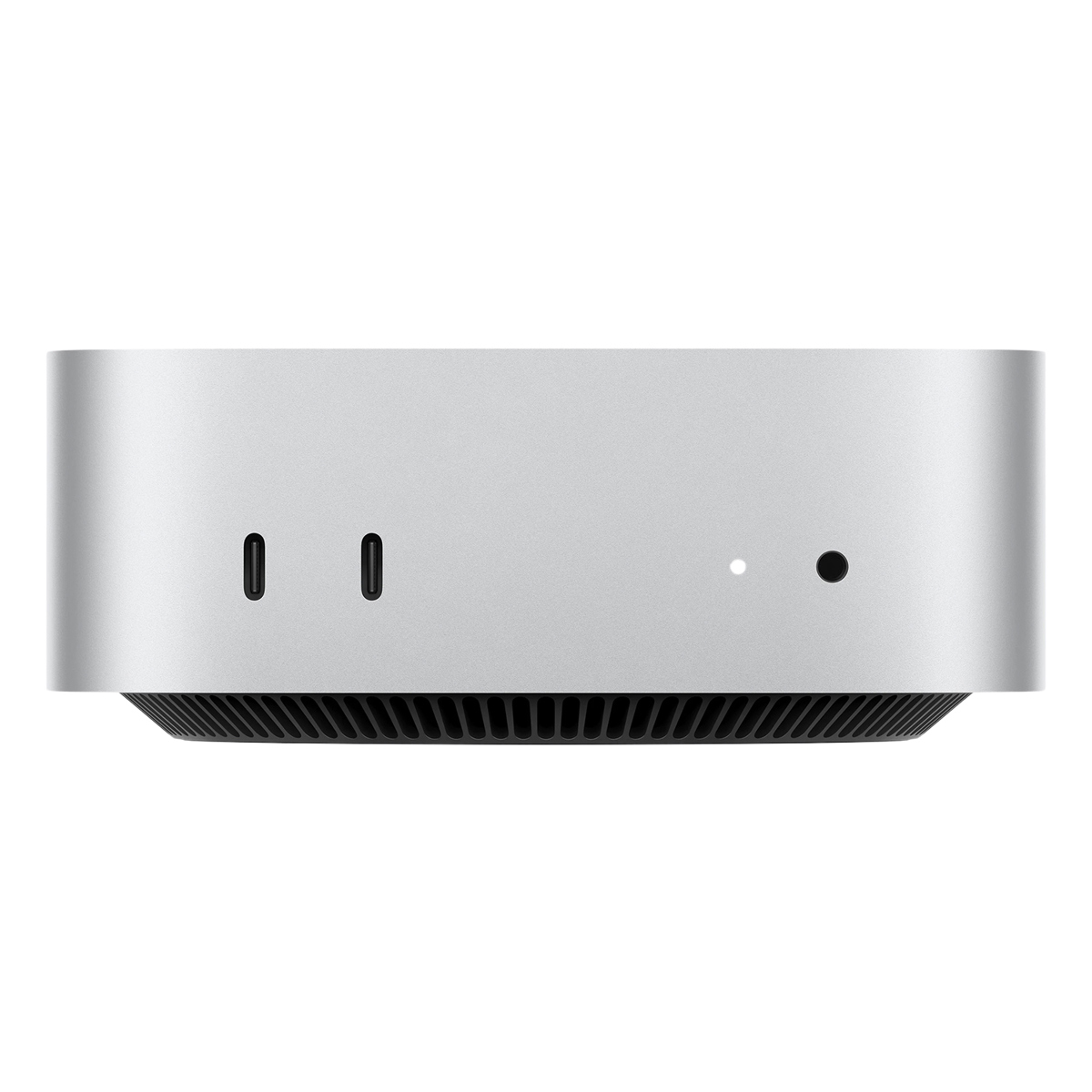
- Is the M6 Mac mini good for everyday use?
- Yes. The 12-core CPU and 16GB of memory handle browsing, office apps, video calls and photo editing smoothly. It is more than most home and office users need.
- Can I upgrade the memory or SSD later?
- No. The 16GB of unified memory and 256GB SSD are fixed at purchase, so choose the configuration you will need for the next few years. External drives can add storage.
- What comes in the box?
- The Mac mini, a power cord and Apple's documentation. There is no monitor, keyboard or mouse, so plan for those separately.
- How many monitors can it drive?
- The M6 chip supports multiple external displays, which makes it a good fit for multi-monitor desks. Check Apple's display support figures for the exact resolution and refresh-rate limits.
- How does it compare with a Mac Studio?
- The Mac mini is smaller and cheaper to configure, and is enough for office work and light creative tasks. The Mac Studio adds more ports and higher-end chip options for heavy video and 3D work.
- Is 256GB of storage enough?
- For documents, streaming and cloud-based work, yes. If you keep large photo, video or game libraries locally, plan on an external SSD.
- Where is the Mac mini Apple M6 chip 12core CPU 12core GPU 16GB 256GB SSD cheapest?
- At TigerTech Shop, for $799.00, as of our latest check.
- Where can I buy the Mac mini Apple M6 chip 12core CPU 12core GPU 16GB 256GB SSD?
- 2 stores we checked sell it, including TigerTech Shop, Amazon.