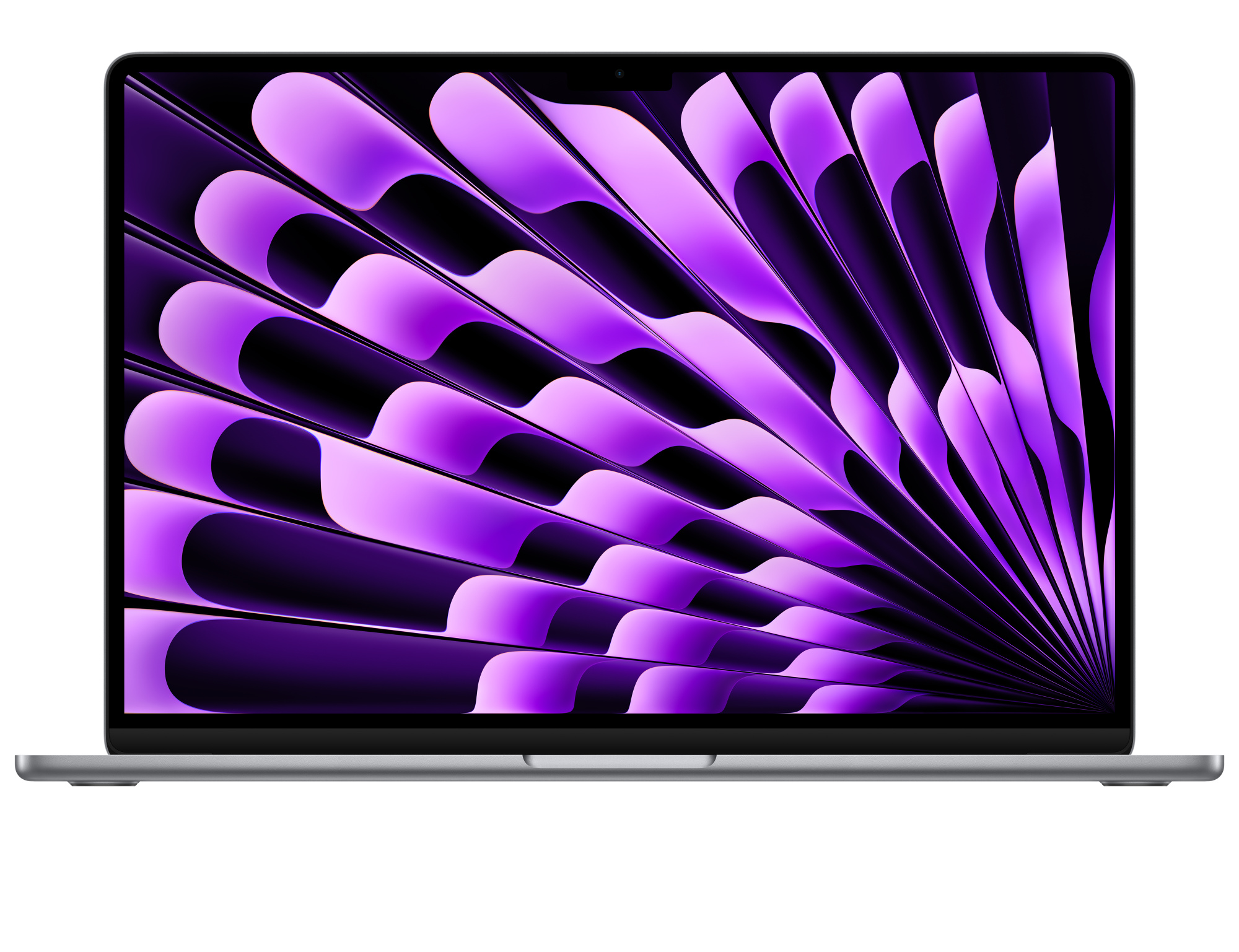
- Is the M5 Pro a big step up from the M4 Pro?
- Apple positions each Pro chip generation as a moderate gain over the last, with the biggest jumps in graphics and Neural Engine work. If you already own an M4 Pro, the upgrade is mainly worth it for the newer Thunderbolt 5 ports and display refinements rather than a dramatic speed change.
- Can I upgrade the RAM or storage later?
- No. Memory is part of the M5 Pro package and the SSD is soldered, so choose your configuration at purchase. Plan for headroom if you edit high-resolution video or run several virtual machines.
- What comes in the box?
- The 14-inch MacBook Pro, a 2 m USB-C to MagSafe 3 cable and a USB-C power adapter. No external display or mouse is included.
- Does it have an SD card slot?
- Yes. There is a built-in SDXC card slot, which is useful for importing camera footage without a dongle, alongside HDMI and three Thunderbolt 5 ports.
- Is the 14-inch screen big enough for video editing?
- The 14-inch Liquid Retina XDR panel is sharp and bright enough for on-the-go editing, but timeline-heavy work benefits from an external monitor. The 16-inch model gives more workspace at the cost of portability.
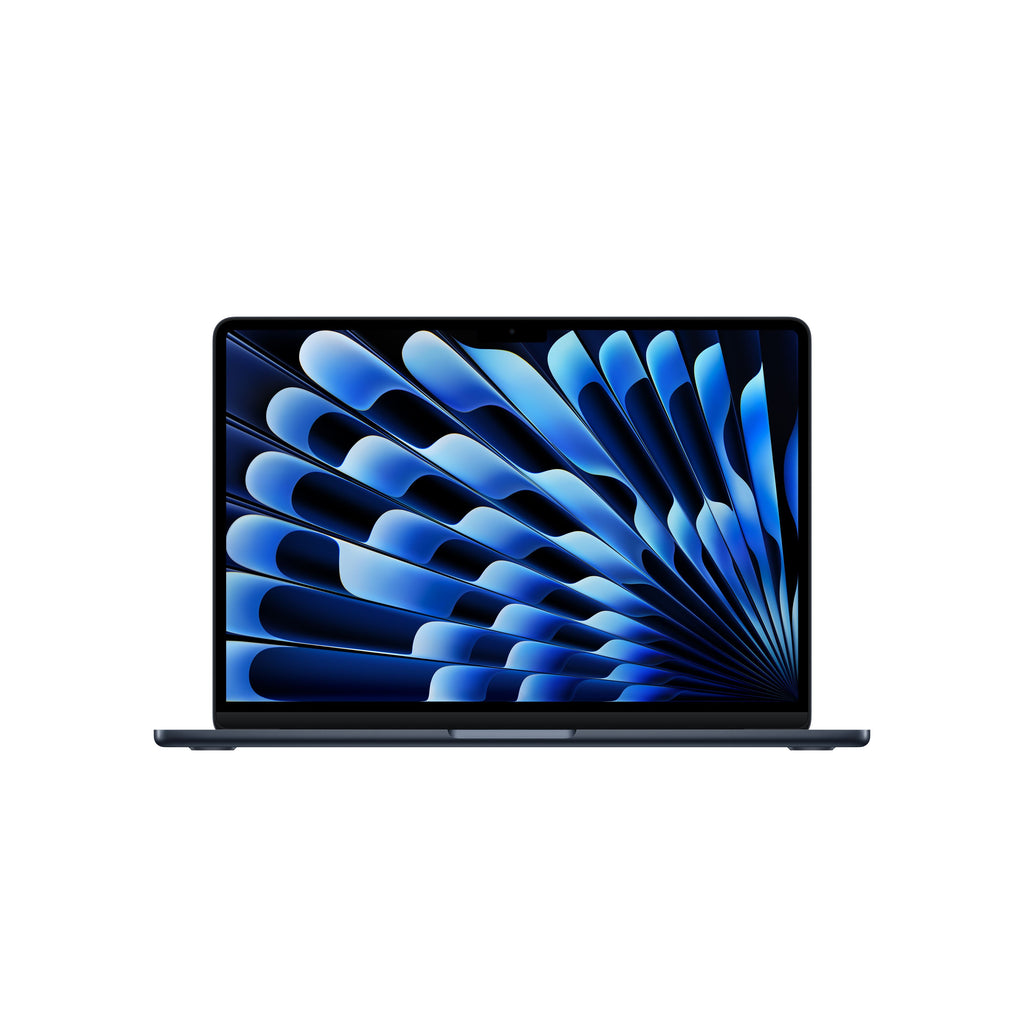
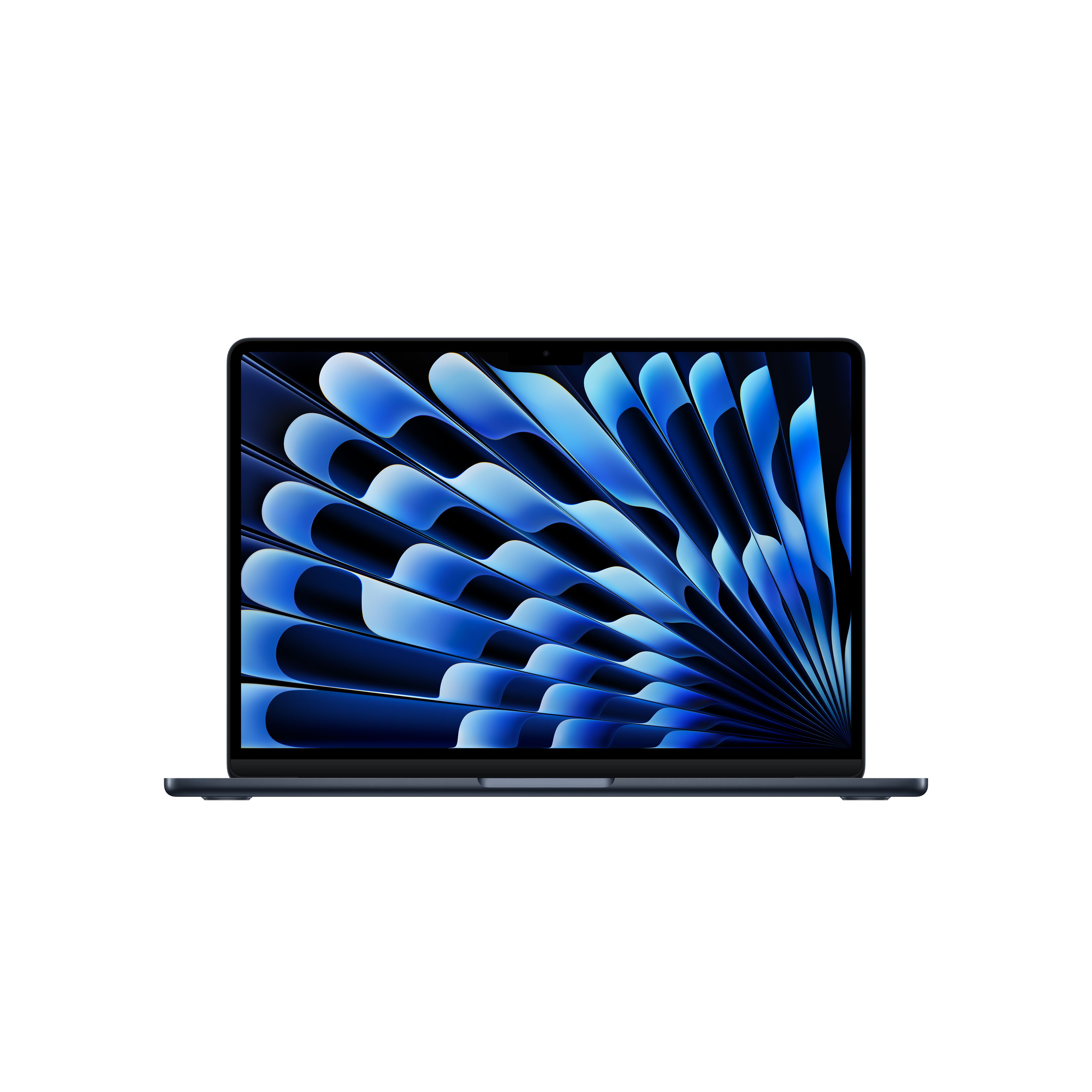
- How does it compare with the MacBook Air?
- The MacBook Pro adds the M5 Pro chip, an XDR mini-LED display, active cooling, more ports and a larger battery. The Air is lighter and fanless but throttles under sustained load and has fewer ports.
- Where is the MacBook Pro 14" (M5 Pro) - Silver cheapest?
- At SVA Campus Store, for $2,349.00, as of our latest check.
- Where can I buy the MacBook Pro 14" (M5 Pro) - Silver?
- 2 stores we checked sell it, including SVA Campus Store, CDW.