- Is the M1 Max worth it over the M1 Pro?
- If you edit high-resolution video, work in 3D or run many heavy apps at once, the 32-core GPU and extra memory bandwidth help. For writing, browsing and light photo editing, the M1 Pro is enough.
- How does it compare to the M2 Max or M3 Max 16-inch?
- Newer Max chips are faster, especially in GPU work, and the M3 Max adds hardware ray tracing. The M1 Max remains strong for most editing and coding, and used or refurbished units cost much less.
- Can the RAM or SSD be upgraded later?
- No. Memory is part of the M1 Max chip package and the SSD is soldered, so buy the 32GB and 1TB configuration you need up front.
- What is in the box?
- A 16-inch MacBook Pro, a 140W USB-C power adapter and a MagSafe 3 charging cable. No mouse or external display is included.
- How long does the battery last?
- Apple rates it up to 21 hours of video playback. Real mixed use, including video calls and editing, typically runs a full workday on a charge.
- Is the 16-inch model too big to carry?
- It weighs 4.6 lb and measures about 0.66 inches thick, so it fits in most large backpacks but is noticeable on long commutes. The 14-inch model is the lighter alternative.
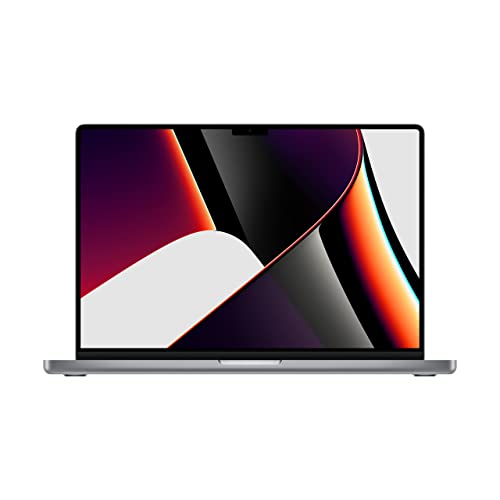
- Where is the MacBook Pro (2021) 16-inch - Apple M1 Max 10-core and 32-core GPU - 32GB RAM - SSD 1000GB - Standard display cheapest?
- At Safa Computers, for $1,800.00, 49% under what the other stores charge, as of our latest check.
- Where can I buy the MacBook Pro (2021) 16-inch - Apple M1 Max 10-core and 32-core GPU - 32GB RAM - SSD 1000GB - Standard display?
- 8 stores we checked sell it, including Safa Computers, Amazon, Walmart, eBay, SHI International.