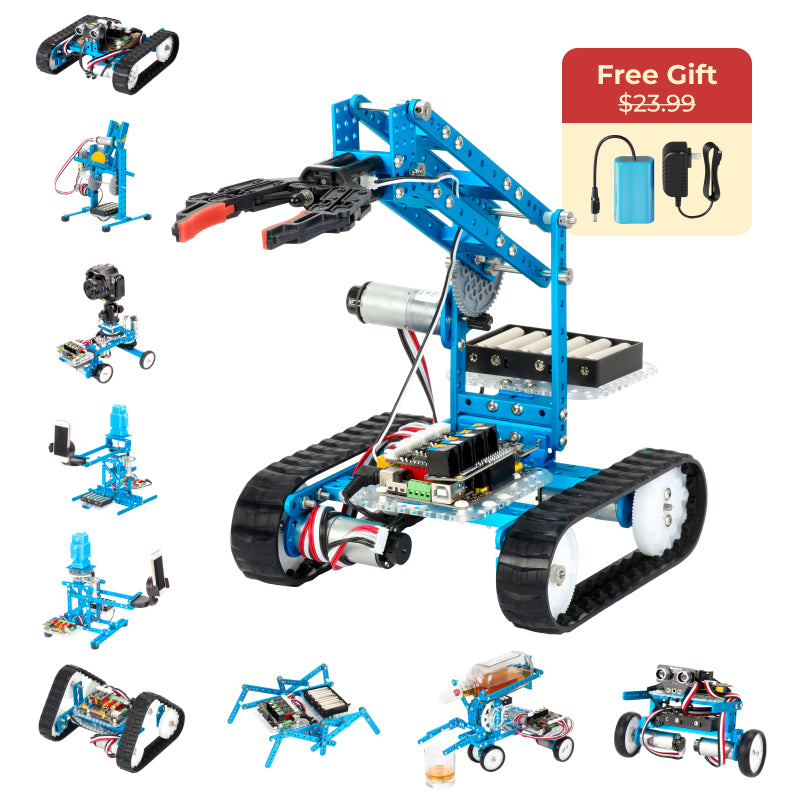
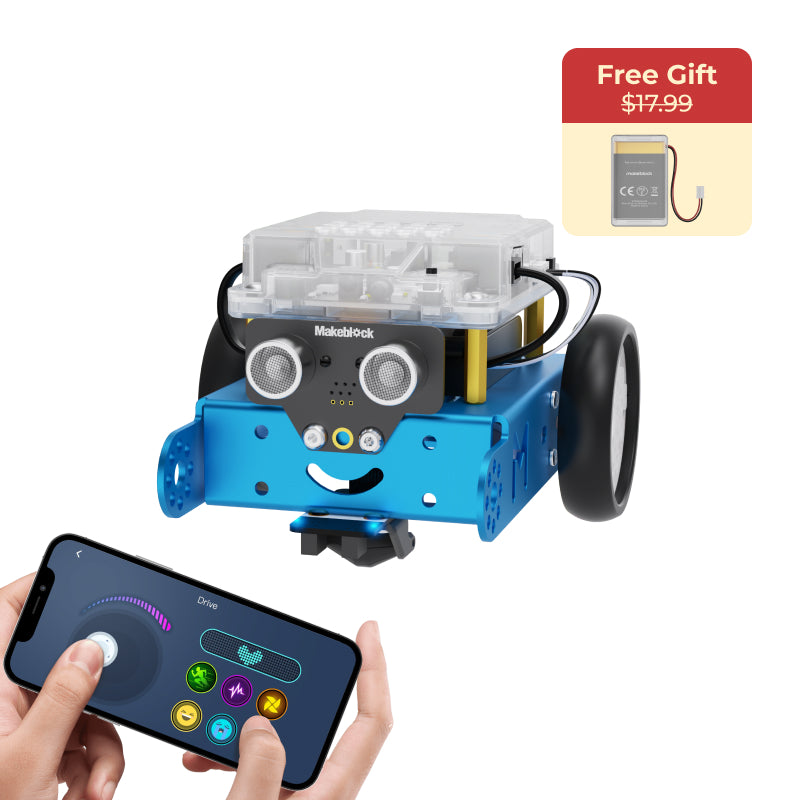
- What is the difference between the mBot Ultimate and the mBot2?
- The Ultimate is a 10-in-1 kit with 160+ aluminum parts and more ports; the mBot2 is a single pre-designed robot. The Ultimate suits builders who want to construct and reconfigure; the mBot2 suits quicker starts.
- Do I need a Raspberry Pi to use Python?
- Yes. Block-based mBlock and Arduino IDE work out of the box, but Python coding requires a separate Raspberry Pi.
- What batteries does it take?
- It needs 6 AA batteries, which are not included, or a rechargeable LiPo pack. Playtime is roughly 1-2 hours.
- What comes in the box?
- The kit includes the electronic components, building components and other materials, plus learning resources. Batteries are not included.
- Is it suitable for a 10-year-old?
- Makeblock recommends 12 and up. Younger children can build with adult help, but coding and assembly may frustrate them alone.
- Can I add my own motors and sensors?
- Yes. It has 11 motor and servo ports and 5 sensor ports for extra modules.
- Where is the Makeblock mBot Ultimate 10 in 1 Robot Building Toys, Robotics Kit App Remote Control Robot Toys Compatible with Arduino C & Raspberry Pi, STEM Educational DIY Robotics cheapest?
- At eBay, for $200.00, 37% under what the other stores charge, as of our latest check.
- What do buyers say about the Makeblock mBot Ultimate 10 in 1 Robot Building Toys, Robotics Kit App Remote Control Robot Toys Compatible with Arduino C & Raspberry Pi, STEM Educational DIY Robotics?
- Buyers like: Fun to assemble together with kids; Well-made, sturdy aluminum build with a nice metallic finish; Good choice for getting started in STEM learning. Common complaints: One reviewer's son loved it but also got very frustrated.
- Where can I buy the Makeblock mBot Ultimate 10 in 1 Robot Building Toys, Robotics Kit App Remote Control Robot Toys Compatible with Arduino C & Raspberry Pi, STEM Educational DIY Robotics?
- 3 stores we checked sell it, including Amazon, eBay, Makeblock.