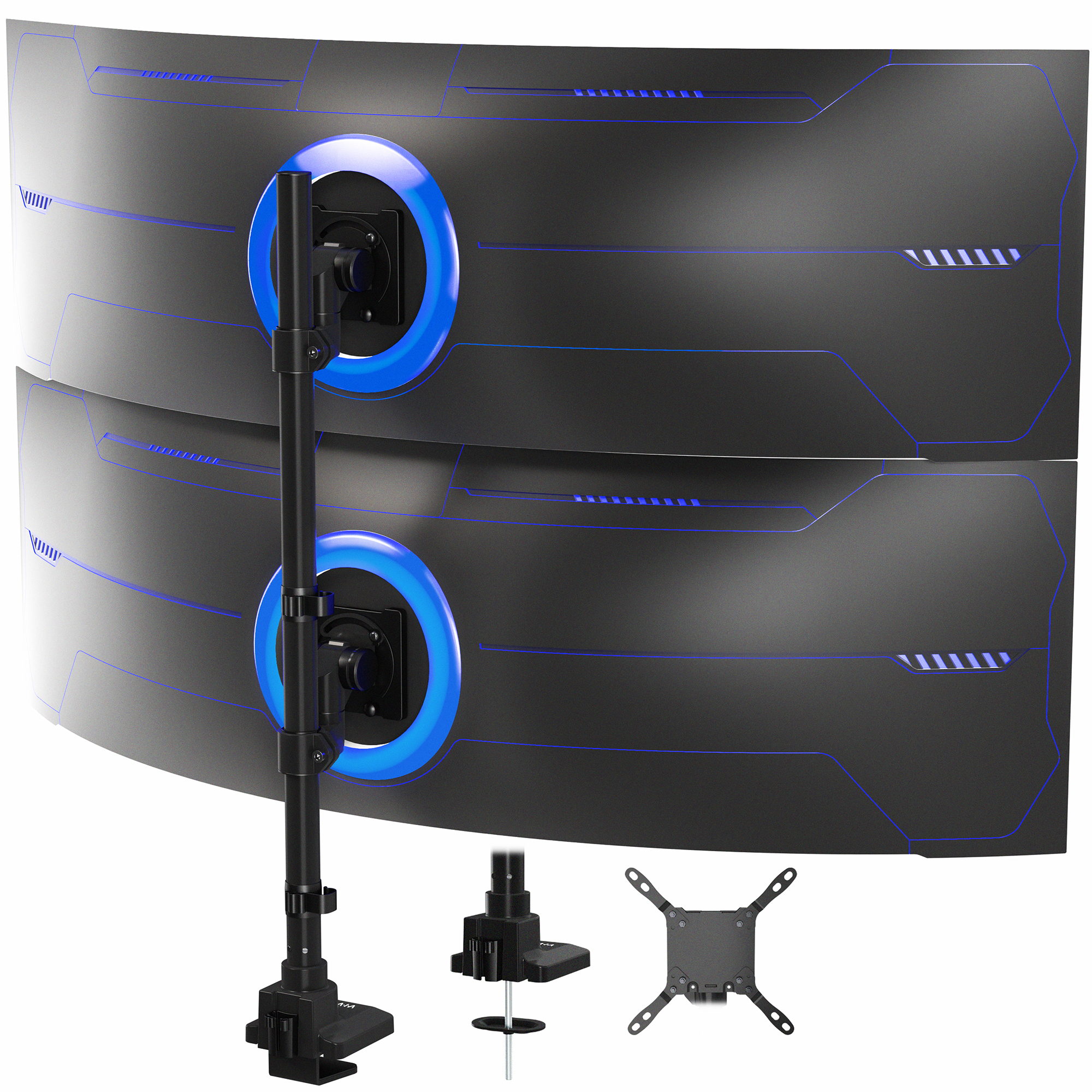
- Will it hold two 32 inch monitors?
- Owners report it will not keep 32 inch panels steady, and one spec line lists a 27 inch maximum. Treat it as a mount for lighter 24–27 inch screens.
- What is the real weight limit per arm?
- The listing gives 12 kg (about 26 lb) for flat panels in one place and 15.4 lb in another. Plan around the lower figure, especially for curved screens.
- Does it fit my desk?
- It fits desks 1 to 5 cm thick using either the C-clamp or the grommet mount. Measure your desk edge and check for a clear mounting spot before buying.
- Can I move the monitors freely?
- Height travel is about 24 cm with tilt, swivel and rotation at the heads. The arms set the position, so screens cannot be pulled far forward or back.
- What is in the box?
- The mount, all mounting hardware and instructions. Buyers have reported missing screws, so check the hardware before assembly.
- Is it good for curved ultrawides?
- The curved capacity is lower than the flat one, and owners already report sag with heavy panels. Lighter curved screens are the safer fit.
- Where is the Mechanical Arm Dual Ultrawide Monitor Desk Mount cheapest?
- At VIVO - desk solutions, screen mounting, and more, for $89.99, as of our latest check.
- What do buyers say about the Mechanical Arm Dual Ultrawide Monitor Desk Mount?
- Rated 3.9 out of 5 from 28 ratings. Buyers like: Helped clear out desk space; Works as intended. Common complaints: Received a used product with missing screws and dusty arms; Will not hold 32" monitors steady; one reviewer says 27" max.
- Where can I buy the Mechanical Arm Dual Ultrawide Monitor Desk Mount?
- 2 stores we checked sell it, including VIVO - desk solutions, screen mounting, and more, PCLiquidations.com.