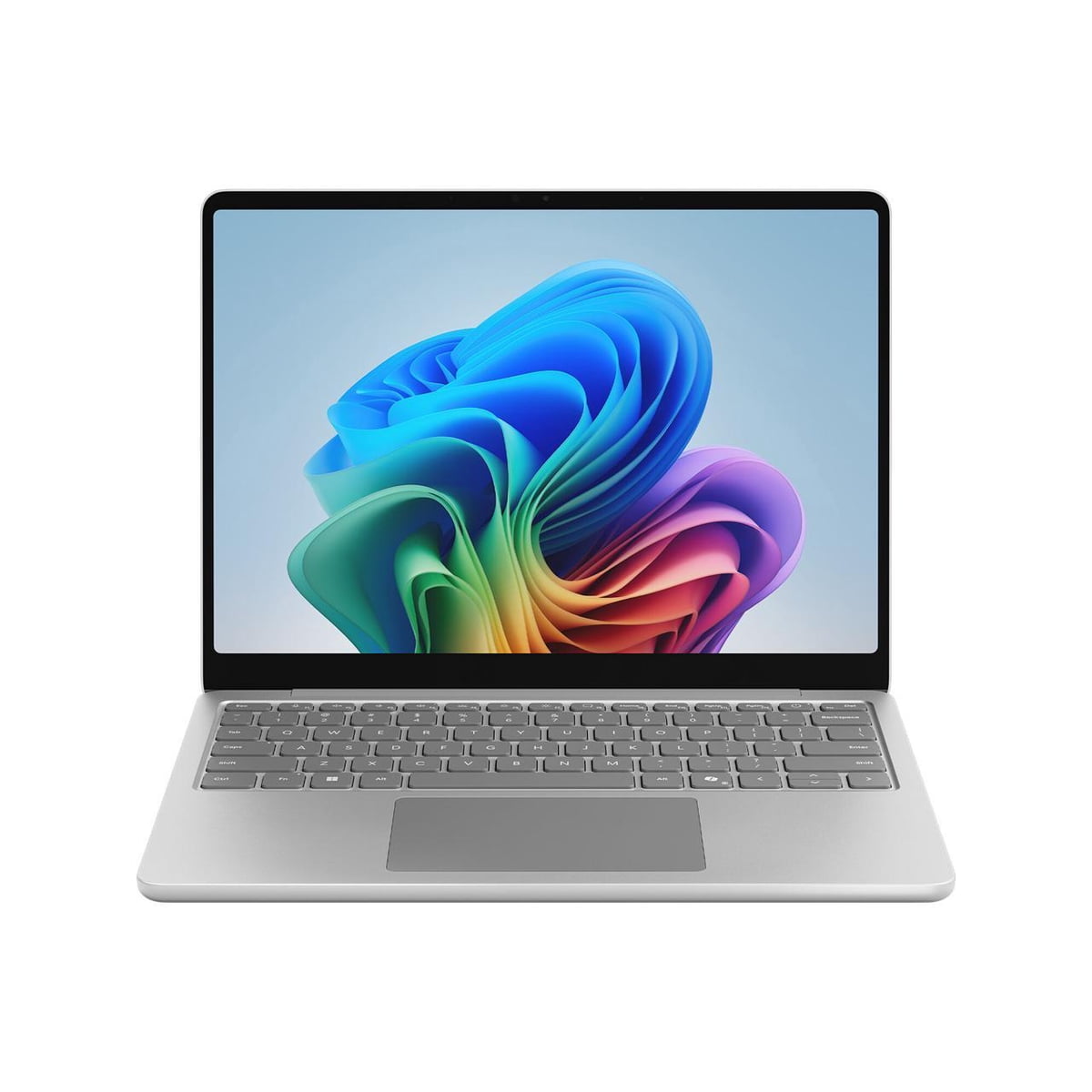
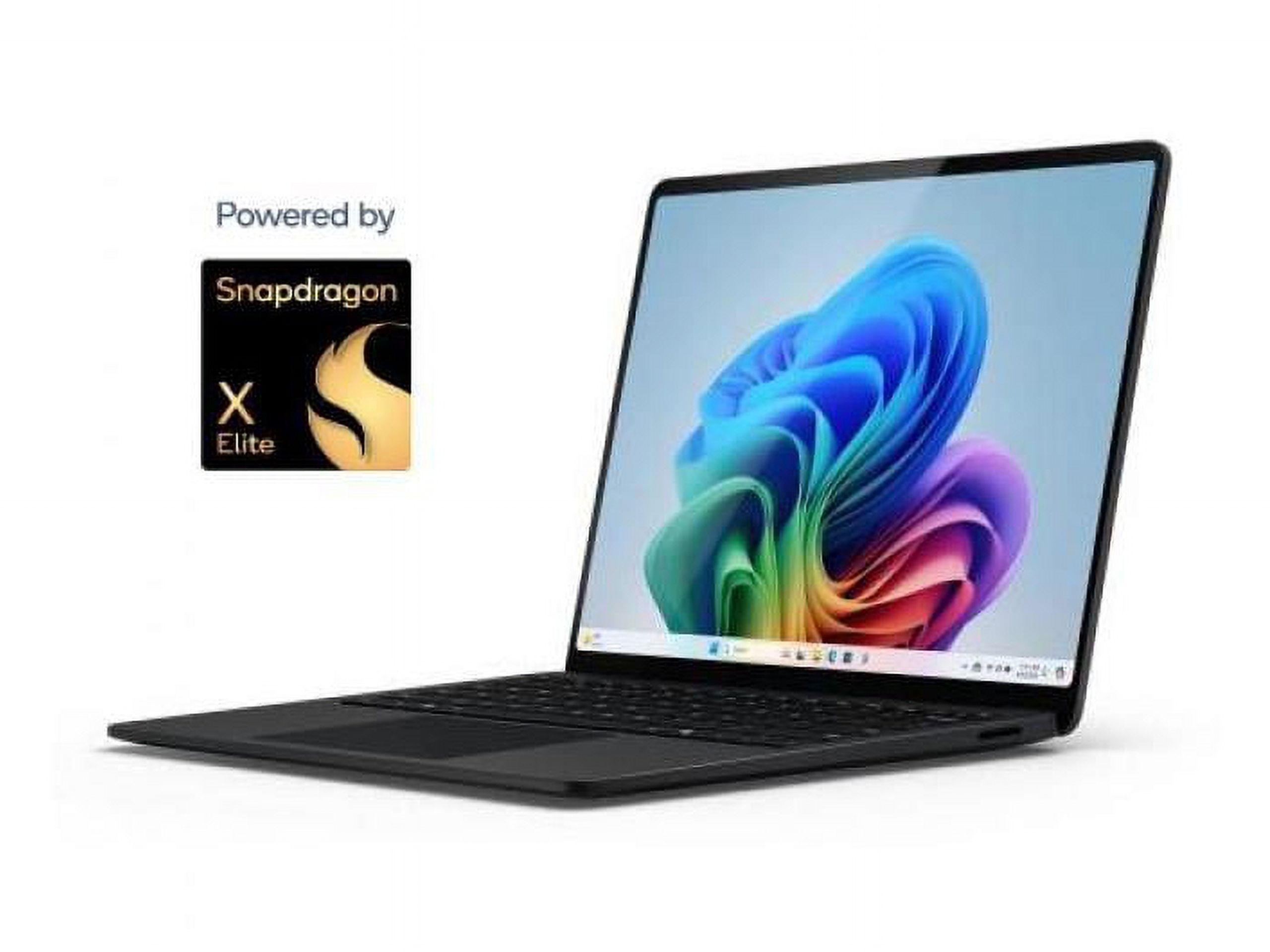
- Is the Surface Laptop 13 good for everyday use?
- Yes. For browsing, email, Office documents and video calls the Snapdragon X Plus and 16GB of memory are plenty. It is a poor fit for heavy gaming or specialized Windows software that needs Intel or AMD.
- Can it run all my Windows programs?
- Most mainstream apps have native Arm versions and run well. Some older or niche programs, and many games, run through emulation or not at all, so check your key software before buying.
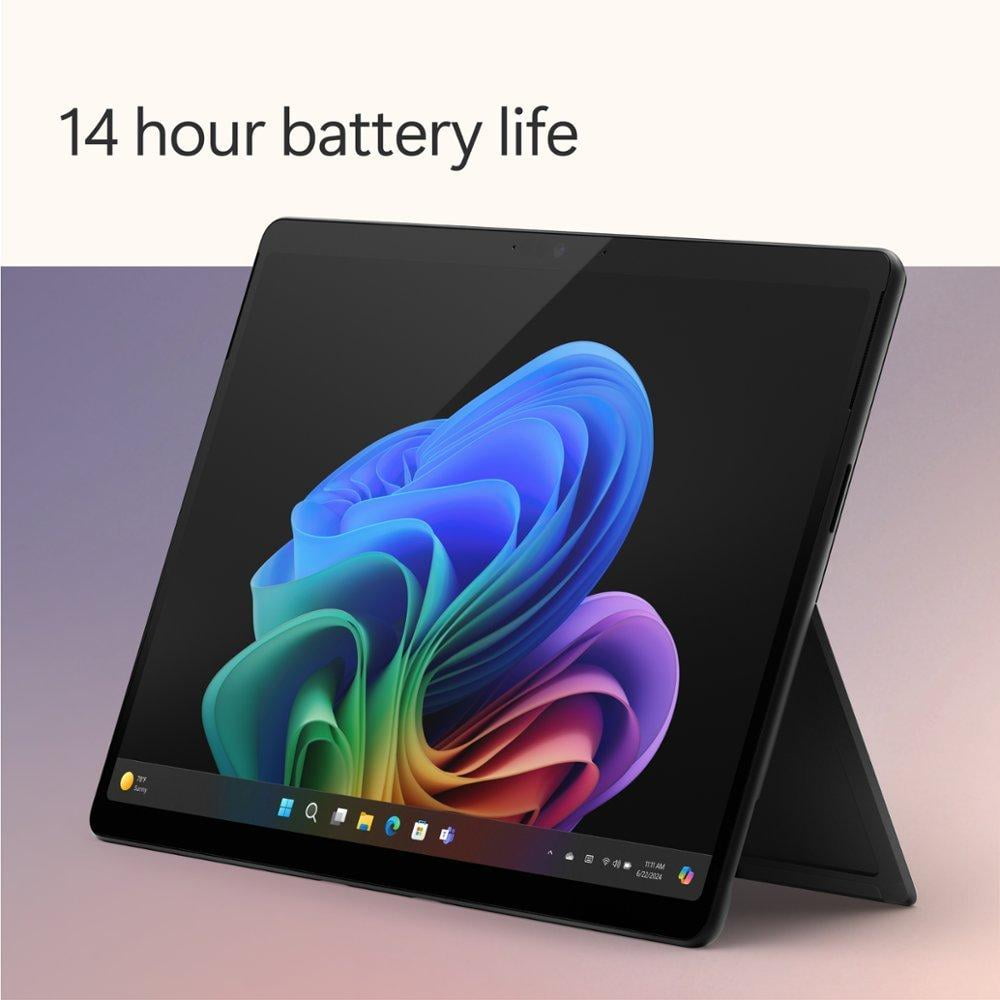
- How long does the battery last?
- Owners report a full day of mixed browsing and document work on a charge. Heavy video editing or long video calls will drain it faster.
- Can I upgrade the RAM or storage?
- No. The 16GB of memory is soldered and the 256GB UFS storage is not a standard replaceable SSD, so choose the capacity you need up front.
- What ports does it have?
- It has USB-A and USB-C ports plus Bluetooth, but no memory card reader, no NFC and no optical drive. A USB-C hub covers extra displays and cards.
- Is the screen touch-enabled?
- Yes. The 13-inch 1920x1080 display supports touch, which suits Windows 11 gestures and pen-free note taking.
- Where is the Microsoft 13" Surface Laptop Copilot+ PC, Snapdragon X Plus 8-Core, 16GB RAM, 256GB UFS, Platinum, Latest Model cheapest?
- At Newegg, for $979.00, as of our latest check.
- What do buyers say about the Microsoft 13" Surface Laptop Copilot+ PC, Snapdragon X Plus 8-Core, 16GB RAM, 256GB UFS, Platinum, Latest Model?
- Rated 4.2 out of 5 from 14 ratings.
- Where can I buy the Microsoft 13" Surface Laptop Copilot+ PC, Snapdragon X Plus 8-Core, 16GB RAM, 256GB UFS, Platinum, Latest Model?
- 6 stores we checked sell it, including Newegg, Best Buy, Antonline, Abt Electronics, Office Depot.