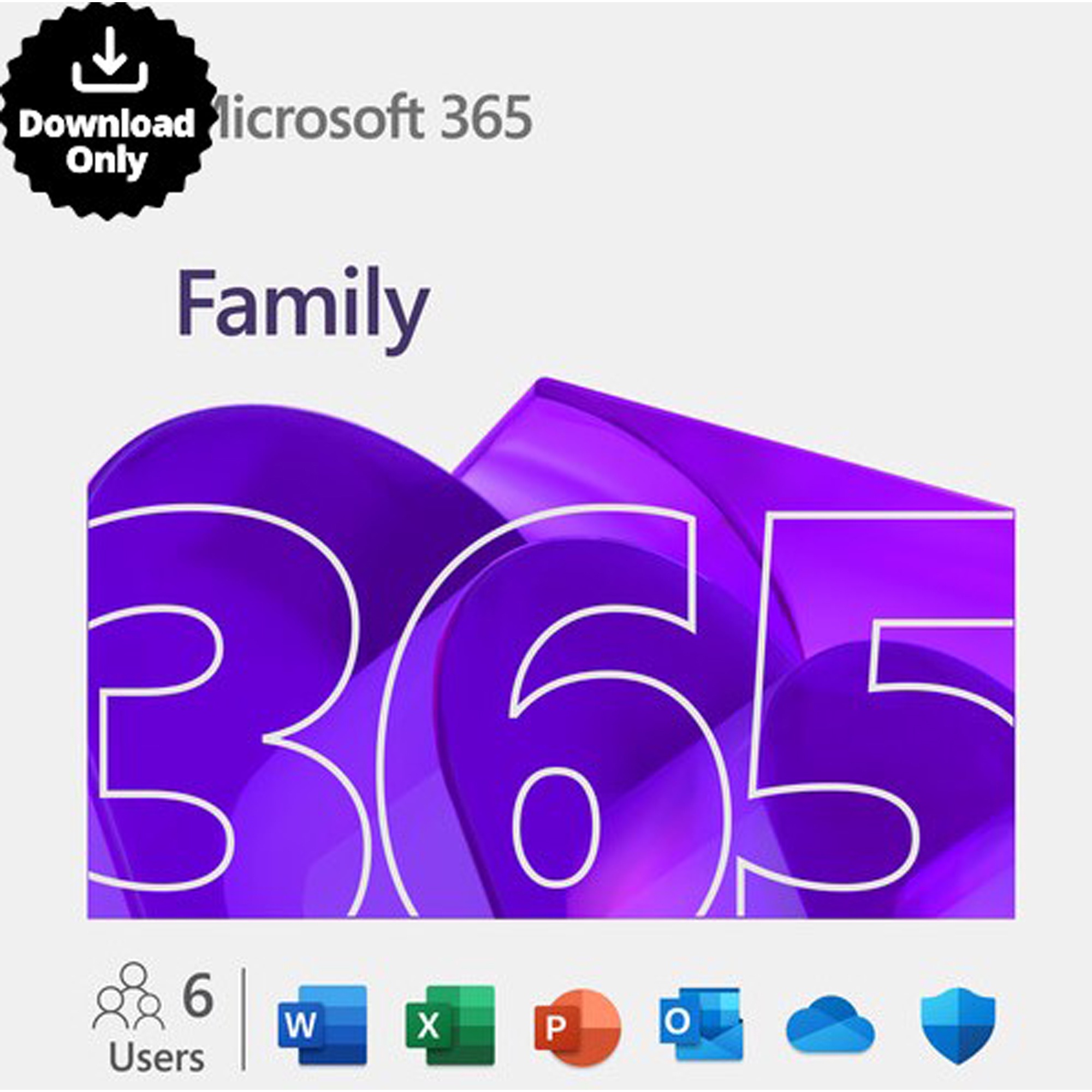
Microsoft 365 Family is a one-year subscription that covers up to six people, each with their own account and up to five devices at once. Every member gets the full desktop Word, Excel, PowerPoint, Outlook, OneNote and Access (PC only), plus 1 TB of OneDrive storage per person and Microsoft Copilot with 60 monthly credits. It suits households juggling several laptops, tablets and phones who want current apps and separate logins instead of one shared account. Against the single-user Personal plan it costs more but splits across six people; against buying Office outright it trades a one-time purchase for continuous updates and cloud storage. Buyers rate it highly and call it good value for the apps included.
In stockReturn policy
Buyers rate it very highly and describe setup and use as smooth. The recurring praise is value: six people get the full app suite and storage for one subscription.
Microsoft 365 Family is the subscription built for households, giving up to six people access to premium Office apps, cloud services, and advanced features. With continuous updates, built-in security, and 1 TB of OneDrive cloud storage per person, every member of your family can work, create, and stay connected across their devices. It’s an all-in-one solution that combines convenience, value, and peace of mind for the whole household.Always Up to DatePremium Office Apps for EveryoneEach person on the plan gets access to Word, Excel, PowerPoint, Outlook, and more—always updated with the newest features and enhancements. No more sharing logins or outdated software; every member of the family can enjoy their own personalized experience. Whether it’s parents preparing reports, kids working on school projects, or teens building presentations, Microsoft 365 Family ensures everyone has the tools they need.Work Across Multiple DevicesMicrosoft 365 Family works on PCs, Macs, tablets, and smartphones, so each user can access their apps and files wherever they go. It’s easy to switch between devices without losing formatting or progress, making it a perfect solution for busy families with multiple laptops, desktops, and mobile devices. Everyone gets their own secure account, so files and preferences stay private while still being easy to access.Cloud Storage and Security for Each MemberEvery person included in the subscription receives 1 TB of OneDrive cloud storage, giving them plenty of space for documents, photos, and personal projects. With automatic backup, your family’s data is safe even if a device is lost or damaged. Ransomware detection and recovery add another layer of protection, while secure file sharing makes it simple for family members to collaborate safely, whether they’re across the room or across the world.More Than Just Office AppsMicrosoft 365 Family includes a wide range of premium tools that go beyond the basics to make everyday life easier and smarter:Advanced grammar, spelling, and style suggestions with Microsoft Editor for clearer writing.AI-powered design tools in PowerPoint that turn ideas into polished presentations quickly.Outlook tools that simplify email, calendars, and scheduling for the entire family.Access to ongoing Microsoft technical support, providing expert help whenever needed.These extras make Microsoft 365 Family much more than a set of apps—it’s a productivity solution designed to support every aspect of family life.Built for Every Member of the FamilyThis plan is ideal for households that want to save money while giving each member the tools they need to succeed. Parents can stay on top of work and home tasks, students can handle assignments and schoolwork, and kids can explore creativity safely with built-in security. The subscription model means no one has to worry about outdated software or missed updates, since the latest features are delivered automatically.One Plan, Endless PossibilitiesMicrosoft 365 Family combines the power of Microsoft’s most trusted apps with the flexibility to share them across your household. From organizing family schedules and budgets to finishing essays or preparing for a big presentation, it keeps everyone connected and productive. With its balance of individual storage, collaborative features, and always-updated apps, it’s a subscription that grows with your family’s needs. 365 Family 32/64-bitManufacturerMicrosoft CorporationManufacturer Part Number6GQ-00091Manufacturer Website Addresshttp://www.microsoft.comBrand NameMicrosoftProduct Name365 FamilyMarketing InformationExperience Office when and where you need itWelcome to the next generation of Office, a powerful service that keeps you connected whether you're at home or on the go. Simply sign into 365 Family to open your applications, documents, and custom settings on any PC (PC running Windows 10 and Internet connection required). Combine Office with Windows 8 for the best experience yet, with even more ways to work the way you want.Product TypeSoftware SuiteSoftware Main TypeProductivity ApplicationSoftware Sub TypeOffice SuiteSoftware Name365 FamilyFeaturesOffice roams with you:Sign into your account and your applications, recent documents and settings are right there, just the way you left them.Getting started is even easier:The new Start experience helps you start documents more quickly with compelling new templates as well as a list of your recently viewed documents.Create beautiful documents:With new wide-screen templates and theme variants in PowerPoint, and the ability to edit PDF content in Word and add online video, it's easy to bring documents to life.Get better insights from your data:Excel's new Quick Analysis Lens, Recommended Charts, and Chart Animations make it easy to see the meaning in the numbers.Anywhere access to your documents:With your documents saved in the cloud on SkyDrive, a home budget or to-do list is easy to access and share on the fly.Work together more easily:Simplify group projects and assignments with easy access to shared documents, comments, and recent changes.Office when you need it:When you're away from your computer, stream a full-featured version of Office on any Internet-connected PC with Office on Demand (PC running Windows 10 required).Add media to inspire interaction:Simply drag and drop pictures, videos, links, and more media to make school and personal projects more compelling.Store notes and information in one place:Capture and organize a wide variety of information in OneNote-notes, pictures, webpages, voice memos, and other media.Experience Office at its best on Windows devices:Capture your ideas however you work best-using a keyboard, pen, or a touchscreen (Windows 10 required).Language SupportedEnglishSuite ContentsWordExcelPowerpointOneNote1OutlookAccess1Puslisher1Platform SupportedPCPlatform SupportedMacOperating System SupportedWindowsOperating System SupportedMac OSLicense PricingNon-commercialLicense Validation
It checks today's price at every store, compares the alternatives and answers in about a minute.