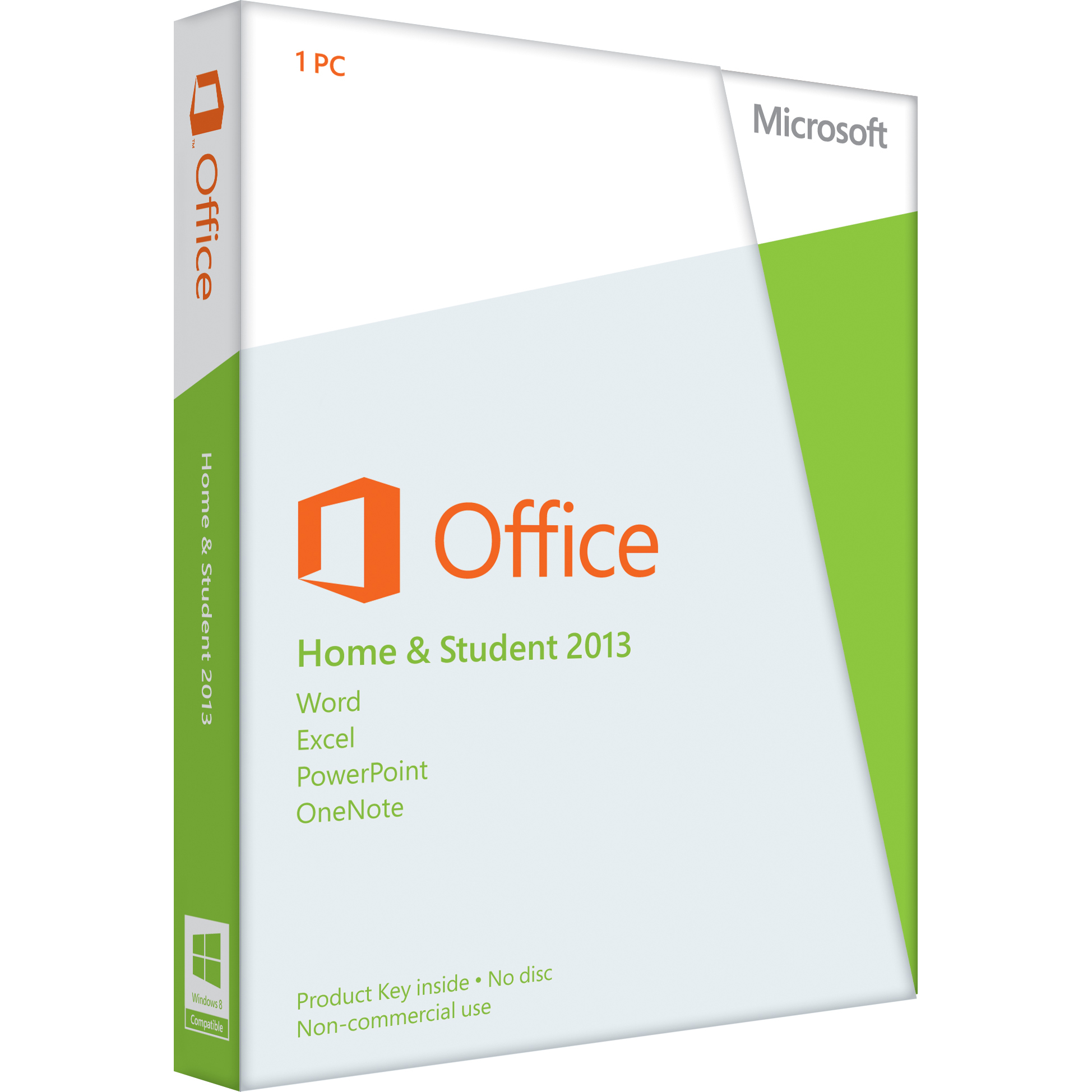
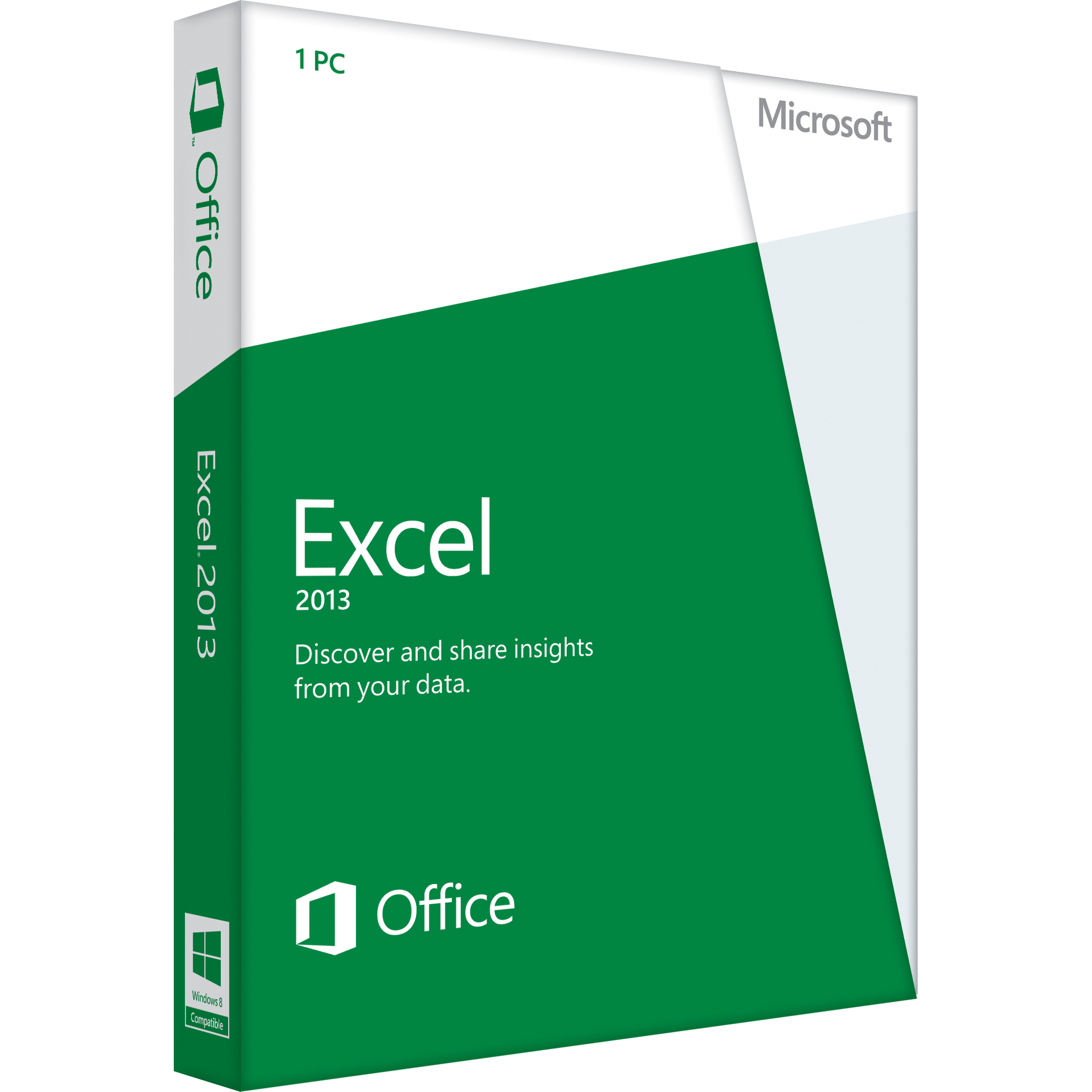
Microsoft Office 2013 Home and Student is a one-PC suite of Word, Excel, PowerPoint and OneNote for Windows. It is a perpetual license: you install it once and keep it, unlike a Microsoft 365 subscription that bills every year. The 2013 versions brought a flatter ribbon, touch and pen input, Read Mode in Word and Recommended Charts in Excel. It suits a student or home user who wants the core four apps offline and does not need Outlook, Publisher or Access. Against Office 2016 and later it lacks newer collaboration features, and Microsoft no longer supports it with security updates.
In stock
Owners of Office 2013 generally found the core apps familiar and dependable for everyday documents and spreadsheets. Many liked the one-time license over a subscription. The common complaints were the touch-first interface on non-touch PCs and, later, the lack of updates.
Microsoft Office 2013 Home and Student is productivity software for Windows. It covers Word, Excel and OneNote for creating, editing and sharing documents. The license is for a single user.
Ideas can be captured with a keyboard, a pen or a touchscreen. Files can be saved to SkyDrive and reached from other devices. The software includes tools such as Recommended Charts and Read Mode.
It checks today's price at every store, compares the alternatives and answers in about a minute.