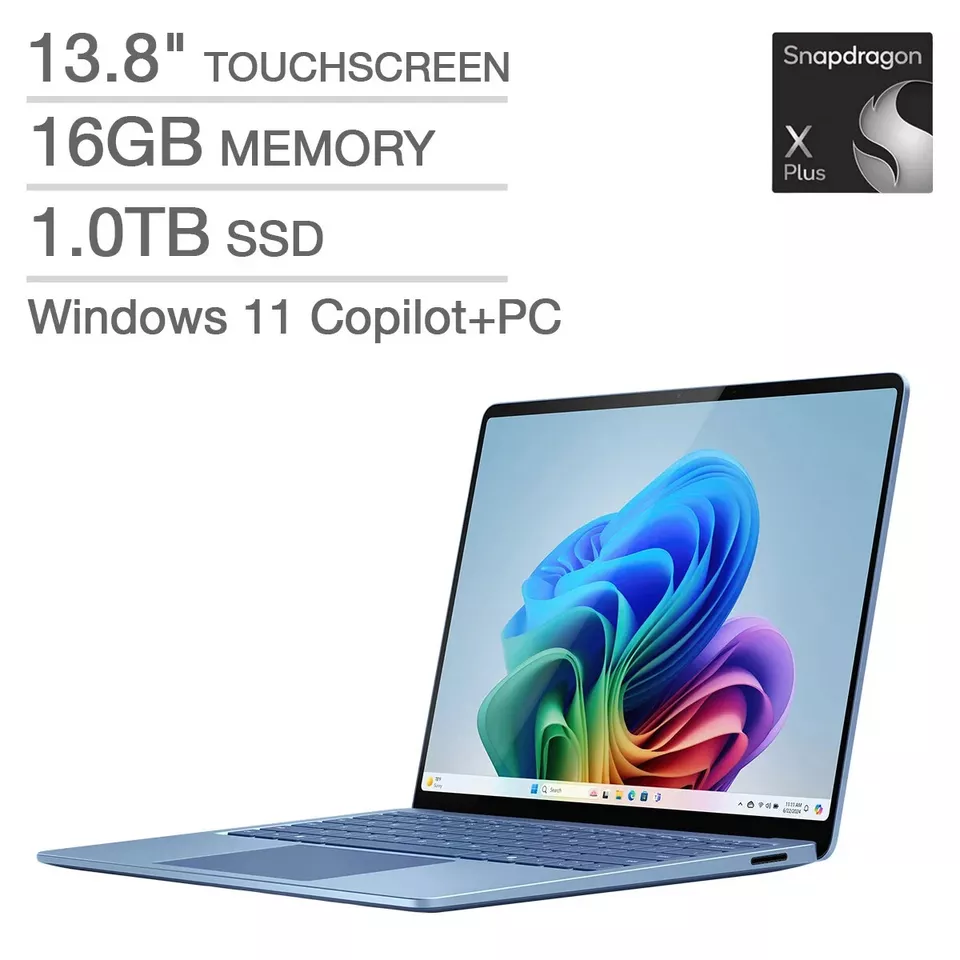
Microsoft Surface Pro 13" Touchscreen 2-in-1 Laptop
Where to buy
No store is showing a current price right now. The stores below sell it; ask the agent to check today's prices.
Prices are checked against each store and labelled with when.
Check today's price at PzDealsAsk our agent about this product
It checks today's price at every store, compares the alternatives and answers in about a minute.
In stock now from Microsoft


Our take on the Microsoft Surface Pro 13" Touchscreen 2-in-1 Laptop
The Surface Pro 13 is Microsoft's tablet-first 2-in-1, pairing a 13-inch touchscreen with a Snapdragon X Plus processor, 16GB of RAM and a 256GB SSD. It runs full Windows on an Arm chip, so it is thin, fanless and long-running, but some apps and games need emulation. The detachable keyboard and pen are sold separately, which pushes the real cost above rival convertibles. It suits people who want a light tablet that becomes a laptop, more than buyers who need heavy native software.
- Thin, light tablet design with a built-in kickstand
- Snapdragon X Plus is quiet and efficient for everyday work
- 16GB RAM handles many browser tabs and Office apps at once
- Bright 13-inch touchscreen with pen support
- Full Windows, so desktop apps mostly run
Microsoft Surface Pro 13" Touchscreen 2-in-1 Laptop prices at every store
- PzDealsCheck price at PzDeals
What reviewers say
Owners of recent Surface Pro models praise the light build, kickstand and screen, and call the Snapdragon version quiet with strong battery life. Complaints center on the cost of the keyboard, app compatibility on Arm and modest storage.
- BuildPraisedOwners like the thin, light tablet body and the built-in kickstand.
- BatteryPraisedThe Snapdragon chip is described as efficient, giving long use between charges.
- App compatibilityCriticisedSome software and games run through emulation or not at all on the Arm processor.
Questions and answers
- Is the keyboard included?
- No. The Surface Pro is sold as a tablet; the detachable keyboard and pen are separate purchases.
- Can it run regular Windows programs?
- Yes, it runs full Windows. Native Arm apps run directly; some older or specialized programs run through emulation, and a few games and drivers do not work.
- How does it compare with a Surface Laptop?
- The Pro is a tablet with a kickstand and optional keyboard, so it is more portable and better for pen use. The Laptop has a fixed keyboard and usually more ports and battery.
- Is 16GB of RAM enough?
- For browsing, Office, video calls and light photo editing, yes. Heavy video editing or many large apps at once would benefit from more.
- Does it work with the Surface Pen?
- Yes, it supports Surface Pen input for drawing and note-taking, but the pen is not included.
- Can I upgrade the storage or battery?
- No. The SSD and battery are not designed for user replacement, so choose capacity with that in mind.