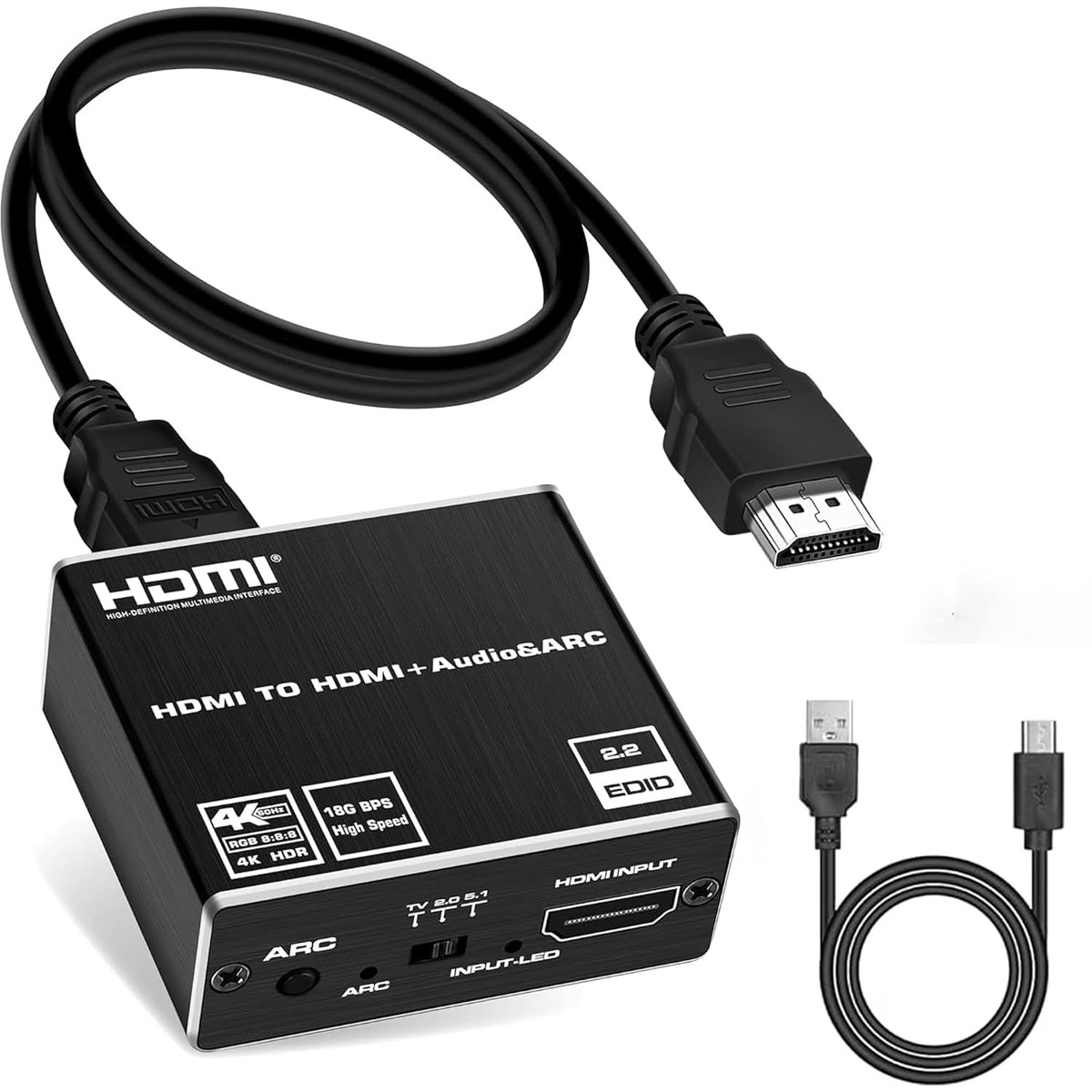
MIZUSO HDMI Audio Extractor 4K@60Hz ARC Converter
Best price now
$29.99at WalmartChecked Nov 9
Prices are checked against each store and labelled with when.

Prices are checked against each store and labelled with when.
It checks today's price at every store, compares the alternatives and answers in about a minute.
The MIZUSO is a small aluminum HDMI 2.0b audio extractor that splits one HDMI input into video plus separate audio. It runs in two modes: extraction, sending video to a TV or projector while audio goes out over optical SPDIF or 3.5mm AUX, and ARC, pulling sound back from a TV's HDMI-ARC port to those same outputs. Optical carries up to 5.1 channels and the 3.5mm jack carries stereo, with a PASS/2.0/5.1 switch to match your sound system. It suits people adding a soundbar, DAC, headphones or older receiver to a modern TV or console setup, and it is a plain splitter rather than an HDMI matrix or scaler.
In stockSold by Mincheng TradeReturns: Sold by a Walmart Marketplace seller; returns go to the seller under the seller's returns policy.
The MIZUSO HDMI audio extractor supports HDMI 2.0b at 4K@60Hz. In Audio Extraction mode, connect an HDMI source to HDMI IN and send video through HDMI OUT to a TV, monitor or projector. Audio is routed separately through Optical SPDIF or 3.5mm AUX, so you can connect an external sound system or headphones while video stays on your display.
In ARC mode, connect your TV's HDMI-ARC port to the extractor's HDMI OUT (ARC) port. Turn on ARC on both the TV and the extractor. The returned audio signal can then go to an Optical SPDIF device or a 3.5mm stereo device. A PASS / 2.0 / 5.1 switch sets the audio output mode to match your audio setup.
Optical SPDIF supports up to 5.1-channel audio. The 3.5mm output delivers 2.0-channel stereo. The housing is compact and made of aluminum alloy. Full 4K@60Hz requires a source device, display and HDMI cables that support this format. ARC requires a TV that supports HDMI-ARC with ARC turned on in its system settings. If there is no audio, check the PASS / 2.0 / 5.1 switch setting and make sure your audio device is set to the correct input source.