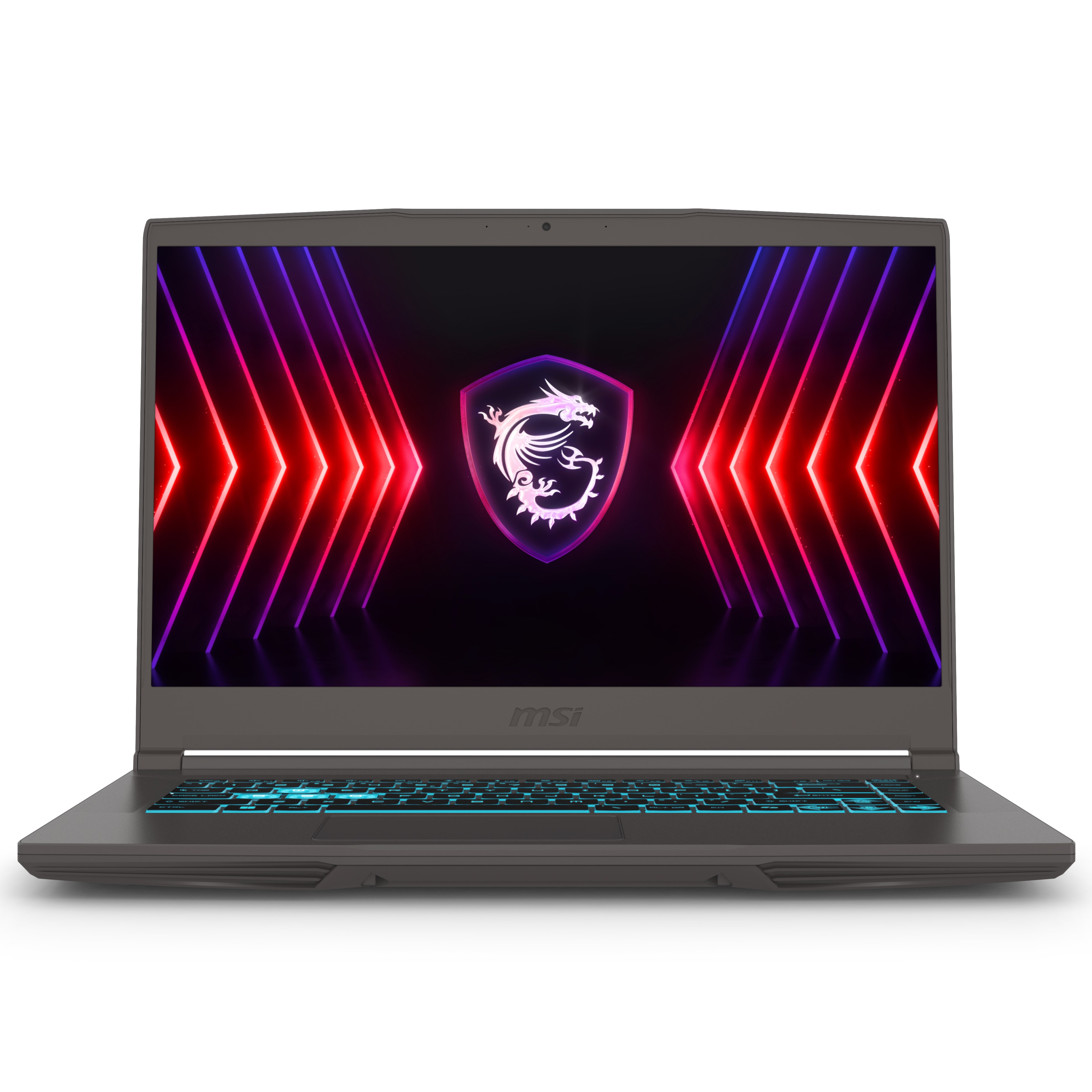
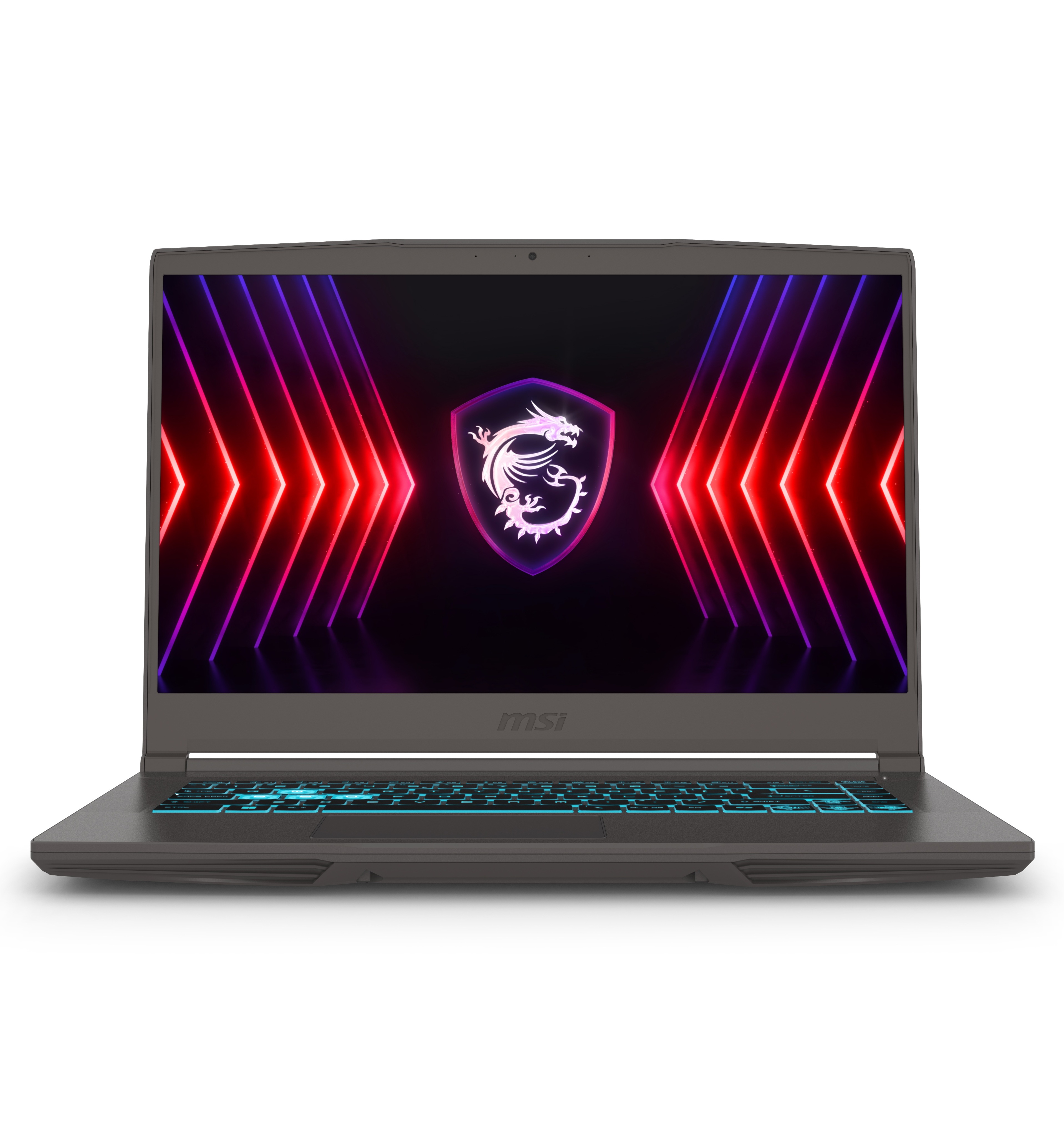
- Is the RTX 4060 enough for the QHD+ 240Hz screen?
- For esports titles and older games, yes; the 240Hz panel shines there. For demanding modern games at native 2560x1600, the 8GB RTX 4060 will need reduced settings or DLSS to hold high frame rates.
- Can I upgrade the RAM and storage?
- Yes. There are two DDR5 slots, rated up to 5600 MT/s and 96GB total, and the 1TB PCIe Gen4 SSD can be swapped or added to. Both sticks are occupied out of the box, so a RAM upgrade means replacing them.
- How does it compare with the Vector 16 HX with a stronger GPU?
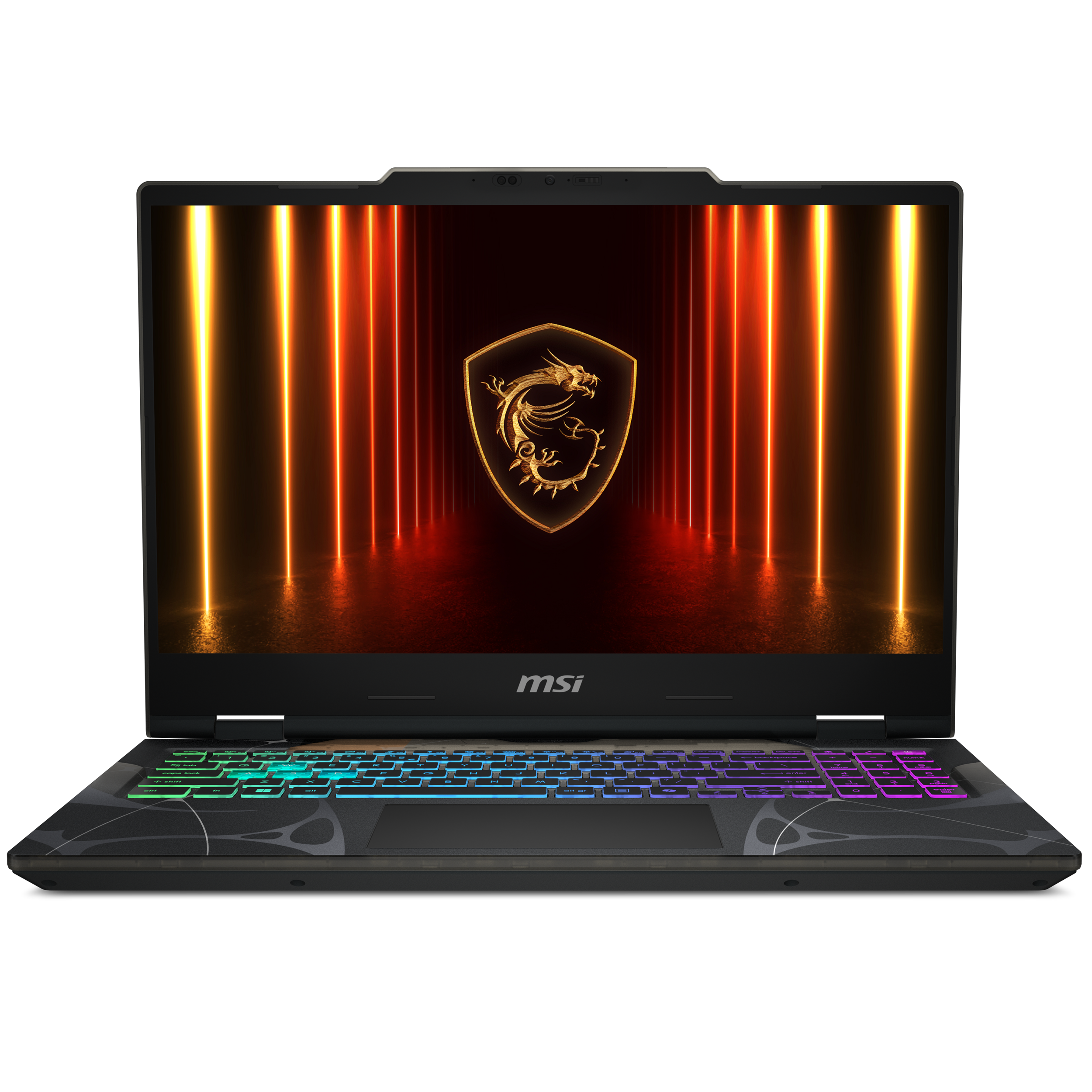
- The chassis, screen and CPU are shared; the difference is graphics. The RTX 4060 version costs less and runs cooler, while higher-tier GPU versions give more VRAM and frames at QHD+. Choose based on whether you game at native resolution.
- Is the display good for color work?
- The QHD+ IPS panel covers about 100% DCI-P3, which suits photo and video editing. It is not an OLED, so expect IPS-level contrast rather than deep blacks.
- What is OverBoost?
- It is MSI's performance mode that raises combined CPU and GPU power to as much as 195W. Expect more performance and more fan noise in that mode.
- What comes in the box?
- The laptop, its power adapter and standard paperwork. It ships with Windows 11 Home; no mouse or bag is included.
- Where is the MSI 16" Vector 16 HX Gaming Laptop cheapest?
- At Newegg, for $1,599.00, as of our latest check.
- Where can I buy the MSI 16" Vector 16 HX Gaming Laptop?
- 2 stores we checked sell it, including Newegg, Best Buy.