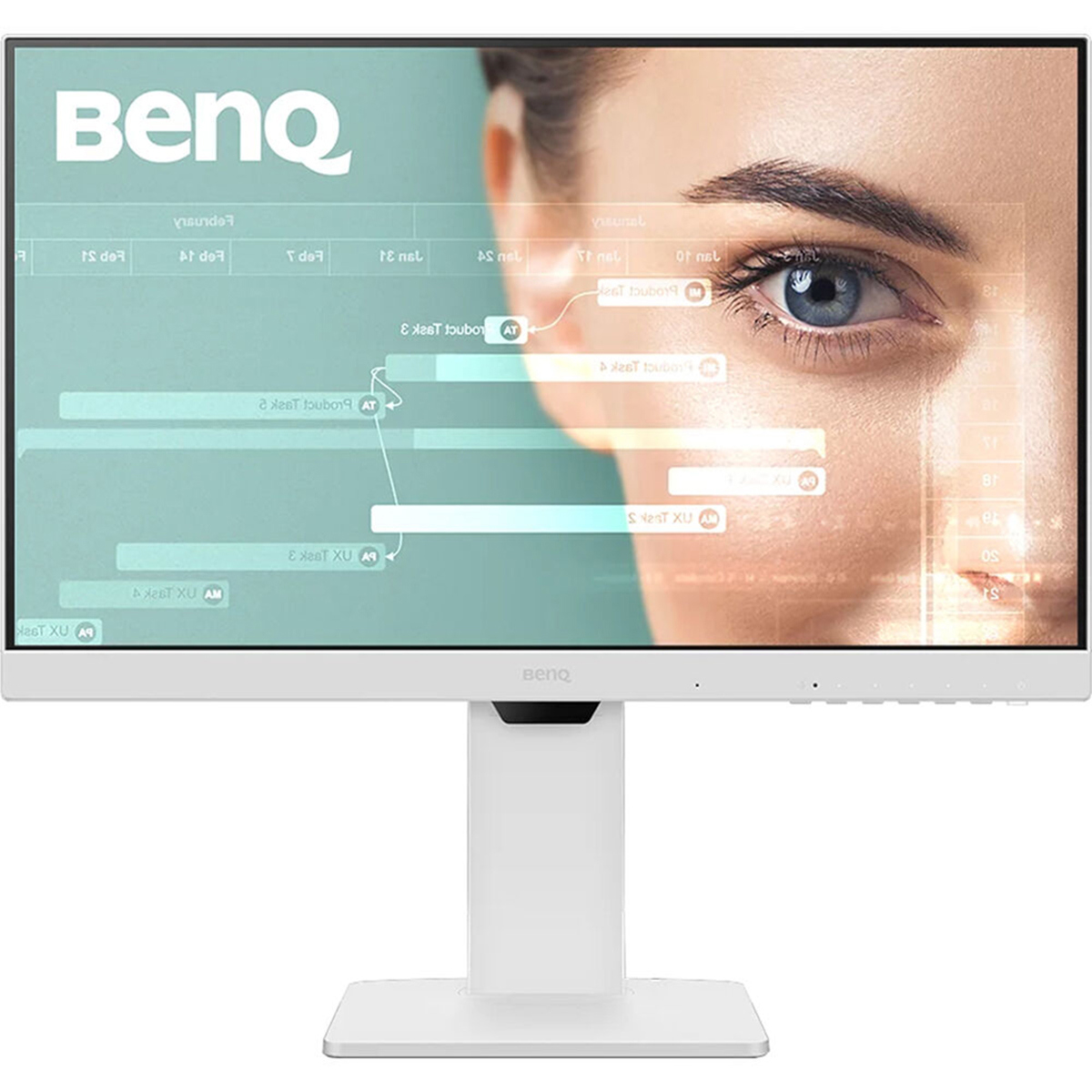
MSI 27 UHD HDMI DP USB Type-C Office Monitor
Last price we saw
Prices change often: ask the agent below to check today's price at every store.
Prices differ by screen size, and this one may be for a smaller size: check the size at the store.
Prices are checked against each store and labelled with when.
Ask our agent about this product
It checks today's price at every store, compares the alternatives and answers in about a minute.
In stock now from MSI

Our take on the MSI 27 UHD HDMI DP USB Type-C Office Monitor
A 27-inch 4K IPS monitor built for desk work, with USB-C, HDMI and DisplayPort inputs and a 120 Hz panel. The fast 0.03 ms response and 120 Hz refresh make it smoother than typical 60 Hz office screens, and USB-C lets a laptop carry video and data over one cable. It suits spreadsheet, document and coding work more than color-critical photo editing, where higher-end 4K panels with wider gamut and factory calibration do better. Reviewers of MSI's business line generally praise the sharp text and connectivity while noting the modest brightness and basic stand.
- 4K resolution gives crisp text and lots of screen space
- 120 Hz refresh is smoother than most office monitors
- USB-C, HDMI and DisplayPort cover laptops and desktops
- Fast 0.03 ms response keeps motion clean
- IPS panel holds color and contrast across wide viewing angles
What reviewers say
Owners of MSI's 4K business monitors tend to praise the sharp picture and the convenience of USB-C. Complaints center on the stand and on brightness in bright rooms.
- SharpnessPraisedOwners say 4K makes text and spreadsheets noticeably crisper than 1080p or 1440p.
- USB-CPraisedReviewers like running video and data to a laptop over one cable.
- StandCriticisedThe included stand is described as limited in height and tilt adjustment.
Questions and answers
- Is 27 inches too small for 4K?
- No, but text will be small at 100% scaling. Most users set Windows or macOS scaling to 150% for comfortable reading.
- Can I connect a laptop with one cable?
- Yes. USB-C carries video, and on models with power delivery it can also charge the laptop. Check the wattage your laptop needs.
- Is this good for photo editing?
- It is fine for casual editing, but its color gamut and brightness are below what color-critical work demands. A calibrated wide-gamut panel suits that better.
- Does it have built-in speakers?
- Many MSI office monitors do not include speakers. Plan on external speakers or headphones.
- Is 120 Hz useful for office work?
- Yes. Scrolling, window dragging and cursor movement look smoother than on a 60 Hz screen, though it is not essential.
- What is in the box?
- Typically the monitor, stand, power cable and a video cable. Confirm the exact cable bundle for the variant you buy.