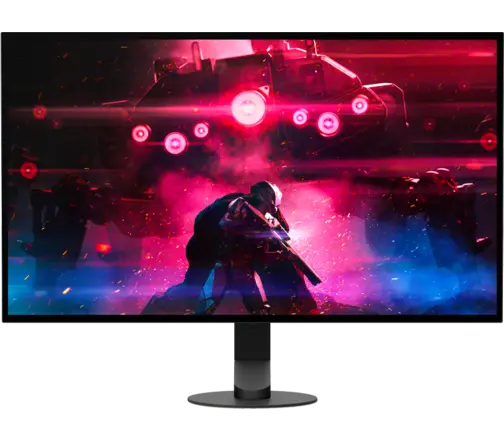
MSI MAG 272QP QD-OLED X50 27″ 1440p 500Hz
Last price we saw
Prices change often: ask the agent below to check today's price at every store.
Prices differ by screen size, and this one may be for a smaller size: check the size at the store.
Prices are checked against each store and labelled with when.
Ask our agent about this product
It checks today's price at every store, compares the alternatives and answers in about a minute.
In stock now from MSI
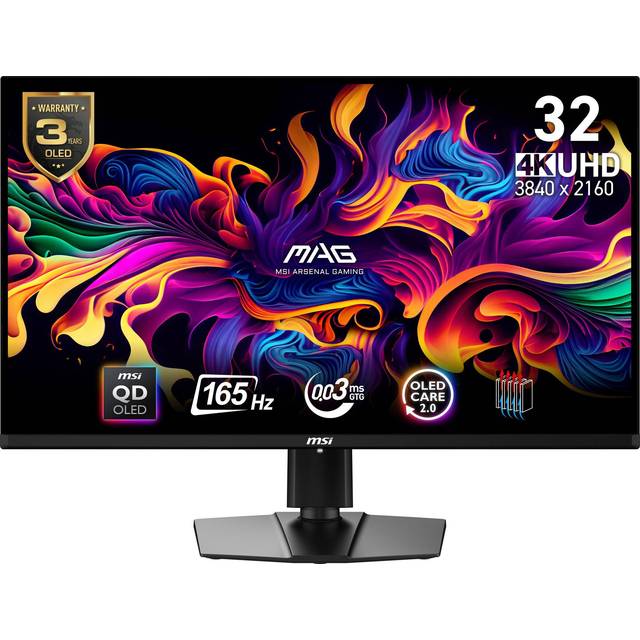

Our take on the MSI MAG 272QP QD-OLED X50 27″ 1440p 500Hz
The MSI MAG 272QP QD-OLED X50 is a 27-inch QD-OLED gaming monitor with a 2560 x 1440 resolution and a 500Hz refresh rate. QD-OLED gives it per-pixel contrast, near-instant pixel response and wide color, which puts it ahead of fast IPS panels on motion clarity and black levels. It suits competitive players who want a high frame rate at 1440p without stepping up to a larger screen. The trade-offs are typical of OLED: static interface elements can burn in over time, and full-screen brightness is modest next to LCD rivals.
- QD-OLED panel with per-pixel contrast and deep blacks
- 500Hz refresh rate for very low motion blur
- 0ms pixel response removes visible ghosting
- 2560 x 1440 resolution keeps detail sharp at 27 inches
- HDMI, DisplayPort and USB-C inputs cover PC and console
About the MSI MAG 272QP QD-OLED X50 27″ 1440p 500Hz
The MSI MAG 272QP QD-OLED X50 is a 27-inch monitor with a 2560 x 1440 resolution.
The OLED panel has a response time of 0 milliseconds.
The monitor connects through HDMI, DisplayPort or USB-C.
- Screen size
- 27 in
- Resolution
- 2560 x 1440
- Response time
- 0 milliseconds
- Ports
- HDMI, DisplayPort, USB-C
Specifications
- Display Type
- OLED
- Resolution
- 2560 x 1440
- Connector Type
- HDMI, DisplayPort, USB-C
- Size
- 27 in
Questions and answers
- Is 500Hz worth it over a 240Hz monitor?
- Only if your PC already pushes very high frame rates in the games you play. At 240Hz and above the gains get smaller, but fast-motion games still look clearer at 500Hz.
- Does the QD-OLED panel burn in?
- OLED can develop burn-in from static elements like health bars, minimaps and desktop taskbars shown for long periods. Vary content, use dark mode and let the monitor run its pixel refresh cycles.
- What can I connect to it?
- It has HDMI, DisplayPort and USB-C inputs, so a PC, a console and a laptop can share it. Check that your cable and GPU support the refresh rate you want.
- Is 1440p sharp enough on a 27-inch screen?
- Yes for gaming and general use; text is clear but not as crisp as 4K at this size. Most players prefer the higher frame rates 1440p allows.
- Does it have speakers or a USB hub?
- The listed connections are HDMI, DisplayPort and USB-C. Confirm speaker and USB hub details for your region before buying if you need them.