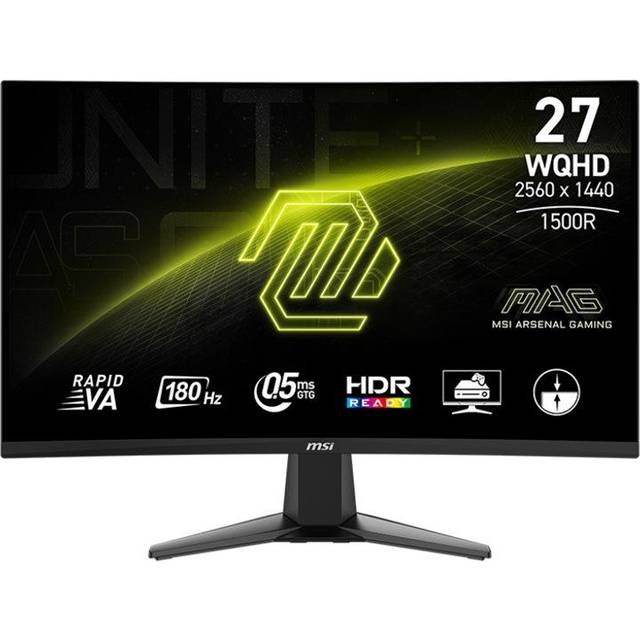
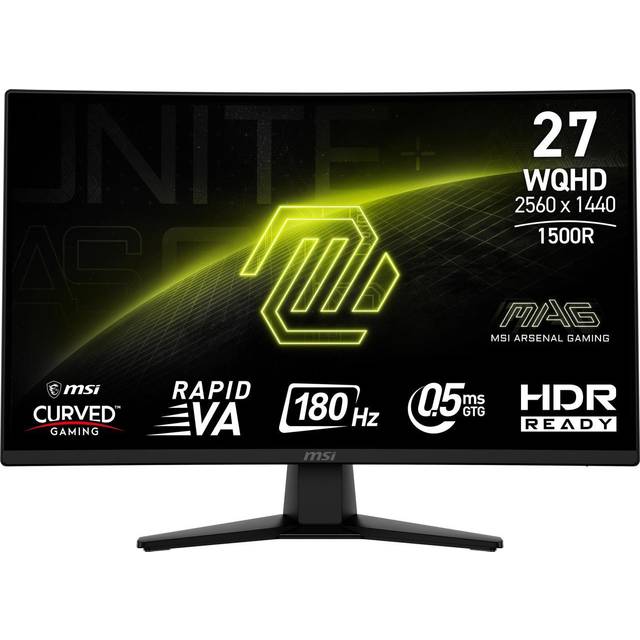
- Is 320Hz worth it over a 240Hz 1440p monitor?
- The jump from 240Hz to 320Hz is smaller than from 144Hz to 240Hz, but fast-motion clarity improves further. If you already own a good 240Hz screen, the upgrade is modest; coming from 144Hz or 165Hz, the difference is large.
- Does this monitor work with Nvidia graphics cards?
- It lists AMD FreeSync, which Nvidia cards can often use through adaptive sync support. Check that your GPU and driver enable variable refresh rate over DisplayPort for the best result.
- Can my PC hit 320 frames per second at 1440p?
- Only with a high-end GPU and low settings in demanding titles. Esports games like CS2 or Valorant are the realistic target; for heavy single-player games you will run well below the panel's ceiling.
- Is the curved screen a problem for work?
- At 27 inches the curve is gentle, so documents and spreadsheets look close to flat. Some users prefer a flat panel for precise design work, but most adjust quickly.
- What is in the box?
- Expect the monitor, a stand, and the usual video and power cables. Confirm the exact cable bundle with the seller, since MSI varies accessories between regions.
- How does it compare with a VA gaming monitor?
- The IPS panel gives better color and viewing angles and faster pixel response, while VA offers deeper blacks and higher contrast. For competitive play the IPS is the safer pick; for dark-room cinematic gaming, VA has the edge.
- Where is the MSI MAG 274QRFW X32 27 Inch QHD 320Hz Gaming Monitor cheapest?
- At Best Buy, for $279.99, as of our latest check.
- Where can I buy the MSI MAG 274QRFW X32 27 Inch QHD 320Hz Gaming Monitor?
- 6 stores we checked sell it, including Best Buy, MSI, Newegg, Adorama, Sunny Sports.