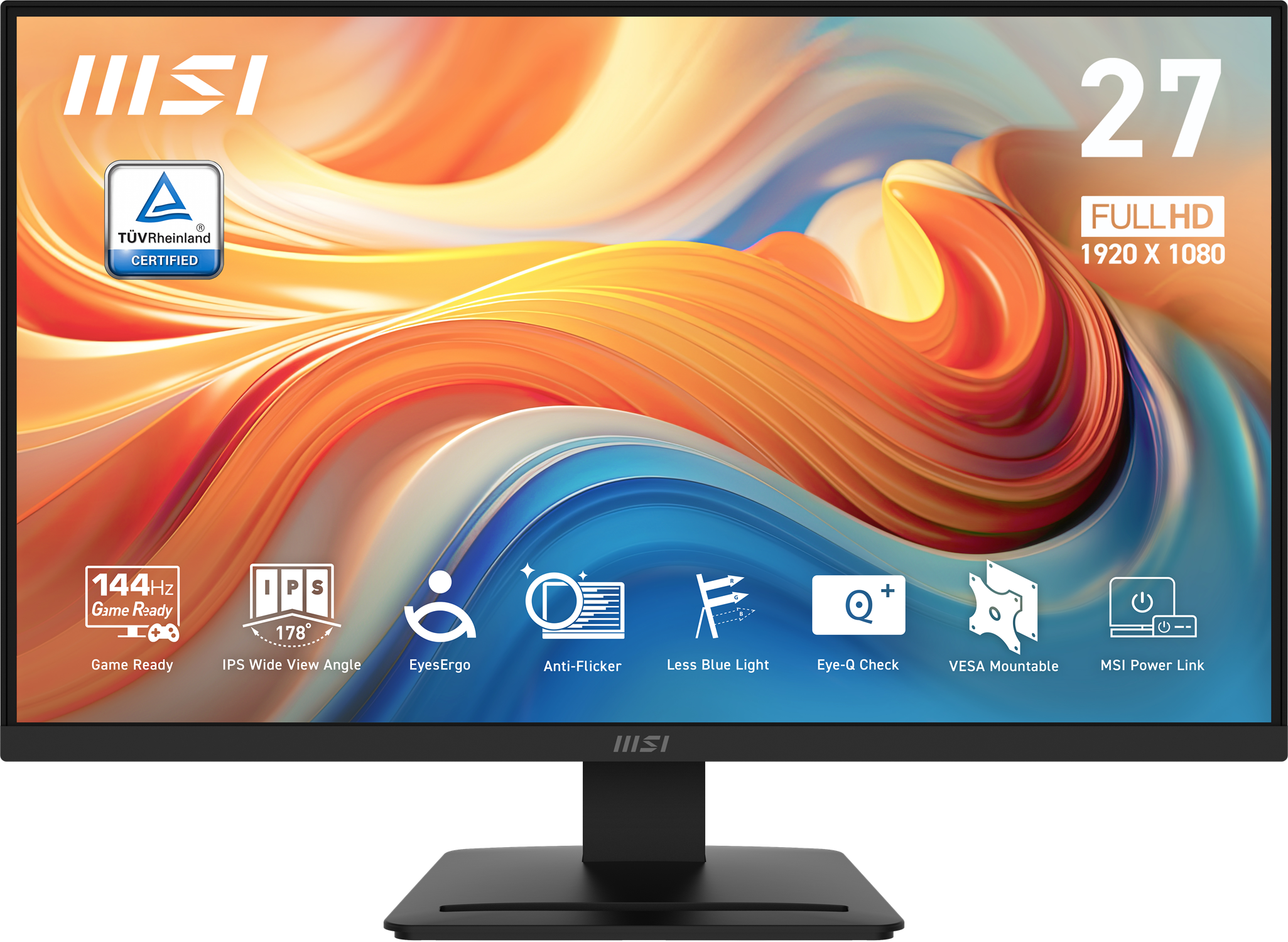
MSI PRO MP273QP E14 27 Quot QHD 144Hz Flat Business Monitor
Last price we saw
Prices change often: ask the agent below to check today's price at every store.
Prices differ by screen size, and this one may be for a smaller size: check the size at the store.
Prices are checked against each store and labelled with when.
Ask our agent about this product
It checks today's price at every store, compares the alternatives and answers in about a minute.
In stock now from MSI
- MSI PRO MP273QP E14 27 Quot QHD 144Hz Flat Business Monitor 27-inch$149.99 at MSIVisit MSI
- MSI PRO MP272 E14C 27 FHD 144Hz Flat Business Monitor$139.99 at Best BuyVisit Best Buy

- MSI Pro MP275Q 27" Class WQHD LED Monitor - 16:9 - Matte Black Color bezel - 27" Viewable - In-plane Switching (IPS) Technology - LED Backlight - 2560 x 1440 - 16.7 Million Colors - Adaptive Sync/F...
Our take on the MSI PRO MP273QP E14 27 Quot QHD 144Hz Flat Business Monitor
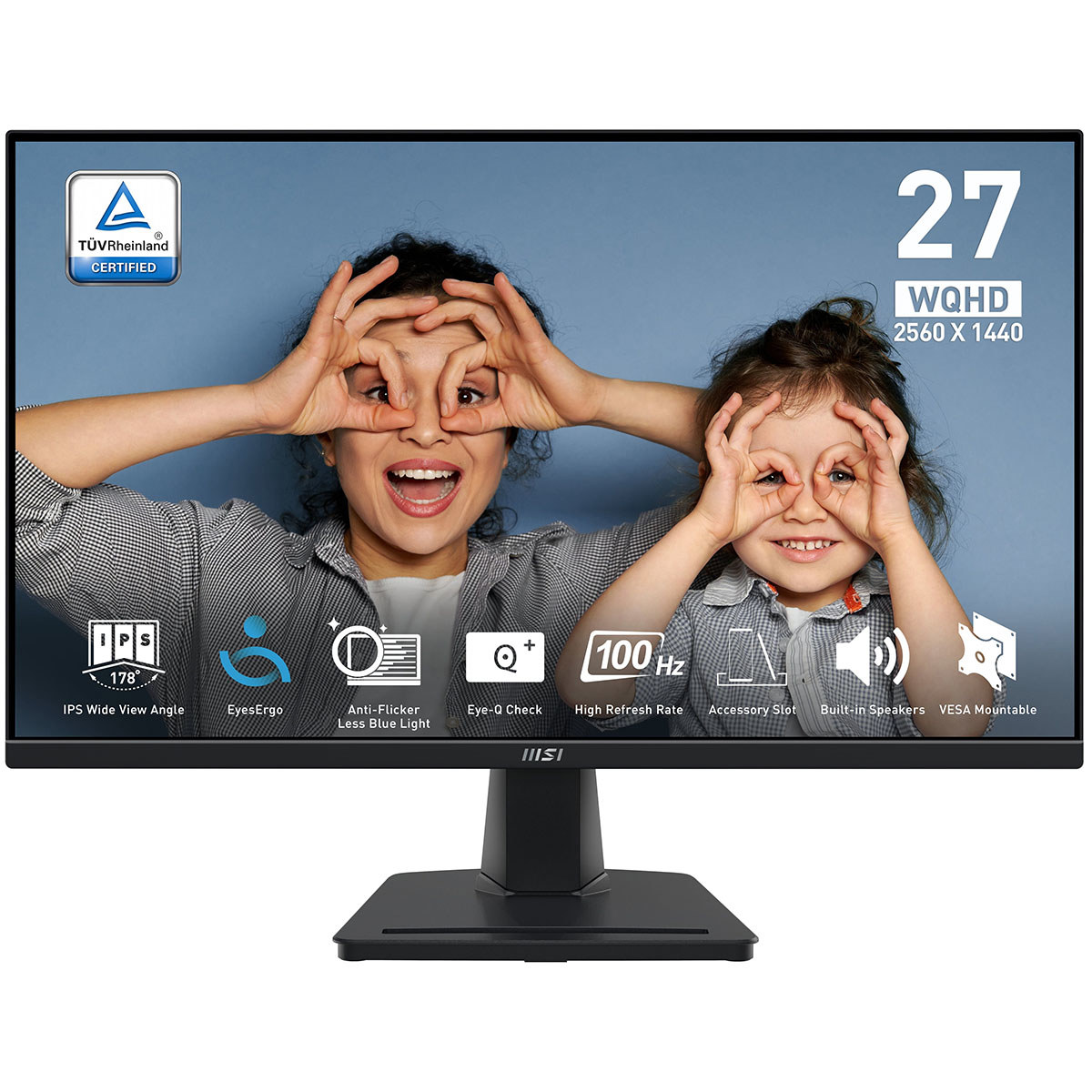
The MSI PRO MP273QP E14 is a 27-inch flat monitor with a 2560x1440 QHD panel and a 144Hz refresh rate. It sits in MSI's PRO business line, so it favors a clean stand, built-in speakers and eye-care features over gaming styling. The 144Hz QHD combination is unusual at this tier: most business 27-inch QHD monitors run at 60Hz or 75Hz, while similarly priced gaming models often drop to 1080p or skip ergonomic stands. It suits office users who also want smooth scrolling and light gaming, though it lacks the USB hub and wide color coverage of pricier productivity panels.
- Sharp 2560x1440 QHD resolution on a 27-inch panel
- 144Hz refresh rate for smooth motion
- Flat, space-efficient design for desk setups
- MSI PRO business line with eye-care features
- Built-in speakers reduce cable clutter
Questions and answers
- Is 144Hz worth it on a business monitor?
- Yes, if you scroll long documents, move windows or play games after hours. The jump from 60Hz is noticeable in everyday cursor and scroll motion, and it costs little in image quality at QHD.
- Is QHD sharp enough at 27 inches?
- Yes. 2560x1440 at 27 inches gives about 109 pixels per inch, noticeably sharper than 1080p at the same size and easier to drive than 4K.
- Does it work with a laptop?
- Yes, over HDMI or DisplayPort, which most laptops output. Check that your laptop port supports 144Hz at QHD; some HDMI outputs cap at 60Hz.
- Can I mount it on an arm?
- Yes, it has a standard VESA mount pattern, so a monitor arm or wall bracket works. That is the easy way to add height and tilt adjustment.
- Is it good for photo or video editing?
- It is fine for casual editing, but it is not a color-critical panel. If accurate color matters, look at a monitor with wider gamut coverage and factory calibration.
- Does it have built-in speakers?
- Yes. They handle calls and casual video, but they are not a substitute for desk speakers or headphones for music.