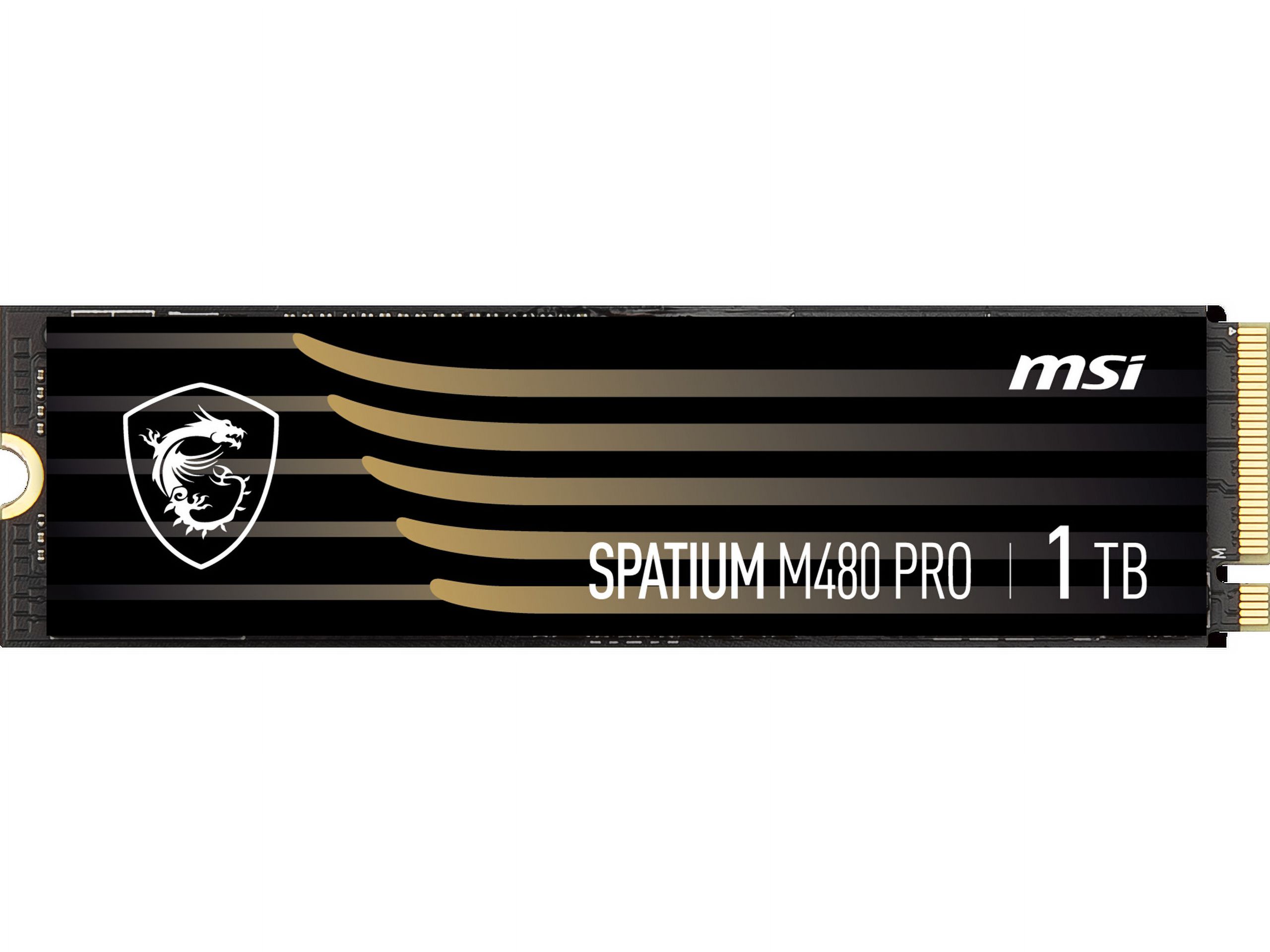
MSI SPATIUM M482 2TB PCIe 4.0 NVMe M.2 Internal SSD
Where to buy
No store is showing a current price right now. The stores below sell it; ask the agent to check today's prices.
Prices are checked against each store and labelled with when.
In stock now from MSI


Our take on the MSI SPATIUM M482 2TB PCIe 4.0 NVMe M.2 Internal SSD
The MSI Spatium M482 is a 2TB PCIe 4.0 NVMe M.2 internal SSD built for fast everyday storage. It uses the standard M.2 2280 form factor and the PCIe 4.0 x4 interface, so it fits most modern desktops and laptops with an open M.2 slot. It is a value-focused drive rather than a flagship: it competes with budget PCIe 4.0 drives like the Crucial P3 Plus and WD Blue SN580, which trade top-end speed for lower cost. It suits gamers, builders and laptop owners adding fast bulk storage, not buyers chasing the fastest benchmark numbers.
- PCIe 4.0 x4 NVMe interface for high sequential speeds
- 2TB capacity holds a large game and media library
- Standard M.2 2280 form factor fits most modern boards
- No heatsink needed for normal desktop and laptop use
- Simple install with no cables or mounting bracket
MSI SPATIUM M482 2TB PCIe 4.0 NVMe M.2 Internal SSD prices at every store
- PzDealsCheck price at PzDeals
What reviewers say
Owner feedback on the Spatium M482 line is limited but generally positive, with buyers describing it as a fast, easy-to-install drive for the money. Some note it is a budget-tier SSD rather than a performance leader.
- SpeedPraisedOwners say everyday tasks and game loads feel much faster than on older SATA drives.
- InstallPraisedBuyers describe fitting it into an M.2 slot as quick and tool-light.
- Sustained writesCriticisedLong file transfers slow down once the drive's cache is used up.
Ask our agent about this product
It checks today's price at every store, compares the alternatives and answers in about a minute.
Questions and answers
- Is the MSI Spatium M482 fast enough for gaming?
- Yes. Its PCIe 4.0 interface gives quick game loads and fast level streaming. It is not the fastest drive in its class, but the gap shows mainly in large file transfers, not gameplay.
- Will it fit my laptop or desktop?
- It uses the M.2 2280 form factor, the most common size. Check that your machine has a free M.2 slot that supports PCIe 4.0 or 3.0 NVMe drives; it also works at PCIe 3.0 speeds in older slots.
- Does it come with a heatsink?
- No. It is a bare drive, so it relies on your motherboard's M.2 heatsink or case airflow. That is fine for normal use; heavy sustained writes benefit from a heatsink.
- How does it compare with premium PCIe 4.0 SSDs?
- It trails drives like the Samsung 990 Pro in sustained writes and heavy random workloads. For gaming and general storage the difference is small, and the M482 is the more budget-minded choice.
- Do I need to clone my old drive?
- Not necessarily. You can add it as a second drive for extra storage, or clone your existing system to it if you want to boot from it. Cloning needs third-party software or MSI's own tools.
- Is 2TB enough for a game library?
- For most players, yes. It holds a large collection of modern games plus photos and video. Buyers with very large libraries may still want a second drive.