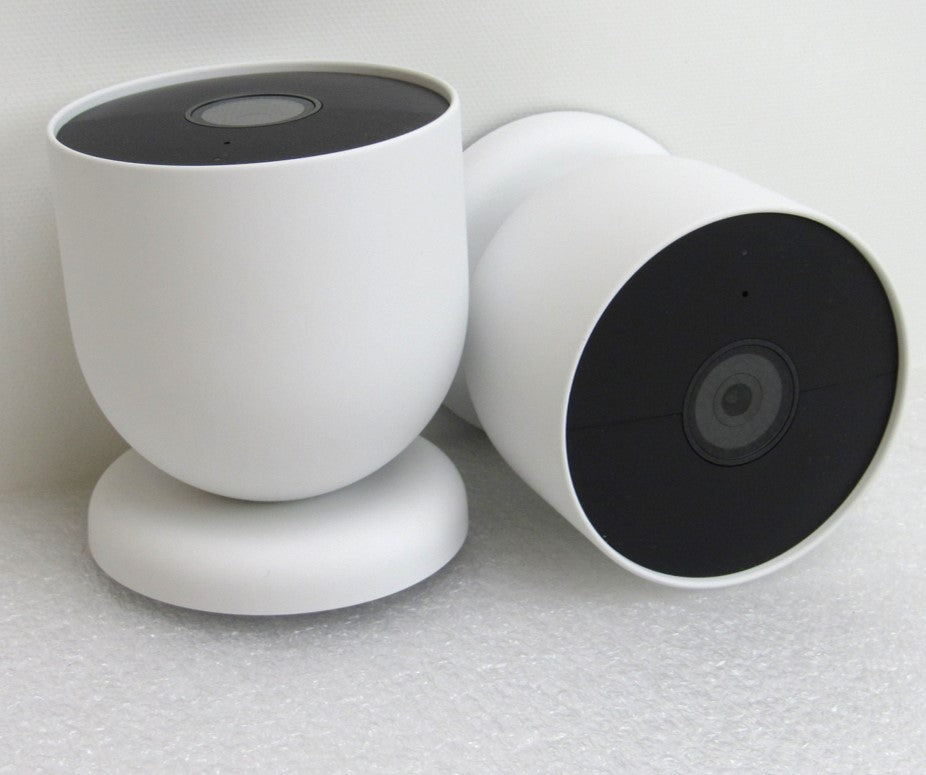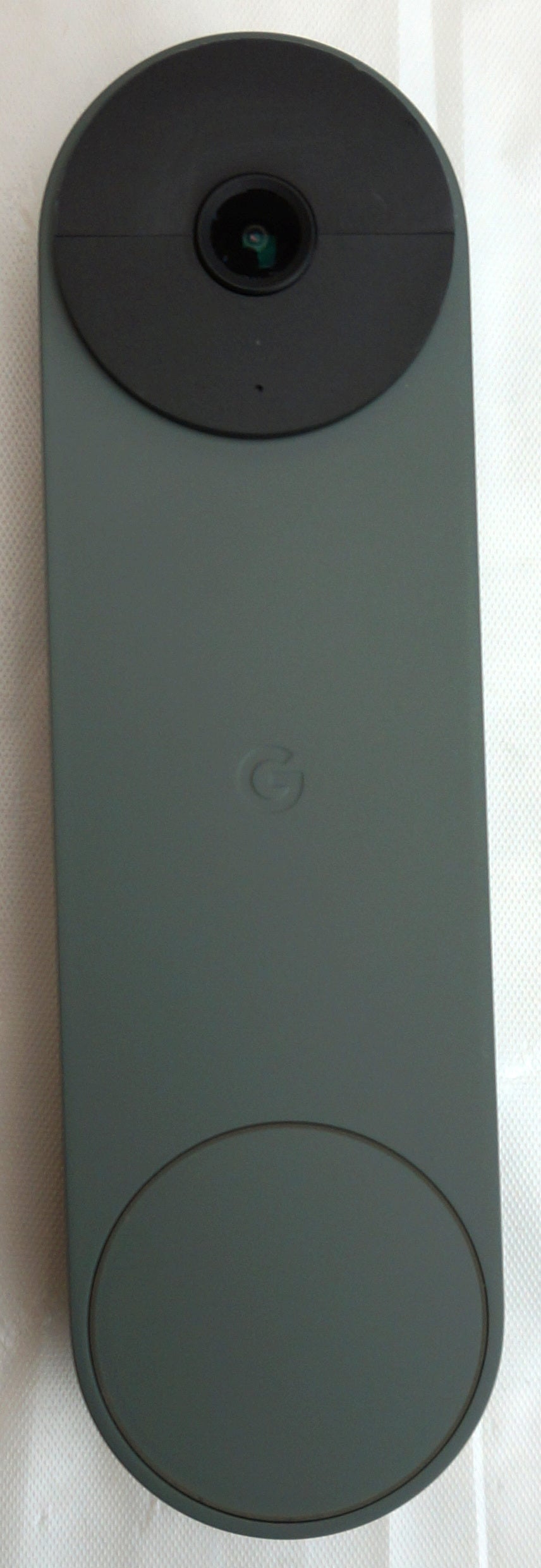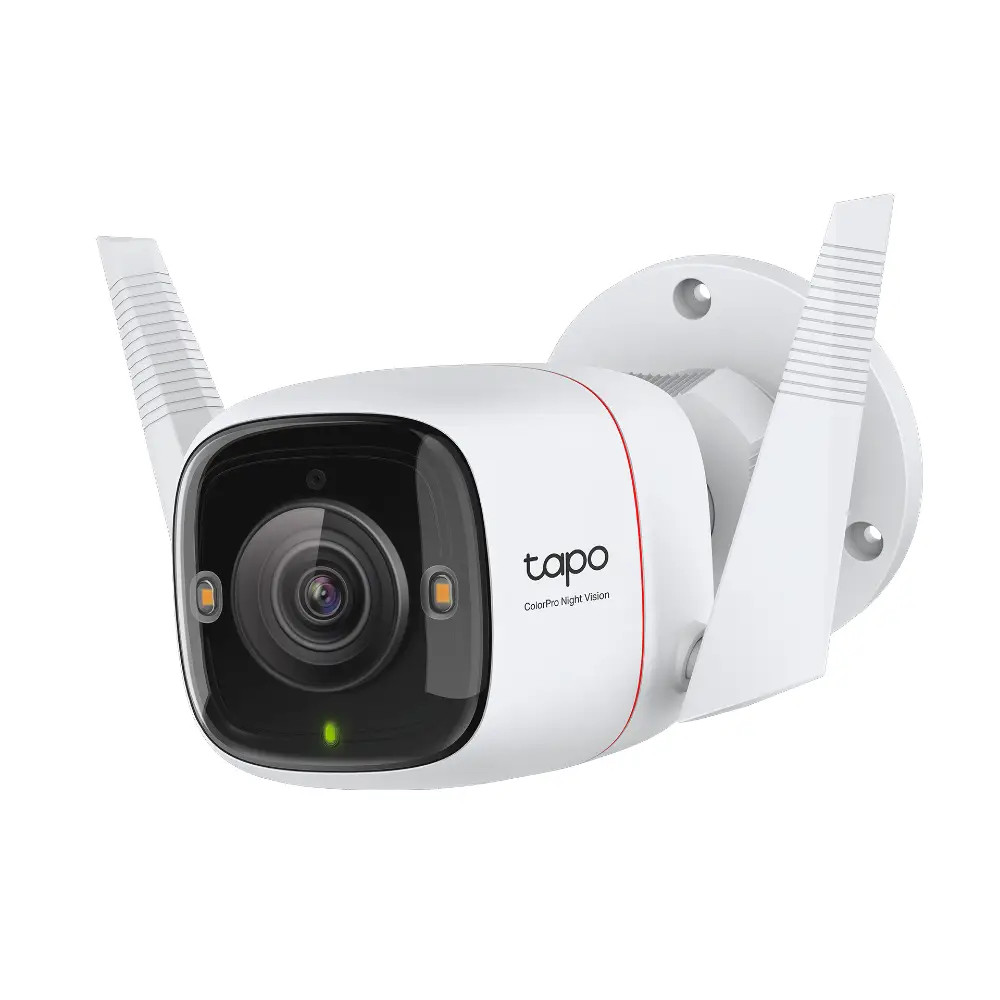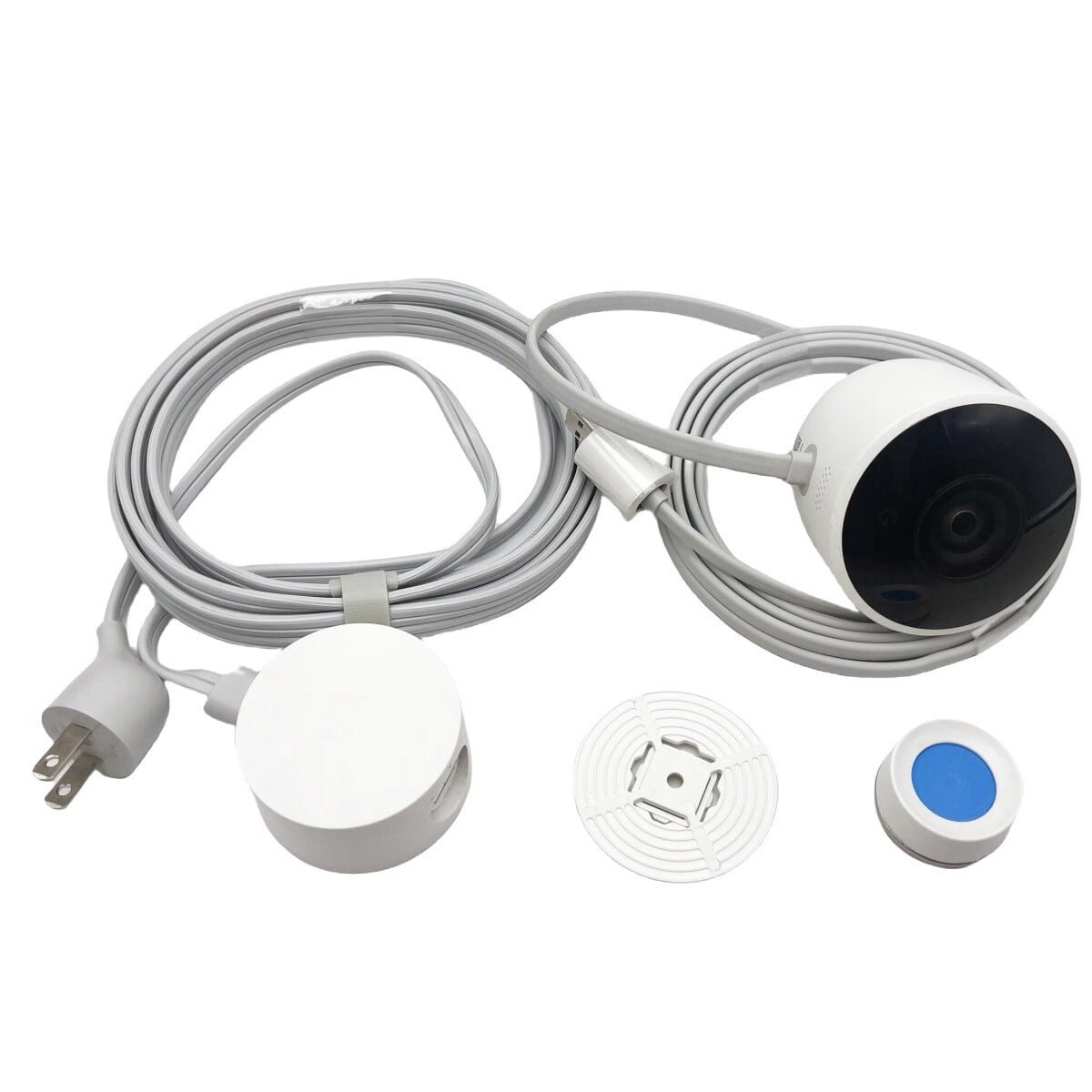
Nest Cam Outdoor Security Camera NC2100ES
Best price now
$80.00at Mercari

65% under what the other stores charge
Compared across 16 stores. Prices are checked against each store and labelled with when.
The Nest Cam Outdoor is Google's first-generation wired outdoor camera: 1080p video at 30 fps, a 130-degree field of view, infrared night vision and IP65 weather resistance. It plugs into AC power, so it records around the clock instead of relying on a battery, and it works with Google Assistant and Amazon Alexa. It is an older model now, and newer Nest cams offer higher resolution and more features.
In stock
In stock
In stockSold by ABCBEERSReturns: Sold by a Walmart Marketplace seller; returns go to the seller under the seller's returns policy.
In stockSold by Good Guys Electronics
In stock
In stock
In stock
In stockSold by GrowKart
Availability unknown
Availability unknownSold by Good Guys Electronics
Availability unknown
Availability unknown
Availability unknown
Availability unknown
As an Amazon Associate, Deal.ai earns from qualifying purchases.
Availability unknown
Availability unknownSold by GrowKart
Out of stock
Out of stock
Availability unknown
Also available at
Store links may earn us a commission.
Lowest price we've seen: $80.00 on Nov 12 at Mercari; highest $179.99 on Nov 14. Tracked across 15 stores since Oct 31.
Owners rate it highly, at 4.8 out of 5 from about 3,500 ratings, and most praise the picture quality and the reliability of constant power. Complaints tend to focus on the power cable and on the app's alert behavior.
The Google Nest Cam Outdoor (1st Gen, NC2100ES) is a wired Wi-Fi security camera for outdoor use. It records 1080P HD video and has built-in night vision with integrated infrared LEDs for low-light monitoring. It has a 130° field of view and 8x digital zoom.
The camera is weather-resistant with an IP65 rating. It sends alerts to your smartphone when it detects motion. It also has audio and works with Google Assistant and Amazon Alexa.
To set it up, mount the camera outdoors with the included wall plate and mounting magnet. Connect the power cable to the camera and plug it into an outlet. Then use the Google Home app to connect the camera to your Wi-Fi network. If it has trouble connecting, reset the camera and try again. If the faceplate falls off, press it back onto the camera.
It checks today's price at every store, compares the alternatives and answers in about a minute.