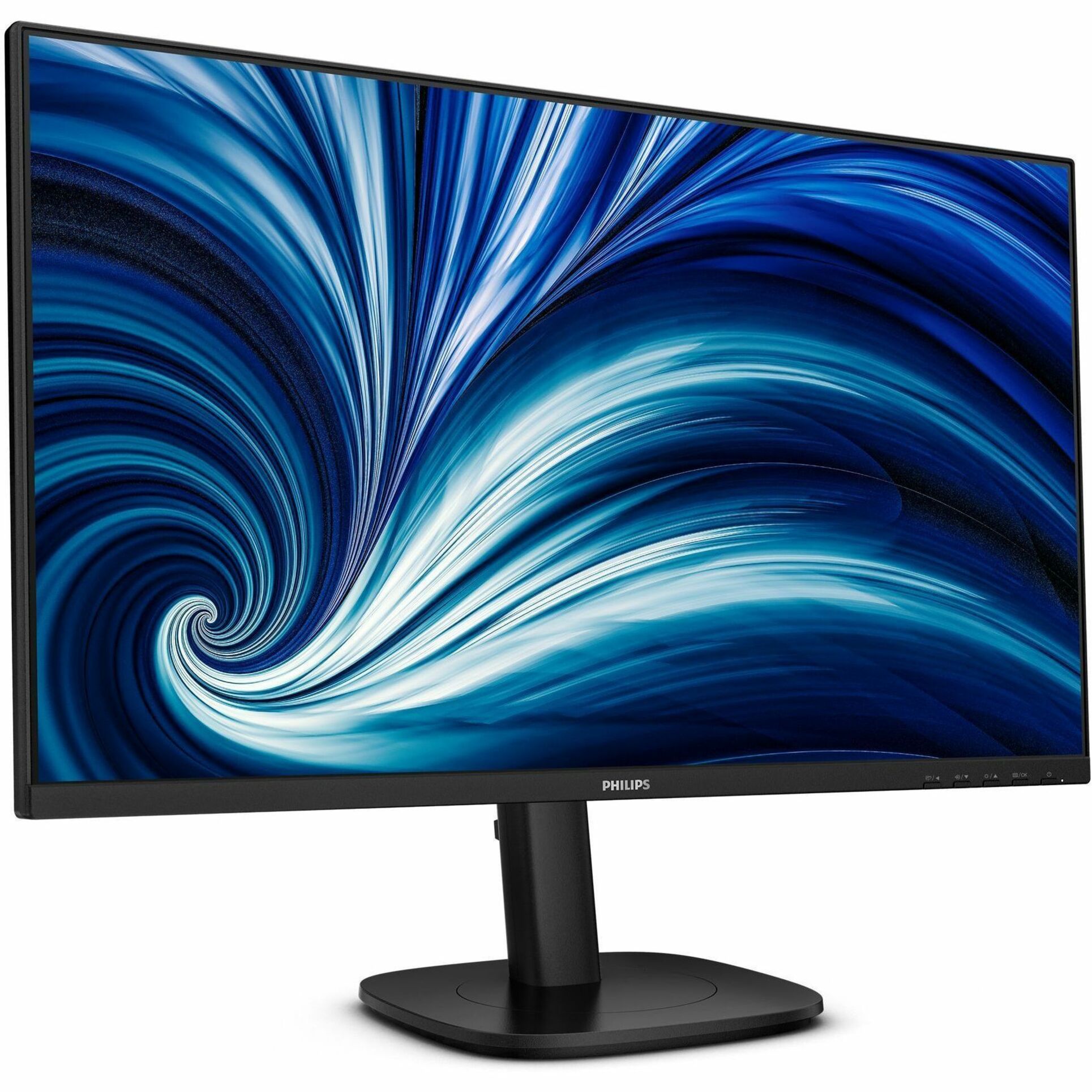
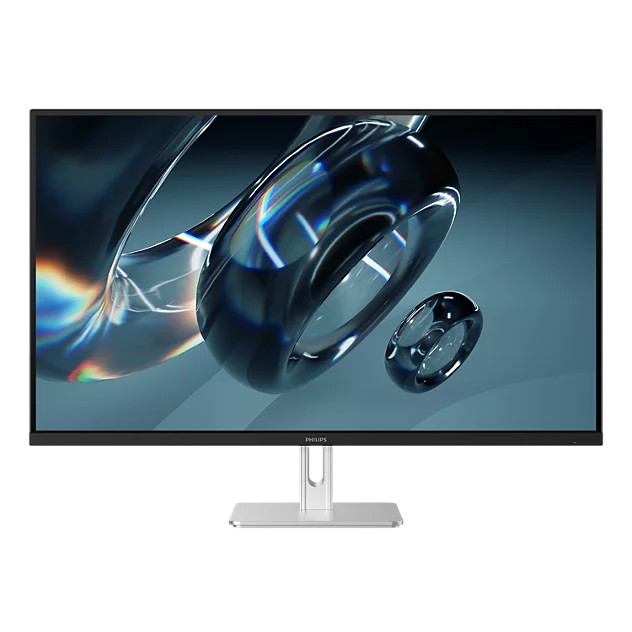
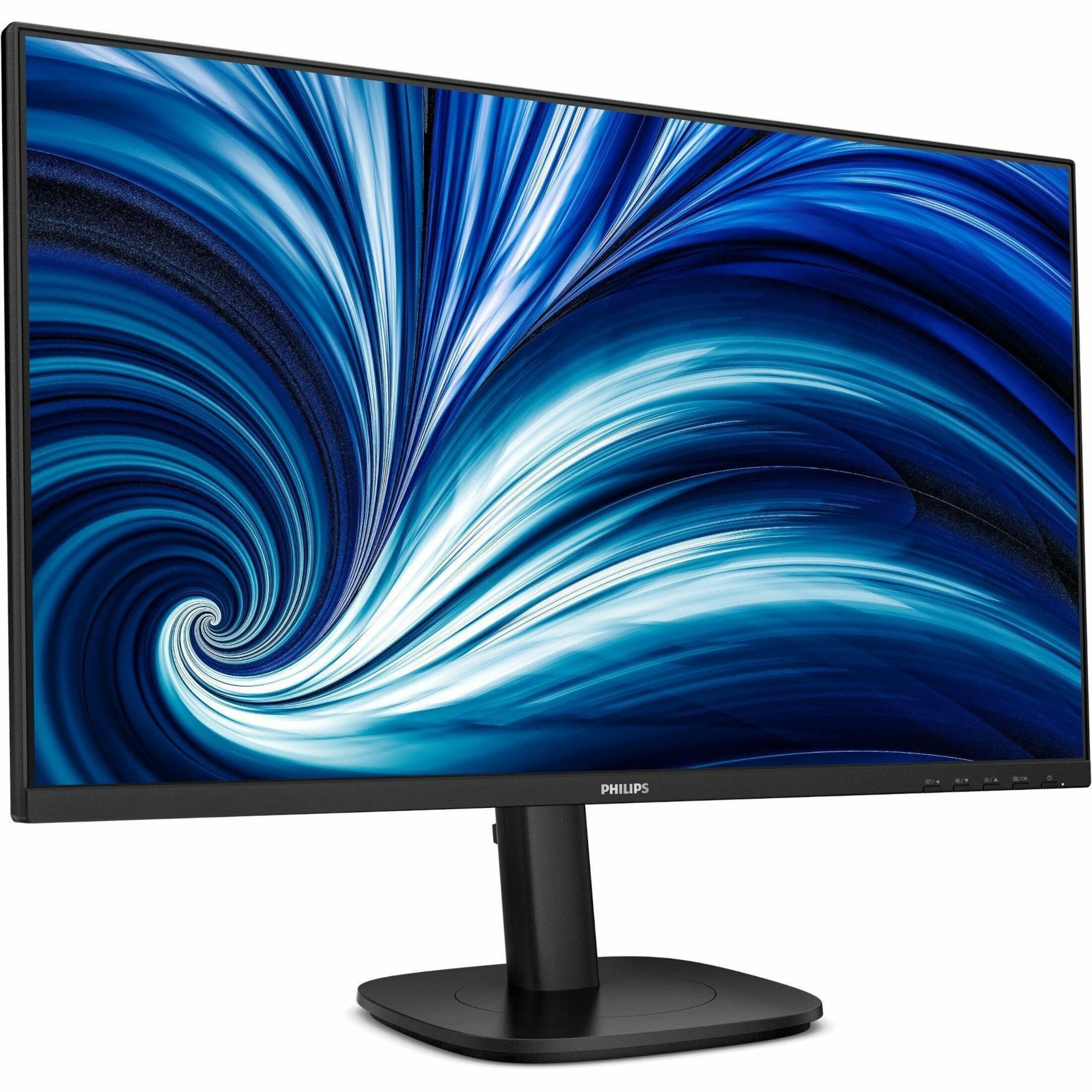
- Is QHD worth it on a 27-inch screen?
- Yes. At 27 inches, 2560x1440 gives about 109 pixels per inch, so text and fine detail look noticeably sharper than 1080p at the same size, with more room on screen for windows.
- Is this monitor good for gaming?
- It is a standard office-class IPS panel, not a gaming monitor. It lacks the high refresh rate and adaptive sync that fast-paced games benefit from, so it suits casual play more than competitive gaming.
- Does it have USB-C or a built-in hub?
- No. It is a basic display without USB-C docking or a built-in USB hub, so plan on connecting devices directly to your computer.
- Is the IPS panel good for photo editing?
- IPS gives wide viewing angles and stable colors, which helps. But this is not a wide-gamut, color-calibrated display, so it is fine for casual photo viewing and not for color-critical work.
- What is in the box?
- The monitor, a stand, and the usual cables and documentation for connecting it to a computer. Check the listing for the exact cable included.
- Can I mount it on a monitor arm?
- Most Philips monitors in this class offer a VESA mounting pattern, so a monitor arm or wall mount is usually an option. Confirm the VESA size before buying an arm.
- Where is the Philips 27B2N3500J 27 Inch QHD IPS Computer Monitor cheapest?
- At Tiny Lux, for $240.84, as of our latest check.