Phomemo 241BT Bluetooth Thermal Label Printer
Last price we saw
$83.98at Walmart, last seen Oct 31
Prices change often: ask the agent below to check today's price at every store.
Prices are checked against each store and labelled with when.

Prices change often: ask the agent below to check today's price at every store.
Prices are checked against each store and labelled with when.
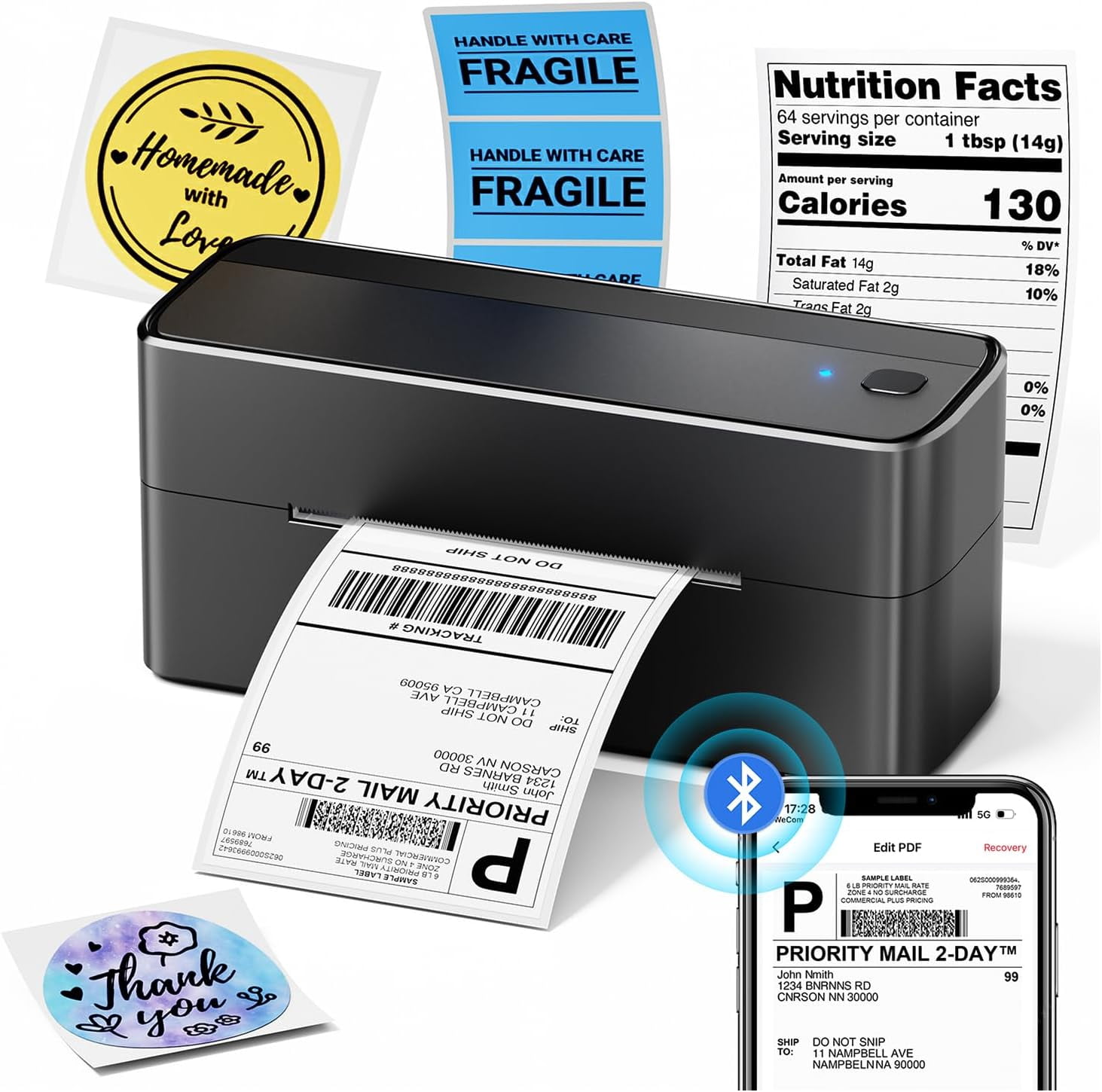
The Phomemo 241BT is a compact thermal label printer that prints 4x6 shipping labels over Bluetooth from a phone or over USB from a computer. It needs no ink or toner, so running costs are just the label rolls. It prints at 203 dpi, which is the standard resolution for shipping labels and barcodes. It is a budget-class printer aimed at small sellers and home shippers rather than high-volume warehouses.
Lowest price we've seen: $83.98 on Oct 31 at Walmart. Tracked across 1 store since Oct 31.
Owners of the Phomemo 241BT generally describe it as an inexpensive way to print shipping labels at home, with quick setup through the app. Complaints tend to focus on Bluetooth pairing quirks and the need to install drivers on a computer.
How to Print Via Bluetooth with Phone & Tablet Download the APP "Labelife" from App store or Google play 2.Turn on the portable printer and APP, Click the "printer" icon on the APP's uper right to search the Bluetooth printer and connect. 3.Then start your 241bt Label printer printing travel. Attention: 241BT Thermal Label printer Bluetooth can't support pair with Phone or tablet directly now, must be pair on the App "Labelife". How to Print on mac OS Laptop Download the driver from official website (Please check your laptop or computer's operation system before download the printer driver to maker sure the driver is correct) After install the driver well, turn on the 241bt label printer and using the data cable come with the printer to connect 241bt thermal printer and your laptop, and start your 241bt printer printing travel. Attention: 241bt label printer compatible with macOS10 and above operation syetem How to Print on Windows PC Download the driver from official website (Please check your laptop or computer's operation system before download the printer driver to maker sure the driver is correct) After install the driver well, turn on the 241bt label printer and using the data cable come with the printer to connect 241bt thermal printer and your laptop, and start your 241bt printer printing travel. Attention: 241bt label printer compatible with Windows7 and above operation syetem