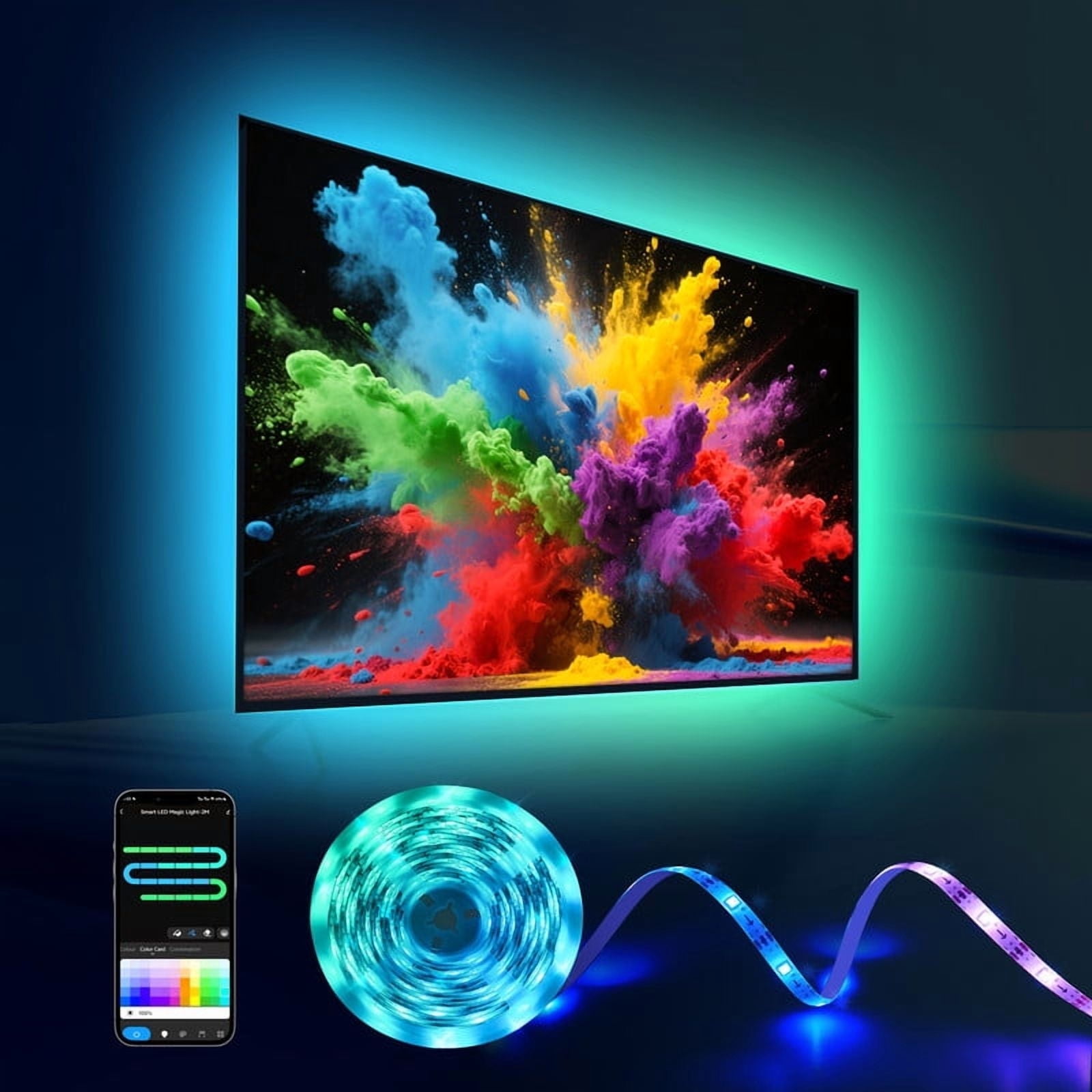
The PixAirie TV Backlight Strip is an RGBIC LED strip that mounts around the edges of a TV and casts matching colour onto the wall behind it. A small camera sits on top of the screen and reads the colours on the display in real time, so the light follows what you are watching. It works with any TV brand, smart TV apps, consoles and set-top boxes, with no HDMI pass-through box needed.
The strip uses SMD5050 Epistar LEDs rated for 50,000 hours, at 30 LEDs per metre. RGBIC control drives individual clusters, so the strip can show up to 14 distinct colour segments at once for gradients and moving colour. A built-in microphone picks up sound and pulses the light with the beat.
Control is through the uLamp app for iOS and Android over Bluetooth, with no Wi-Fi router setup. The app adjusts brightness, saturation and colour speed, and offers cinema, gaming, dynamic and relaxed modes. The strip is self-adhesive: clean the back of the screen, press the strip around the edges, mount the camera on top and plug the USB lead into the TV or a 5V power adapter.
- Type
- RGBIC LED strip with camera screen sync
- Compatibility
- TVs from 55" to 75"
- LEDs
- SMD5050 Epistar, rated for 50,000 hours
- LED density
- 30 LEDs per metre
- Colour segments
- Up to 14 simultaneously
- Control
- uLamp app for iOS and Android
- Connectivity
- Bluetooth
- Power
- USB; TV or 5V power adapter
- Mounting
- Self-adhesive strip; camera mounts atop the screen
- Lighting modes
- Cinema, gaming, dynamic, relaxed
- Music mode
- Built-in microphone, audio reactive
- Setup time
- Under 10 minutes