StoreDeal.ai store
Shop
  • Deals
  • Deal checker
  • Black Friday
  • Buying guides
  • Brands
  • Stores
Travel
  • Flight deals
  • Hotel deals
Company
  • Research
  • Press
  • deal.ai apps
Black Friday 2026
  • Walmart
  • Best Buy
  • Target
  • TVs
  • Laptops
  • Headphones
  • Apple
  • Gaming
  • Vacuums
  • Kitchen
  • Toys
  • Smartwatches
  • Tablets
  • Furniture
  • Mattresses
© Deal.ai Inc.
TermsPrivacy
Deal.ai
P
ProffieBoard V2.2 - Open Source Sound Board

ProffieBoard V2.2 - Open Source Sound Board

Where to buy

No store is showing a current price right now. The stores below sell it; ask the agent to check today's prices.

Prices are checked against each store and labelled with when.

Check today's price at Tritium Sabers

Ask our agent about this product

It checks today's price at every store, compares the alternatives and answers in about a minute.

Enter to send, Shift+Enter for a new line

ProffieBoard V2.2 - Open Source Sound Board prices at every store

  • Tritium SabersNew

    Out of stockReturn policy

    $19.99Checked 1 h ago
    Visit Tritium Sabers

About the ProffieBoard V2.2 - Open Source Sound Board

The Proffieboard is a revolution in lightsaber electronics. Fully open source this feature packed board includes smooth swing which provides the most realistic sound effects we have seen in a sound board. The v2.2 ProffieBoard utilizes the powerful STM32 microprocessor combined with a powerful motion coprocessor IMU, 3W audio amplifier, and 6 MOSFETs to control external LEDs.

Documentation and Downloads

Datasheet

ProffieBoard Base Config File

Software Download Page

Troubleshooting Guide

Please note that all troubleshooting and support will be at the following forums The Rebel Armory and the FX-Sabers online forum

Dimensions

17.8x33.2x4mm (+3.2mm with micro USB port and micro SD card)

A note on reverse polarity protection

This version of the proffieboard is the first to feature reverse polarity protection. Please note, however, that the reverse polarity protection does not really cover the LEDs. The FETs have internal bypass diodes that let power flow backward through them. For regular LEDs, this is not a problem, as power can only flow one way through a LED. Neopixels might not be so lucky though, so it may still be possible to fry your pixels by hooking up the battery backward. But the Proffieboard itself should be fine.

Wire gauges

Most pads on the proffieboard will not need to carry any significant amount of power and can use 30 AWG (very thin) wire if you choose. However, Battery- will carry the combined power of all your LEDs, which is a fair amount of power. It is recommended to use thicker wires, for these wires. There are no absolute rules for what wire gauges are required, but here is a helpful chart . (See the "chassis wiring" column.) Keeping the high-power wires short helps as well.

Programming

Most of the time, programming the Proffieboard is as easy as hooking up the USB cable to a computer and pressing the "upload" button in the Arduino IDE. However, an interrupted upload or a crashing program can sometimes stop that from working. If that happens, hold the boot button, then press and release the reset button. This will put the Proffieboard in bootloader mode, and press "upload" should now work.

Touch Buttons

Any of the buttons can be replaced with a touch button. To wire a touch button, simply hook up the corresponding wire to a metal surface. Note that in spite of the name, you don't actually want anybody to actually touch the touch buttons. The metal surface needs to be insulated, both from the rest of the hilt and from the fingers that will be "touching" it. In my case, I used a circuit-board clamp card in a Graflex lightsaber, then I covered it up with tape to insulate it from everything else. More details here .

Shoppers also compared

  • A
    Adafruit Audio FX Sound Board - WAV/OGG Trigger
    Adafruit Audio FX Sound Board - WAV/OGG Trigger
  • S
    Sound Mixer Board Live Sound Card Voice Changer Sound Card with 15 Sound Effect for Living Broadcast Music Recording
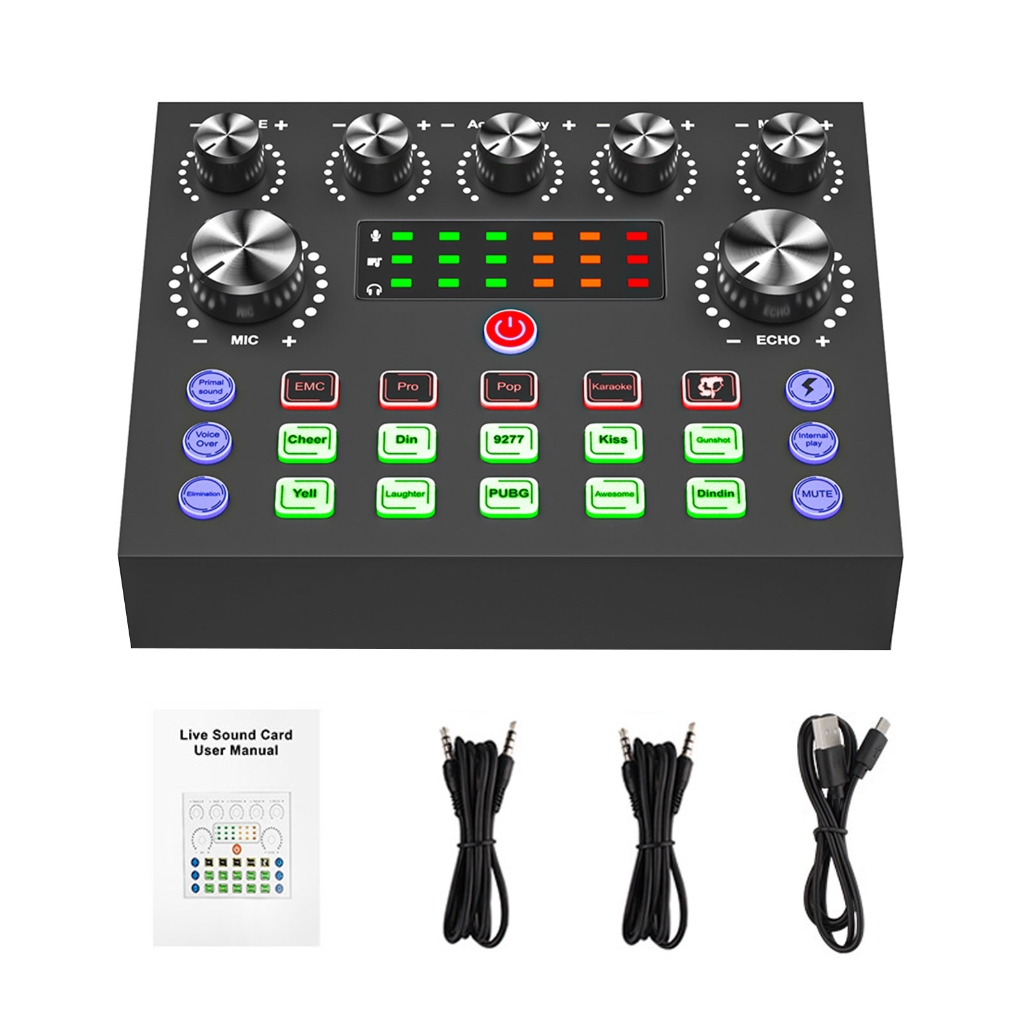
    Sound Mixer Board Live Sound Card Voice Changer Sound Card with 15 Sound Effect for Living Broadcast Music Recording
  • S
    Sound Board Mixer with Voice Changer LED Light External Sound Card for Phone Mic Karaoke Streaming Recorder Gaming
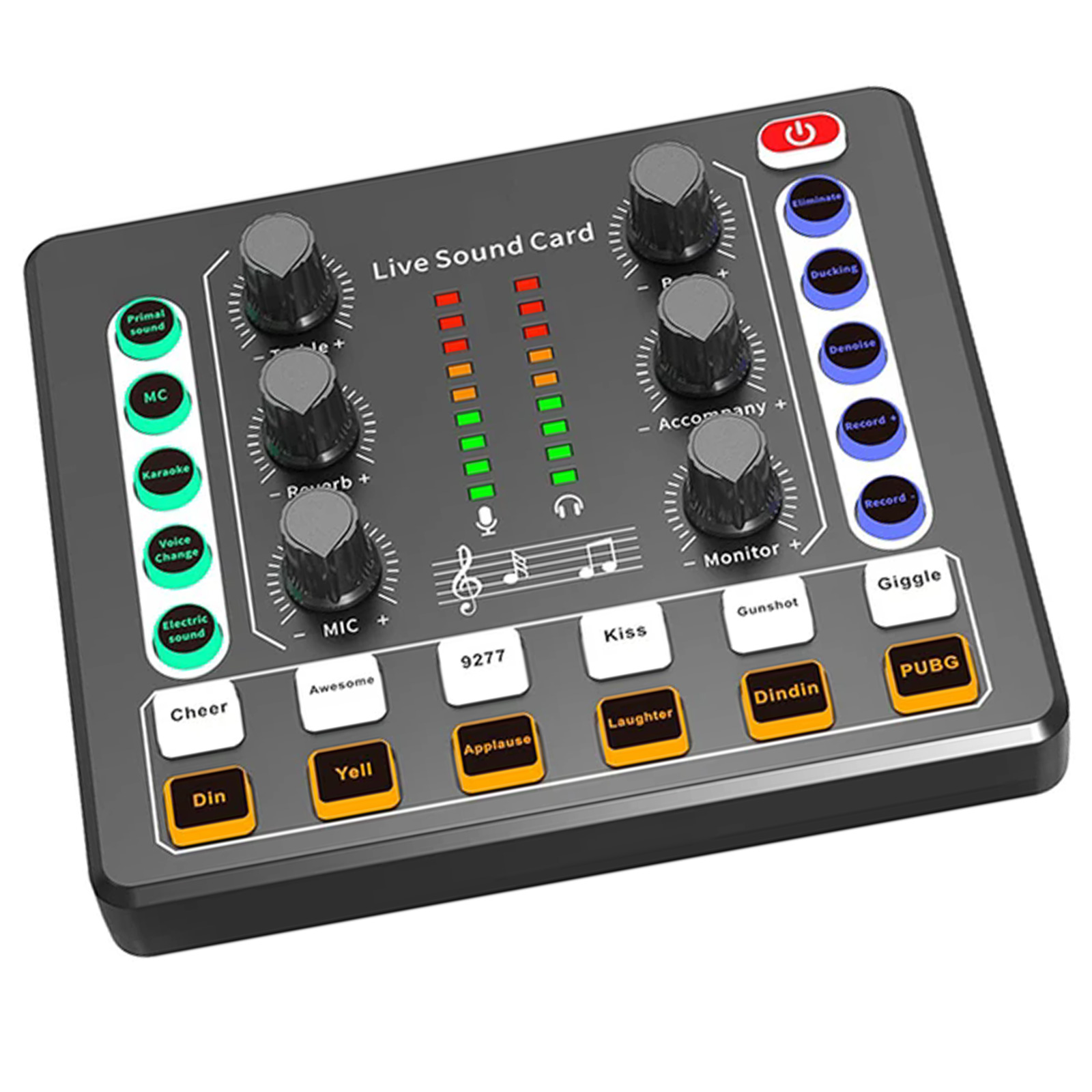
    Sound Board Mixer with Voice Changer LED Light External Sound Card for Phone Mic Karaoke Streaming Recorder Gaming
  • V
    Voicemod
    Voicemod
  • E
    Etokfoks LETNIS1VD Sound Board 6 Channel 16 Bit
    Etokfoks LETNIS1VD Sound Board 6 Channel 16 Bit

Choosing Resistors

Calculating resistor values is fairly easy. Just look up how many amps the LED can handle and at what voltage it expects to achieve that current. Then the resistor value we want is (BatteryVoltage - LedVoltage) / LedAmps. And the resistor needs to handle (BatteryVoltage - LedVoltage) * LedAmps watts. Example, if the LED wants 1A @ 3.2 volts, the resistor would be (3.7 - 3.2)/1 = 0.5 ohms, (3.7 - 3.2) * 1 = 0.5 watts.

Note that I use 3.7 volts for the battery in these calculations, while Li-ion batteries tend to top out at 4.2 volts. Proffieboard can compensate for this by using PWM to reduce the total amount of power and heat generated by the LED when the voltage is higher than what it is rated for. This mode is efficient and seems to work well, but it is possible that it will reduce the life of the LEDs. If you are not comfortable with this, you should use 4.1 or 4.2 volts in the calculations above.

Multi-battery setup

The FETs on the proffieboard can handle voltages up to 30v, so it's possible to do multi-cell setups. However, "Battery+" can not handle more than ~4.5 volts. So you would need a separate battery to power the CPU. Another possibility would be to do two batteries in series, but only use one of them to power the CPU. Since the batteries would be discharged unevenly, they would have to be charged separately. In the future, I hope to make "Battery+" handle a wider range of voltages, which would make multi-cell configurations a lot simpler.

Using Data 2, Data 4, RX and TX for PWM

Data 2, Data 4, and RX and TX can be used to drive LEDs instead of neopixels or serial ports. However, a single timer is used to drive these pins. For PWM, the timer is usually set to 800Hz, however, when neopixels are used, this timer is set to 800kHz. This basically means that if you use any neopixels, all of these pins becom

Specifications

Board size
1.3 x 0.7 inchesSource
Battery input
2.6 to 4.5 voltSource
LED driver pads
up to 30 voltsSource
Audio sample rate
44/22/11khzSource
Microcontroller
STM32L4 seriesSource
LED drivers
6 high-brightness LED driversSource
Motion sensor
6-axis motion sensorSource
USB
USB 2.0Source
Default sample rate
44kHzSource
Polyphony
up to 5 simultaneous samplesSource
Weight
0.020 kgSource
Dimensions
50 × 15 × 10 mmSource
  • A
    Adafruit Audio FX Mini Sound Board - WAV/OGG Trigger 16MB Flash
    Adafruit Audio FX Mini Sound Board - WAV/OGG Trigger 16MB Flash
  • A
    Adafruit Audio FX Mini Sound Board - WAV/OGG Trigger - 2MB Flash
    Adafruit Audio FX Mini Sound Board - WAV/OGG Trigger - 2MB Flash
  • A
    Adafruit Audio FX Sound Board 16MB - WAV/OGG Trigger
    Adafruit Audio FX Sound Board 16MB - WAV/OGG Trigger