- Is 64GB of RAM overkill for gaming?
- For games alone, yes; 32GB covers most titles. The 64GB matters for video editing, 3D rendering and many browser or virtual-machine workloads. It is also the maximum the machine supports, so buy the capacity you need up front.
- Can the RAM or storage be upgraded later?
- RAM cannot go beyond 64GB, since that is the stated maximum. The 2TB SSD is a solid-state drive, and storage is the more practical upgrade path if you need more space.
- Is a 240Hz screen useful at 2560 x 1600?
- Yes for competitive shooters, where the high refresh rate makes motion clearer. Demanding AAA games at that resolution will not reach 240 frames per second, so the panel mainly benefits esports titles and desktop smoothness.
- How does it compare with the ASUS ROG Zephyrus G16?
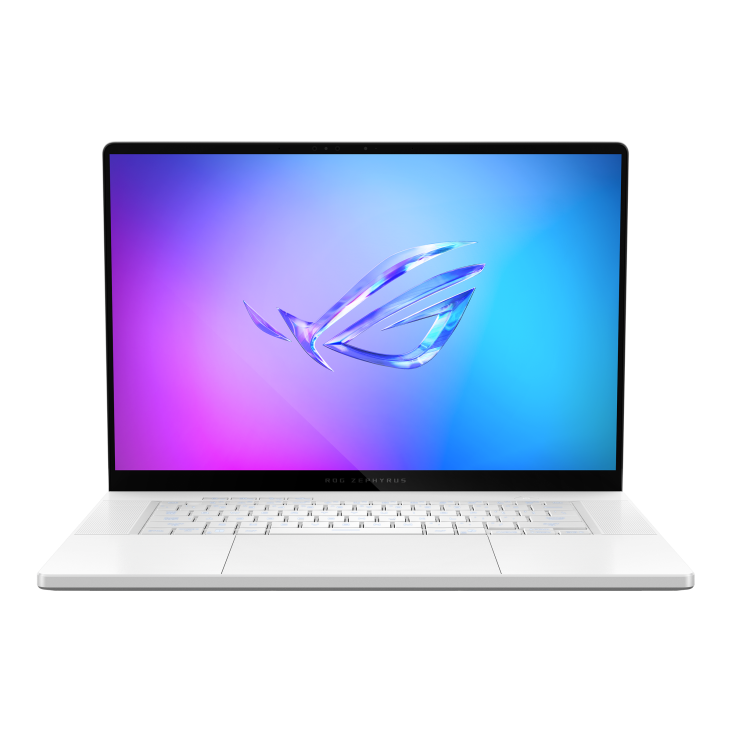
- Both are thin 16-inch gaming laptops. The Blade offers 64GB RAM and a 2TB drive in this configuration; the Zephyrus line is known for OLED display options. The Blade's metal build is its main draw over cheaper rivals.
- Does it have enough ports?
- The listed ports are HDMI and a 3.5mm headphone jack. Plan on a hub or dock if you need USB-A, card readers or wired Ethernet.
- Who is it for?
- Gamers and creators who want one portable 16-inch machine for both. Buyers who mostly play at a desk should compare thicker laptops, which cool better for the same class of hardware.
- Where is the Razer Blade 16 (2026) Gaming Laptop cheapest?
- At Adorama, for $5,599.99, as of our latest check.
- Where can I buy the Razer Blade 16 (2026) Gaming Laptop?
- 3 stores we checked sell it, including Micro Center, Adorama, Newegg.com.