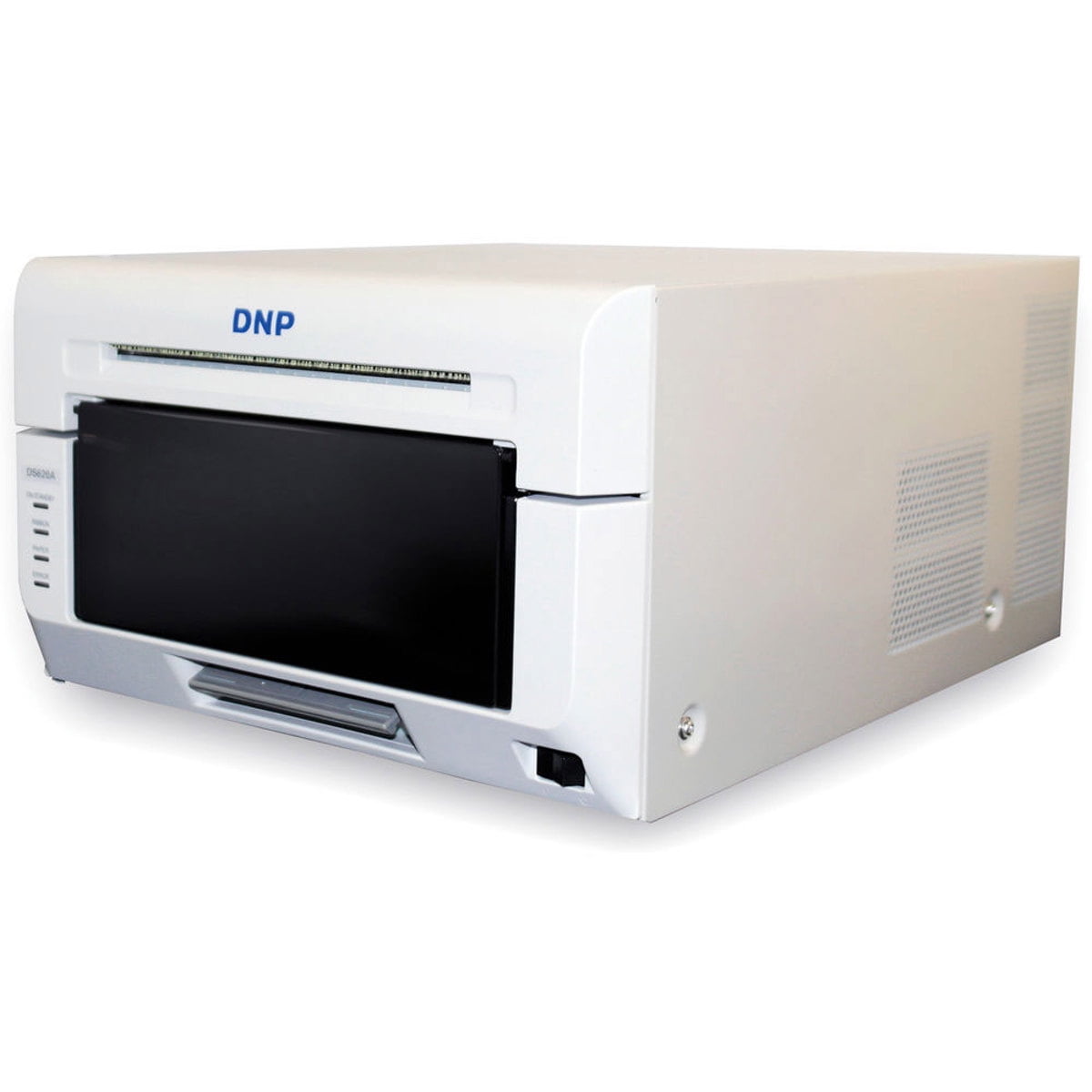
Restored DNP Professional Dye-Sublimation Photo Printer DS620A
1Best price now
$984.50at Printers To GoObserved at 4:35 AM
Compared across 6 stores. Prices are checked against each store and labelled with when.

Compared across 6 stores. Prices are checked against each store and labelled with when.
In stock
In stock
In stock
Availability unknown
Availability unknownSold by Adorama Camera
Availability unknown
Also available at
Lowest price we've seen: $984.50 on Nov 3 at Printers To Go. Tracked across 6 stores since Nov 3.
With up to 400 prints per hour, the DS620A is fast with prints in 8.3 seconds! This makes DNP's new flagship printer one of the fastest professional photo printers in the market. The DS620A offers a watermark on the back and high gloss and crisp colors on the front of your photos. Multiple formats provides flexibility offering anything from a 2"x6" photobooth fun strip up to 6"x8" enlargements. The same media can be utilized for glossy or matte output based on your needs. Environmentally friendly, both energy consumption and media waste have been optimized in the DS620A. A new standby mode lowers costs and increases profitability by making the most efficient use of energy (<0.5W). The printer also provides advanced status information from the driver, enabling users at any time to check remaining media, media format, printer status, printer life counter, color control data, firmware version and serial number. DNP Announces Update of Hot Folder Print (HFP) Utility to version 2.1. Changes to HFP include: Supports the DS620A printer and DS80DX with the mini photobook software application. Addition of multi-cut support for 4x6" Additional sizes for DNP 6" and 8" printers: - 6" printers support: 3.5x5", 4x6", 4x6x2" (multicut), 5x7", and 6x8" - 8" printers support all sizes plus 8x10" and 8x12" DNP Announces Mac OS-X driver In addition to the normal supported print sizes and 2" photo strips, a new feature of the Mac driver, in combination with the DS620A printer, is the addition of the square photo prints. The DS620A can produce 6 x 6" square photos using the 6x8" media pack as well as the ability to produce 5 x 5" square photos using the 5x7" media pack. These print formats are advantageous for event photographers and software developers wanting to provide photo prints from or like the familiar social media image source -- in a square format. The new Mac driver package version is v5.0.169 and supports Mac OS-X 10.9 and 10.0 DNP Announces the iSerial Enable Tool for the Mac Driver - OS-X 10.9.4 and Later Improvements 1. A single printer attached to a host will reflect an accurate status in the driver. 2. When two printers of like configuration (same media loaded) are attached, the driver will recognize both printers separately and both printers will be fully operational. To download the iSerial Enable Tool, please access on the DNP web site: http://www.dnpphoto.com/Support/Downloads/DriversTools.aspx