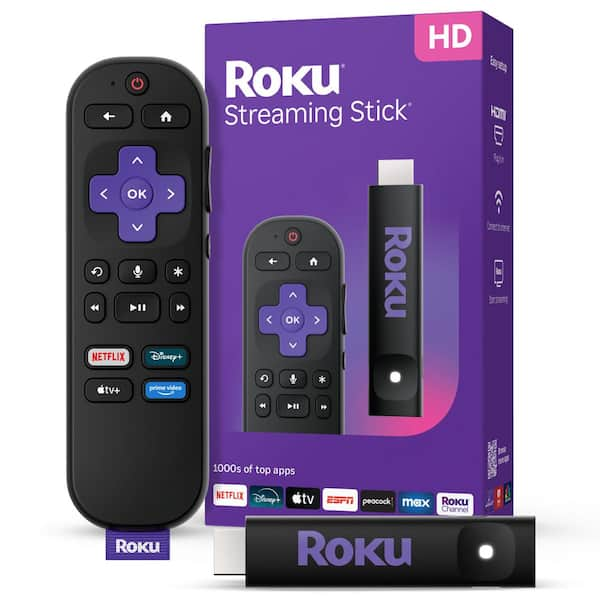
Roku Streaming Stick 4K Media Player With Roku Voice Remote
Where to buy
No store is showing a current price right now. The stores below sell it; ask the agent to check today's prices.
Prices are checked against each store and labelled with when.
Check today's price at PzDealsAsk our agent about this product
It checks today's price at every store, compares the alternatives and answers in about a minute.
In stock now from Roku


Our take on the Roku Streaming Stick 4K Media Player With Roku Voice Remote
The Roku Streaming Stick 4K is a plug-in streaming player that plugs straight into an HDMI port and hides behind the TV. It streams in 4K HDR, including Dolby Vision, and comes with a voice remote that controls the TV's power and volume. It runs the Roku OS, which is known for a simple, neutral home screen that puts apps side by side rather than pushing one company's content. It suits people who want a fast, low-fuss 4K player and a clean interface; the Amazon Fire TV Stick 4K and Google Chromecast with Google TV are its closest rivals, and reviewers generally rate Roku's interface as the easiest to learn.
- Plugs directly into HDMI and sits out of sight
- Supports 4K HDR and Dolby Vision
- Voice remote controls TV power and volume
- Roku OS is simple and puts apps first
- Fast app switching on the 4K model
Roku Streaming Stick 4K Media Player With Roku Voice Remote prices at every store
- PzDealsCheck price at PzDeals
What reviewers say
Reviewers and owners rate the Streaming Stick 4K as one of the easiest 4K players to set up and live with. They praise the quick interface and the remote's TV controls, and most complaints are about the ad-heavy home screen and the fixed app shortcut buttons.
- InterfacePraisedOwners call Roku's home screen simple to learn and quick to move around.
- Home screen adsCriticisedReviewers dislike promoted tiles and ads taking up space on the home screen.
- RemoteMixedThe voice remote's TV power and volume controls are liked, but the fixed app shortcut buttons are not.
Questions and answers
- Does the Roku Streaming Stick 4K support Dolby Vision?
- Yes. It supports 4K HDR, including Dolby Vision and HDR10, when the TV and the stream both support it.
- Do I need a 4K TV to use it?
- No. It works with any TV that has an HDMI port, but you only get 4K and HDR on a compatible 4K TV.
- Can the voice remote control my TV?
- Yes. The remote sends voice commands to Roku and also controls TV power and volume over HDMI-CEC or infrared.
- How is it different from the Roku Express 4K?
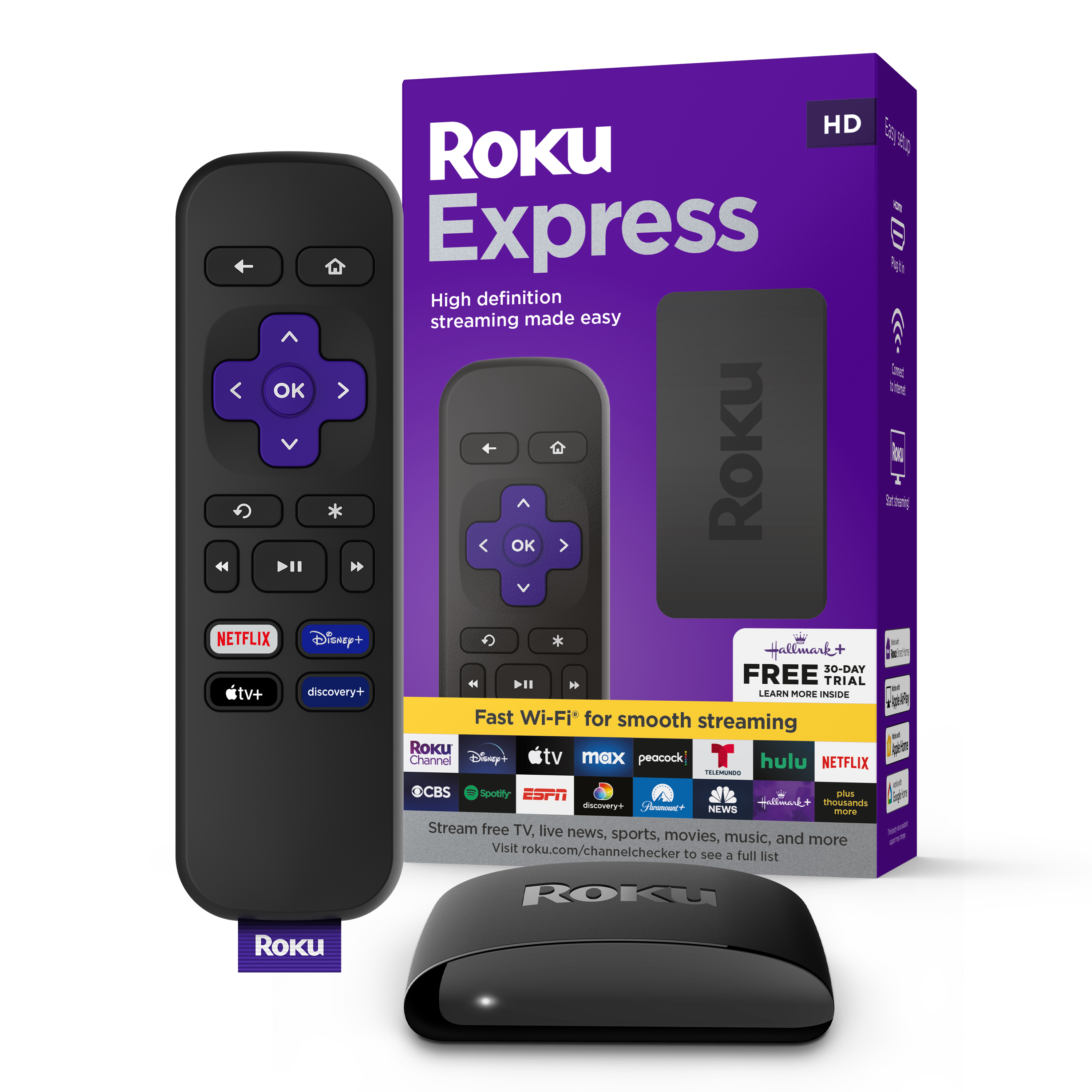
- The Streaming Stick 4K plugs directly into HDMI and adds Dolby Vision, while the Express 4K uses an HDMI cable and tops out at HDR10.
- Does it work with wired Ethernet?
- Not out of the box. It connects over Wi-Fi, and a wired connection needs a separate adapter.
- What is in the box?
- The streaming stick, the Roku voice remote, batteries, and a USB power cable with adapter.