- Is 180 Hz worth it over a 144 Hz monitor?
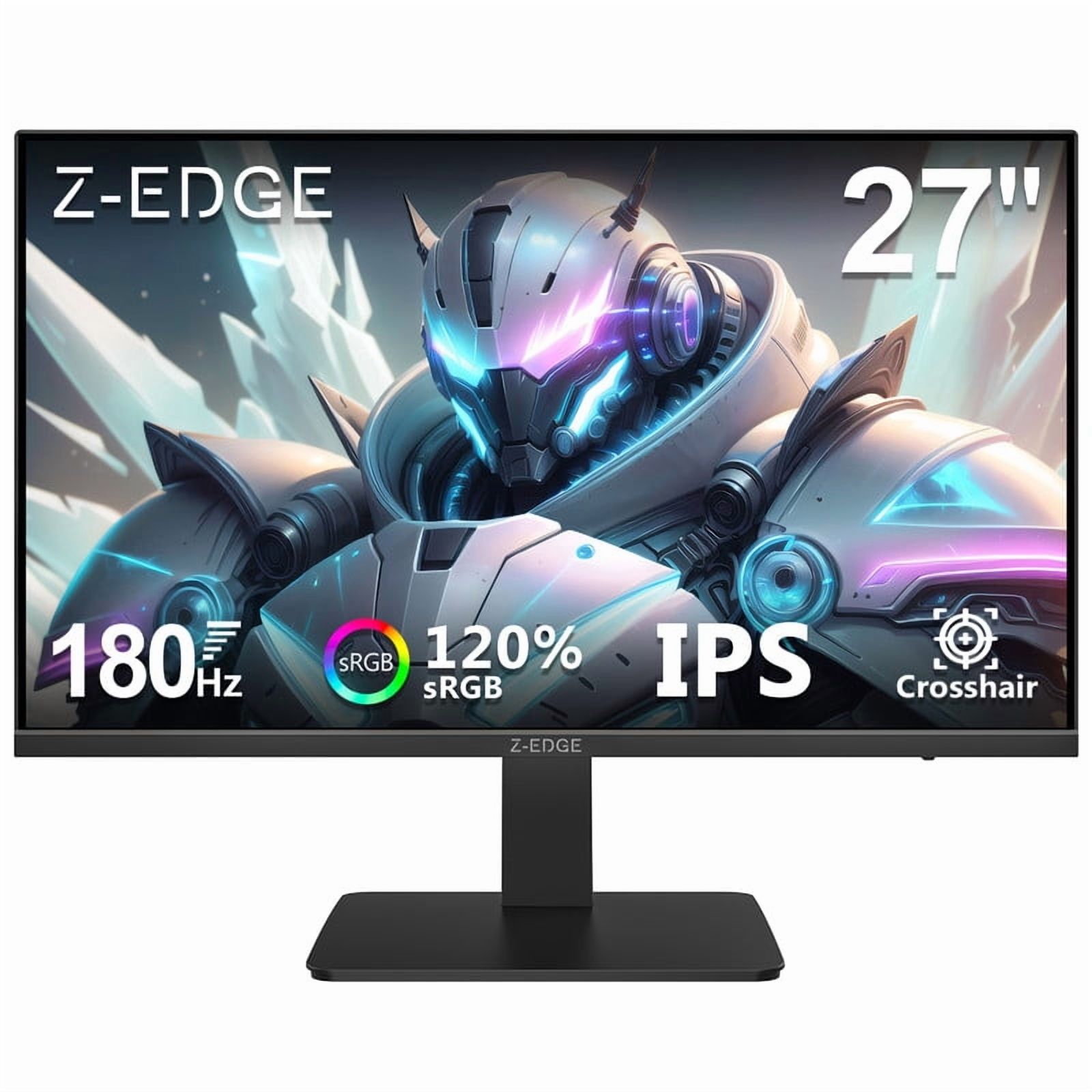
- Yes for fast games. The jump from 144 Hz to 180 Hz is smaller than 60 Hz to 144 Hz, but motion still looks cleaner. If you mostly play slower titles, a 144 Hz panel with better contrast may suit you more.
- Does this monitor work well for office and creative work?
- Yes. The 1440p IPS panel gives sharp text and wide viewing angles, and the height-adjustable pivot stand helps with portrait document reading. It is not a color-critical 10-bit display, so professional color grading is better served elsewhere.
- Can I mount it on a monitor arm?
- Yes. It has VESA mounting points, and the stand can be removed. Check that your arm supports the monitor's roughly 14 lb weight with the stand.
- What connections does it have?
- One HDMI 2.0 port and one DisplayPort 1.2 input, plus a headphone jack. There is no USB hub, VGA or DVI. Use DisplayPort for the full 180 Hz refresh.
- Does it have built-in speakers?
- No. There are no built-in speakers, but there is a headphone out for wired audio.
- Is it good for console gaming?
- It works, but HDMI 2.0 limits consoles to 1440p at 120 Hz at best, and there is no HDMI 2.1 for 4K 120 Hz. PC gamers get more from the 180 Hz panel.
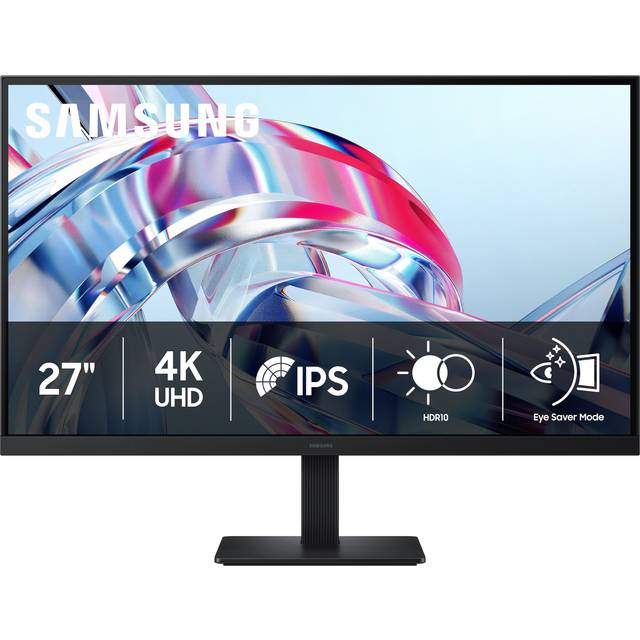
- Where is the Samsung 27' 180 Hz cheapest?
- At Amazon, for $199.99, as of our latest check.
- What do buyers say about the Samsung 27' 180 Hz?
- Rated 4.6 out of 5 from 174 ratings.
- Where can I buy the Samsung 27' 180 Hz?
- 5 stores we checked sell it, including Best Buy, Amazon, Walmart, DoorDash, eBay.