- Is OLED worth it over an IPS or VA gaming monitor?
- Yes if contrast and motion matter most. OLED gives per-pixel dimming and near-instant response, while IPS and VA usually go brighter and carry no burn-in risk.
- Can I run both monitors from one PC?
- Yes, if your graphics card has two free outputs. Each panel needs its own HDMI or DisplayPort connection, and the set does not include a hub or KVM.
- How do I avoid burn-in on these OLED panels?
- Vary content, hide static taskbars and HUDs, use a screensaver and short display-off timers, and let the panel run its built-in pixel refresh.
- Is 180Hz enough for competitive gaming?
- It is a big step over 60Hz and fine for most players. Esports purists may prefer 240Hz or faster panels, which cost more and often drop to 1080p.
- Does it work with Nvidia graphics cards?
- FreeSync works with AMD cards natively and with many Nvidia cards through adaptive sync support. Check your GPU driver settings to enable it.
- What is in the box for each monitor?
- Expect the panel, a stand, and HDMI or DisplayPort cabling per unit. Confirm the exact cable bundle before buying if you need two of a specific type.
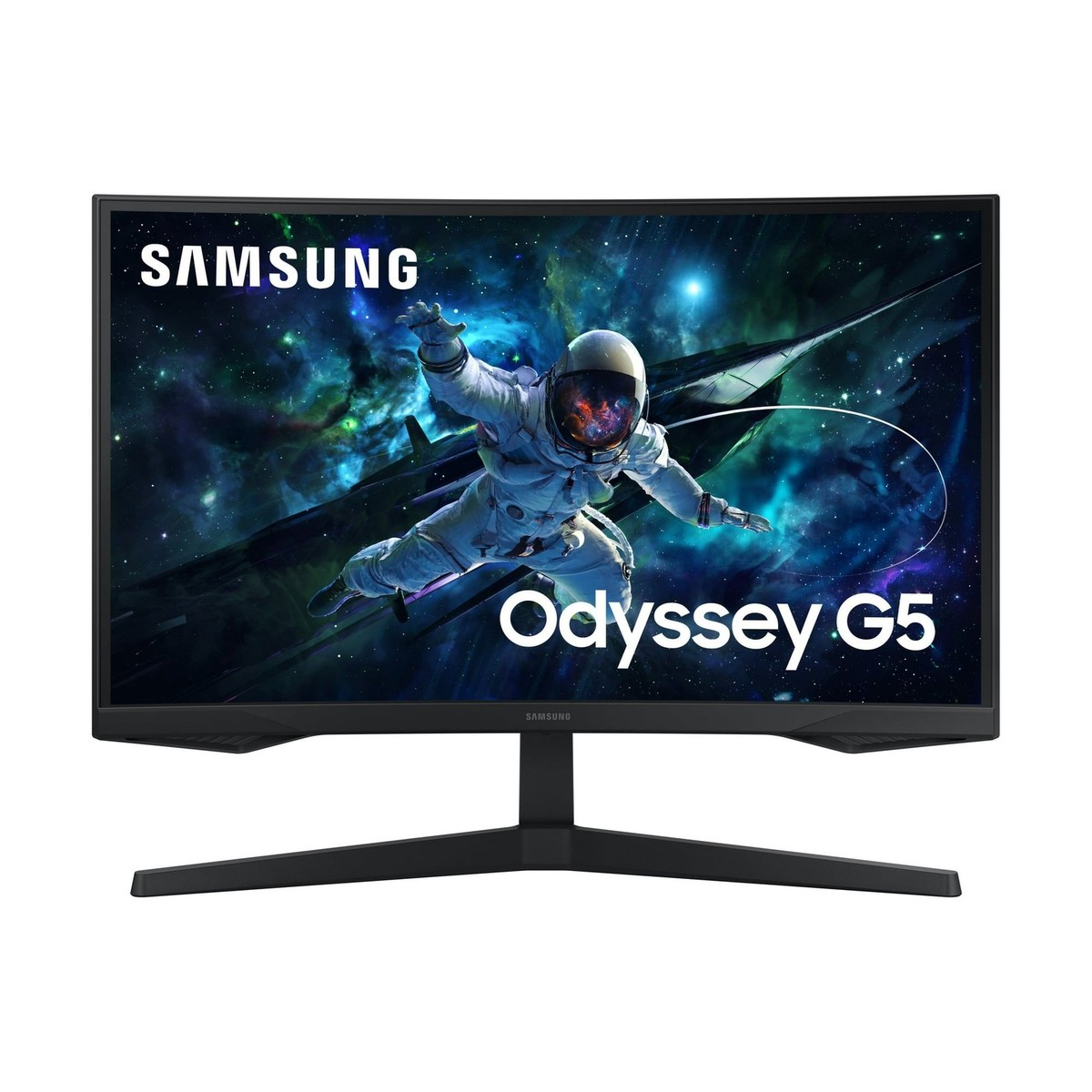
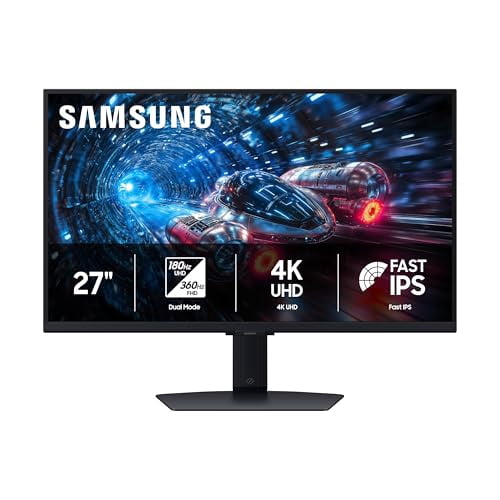
- Where is the Samsung 27 QHD Gaming Monitor 2 Pack cheapest?
- At Best Buy, for $1,569.99, as of our latest check.